Smooth Cursor icon
Smooth Cursor icon

Smooth Cursor

 Like

Smooth Cursor starts and stops OBS recording with one hotkey, logs the mouse cursor at 240 Hz, and when you stop it renders a copy of the video with a smooth cursor, like Screen Studio. No video editing needed.
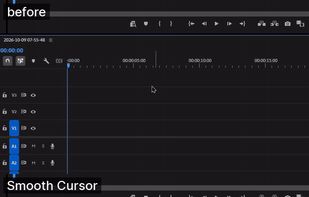
Before / after: raw OBS cursor vs Smooth Cursor

Cost / License

  • Free
  • Open Source (MIT)

Application type

Since

  • New

Updated

  • Updated Nov 2026

Platforms

  • Windows  Windows 10/11; requires OBS Studio 30+
  • Linux  x86_64; X11 or Wayland (GNOME, KDE); requires OBS Studio 30+
0likes
0articles
Save

Features

Features

Highlights All activities

Smooth Cursor News & Activities

Recent activities

Smooth Cursor information

AlternativeTo Category

Video & Movies

GitHub repository

  •  2 Stars
  •  1 Fork
  •  0 Open Issues
  •   Updated  
View on GitHub
Smooth Cursor was added to AlternativeTo by n3ba on and this page was last updated .

No comments or reviews, maybe you want to be first?

Official Links

What is Smooth Cursor?

Smooth Cursor starts and stops OBS recording with one hotkey, logs the mouse cursor at 240 Hz, and when you stop it renders a copy of the video with a smooth cursor, like Screen Studio. No video editing needed.

  • Jittery mouse movement is smoothed, clicks still land exactly on target
  • Click animation and motion blur on fast moves
  • Follows cursor shape changes (arrow, text, hand)
  • Presets, and the cursor log can be re-rendered with different settings
  • Picks the GPU encoder automatically (NVIDIA, AMD, Intel) or falls back to CPU

Requires OBS Studio 30+. Windows 10/11 and Linux (X11, Wayland on GNOME and KDE). Free and open source, MIT license.