


TortoiseSVN is a really easy to use Revision control / version control / source control software for Windows.
Cost / License
- Free
- Open Source
Application type
Platforms
- Windows
 Switzerland
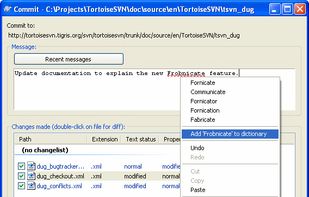

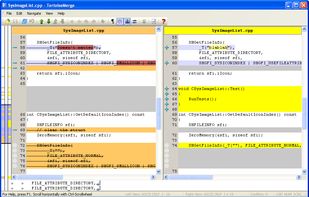

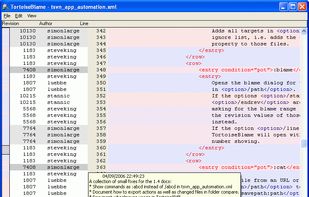


Apps similar to SmartSVN include TortoiseSVN, which is free and open source. Other options are kdeSVN, SVNBreeze, svn-scm and macSvn. You can choose from more than 10 Version Control Systems like SmartSVN for Mac, Windows and Linux.
TortoiseSVN is a really easy to use Revision control / version control / source control software for Windows.
Switzerland
kdesvn is a Subversion client using the native Subversion development API instead of just parsing the output of the commandline tool like most other clients do.
 Germany
 EU
EU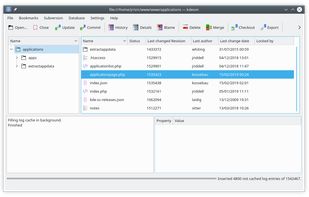


 United Kingdom


SVN support for VS Code. Contribute to JohnstonCode/svn-scm development by creating an account on GitHub.


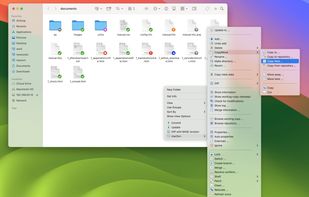
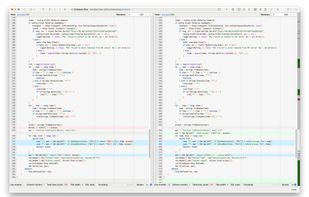
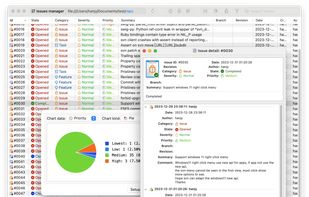
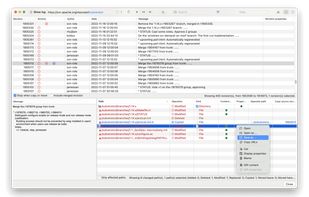
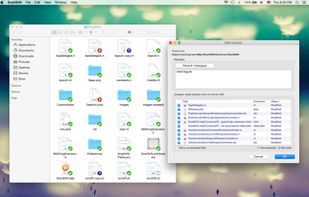
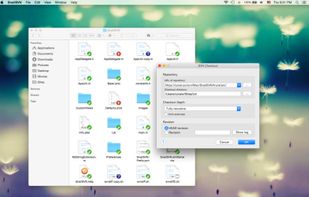
An intuitive and easy to use Subversion client, integrates seamlessly into the macOS Finder, all svn commands are available directly from the content menu, toolbar menu, and sidebar menu of Finder window.


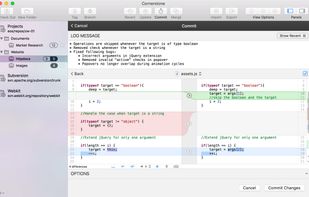
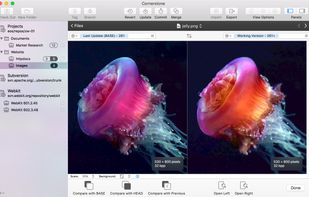
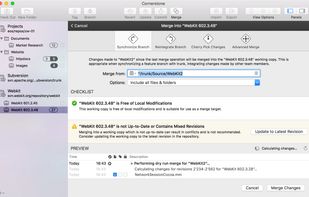
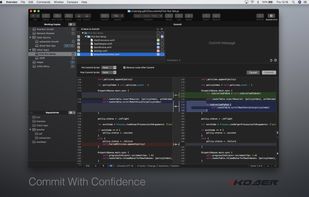
Cornerstone is a version control app built on Subversion that makes serious version control easier than ever. With full support for all of Subversion's rich features, it's both incredibly powerful and super-easy to use.
 United States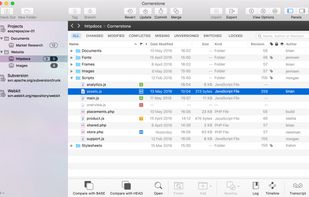

SvnX is an OS X open source GUI for most features of the svn client binary.
It allows you to browse your working copies, spot changes and operate on them but also to browse logs and revisions of your repositories.
It's written using Panther's new bindings mechanism for.

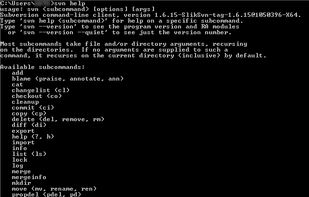


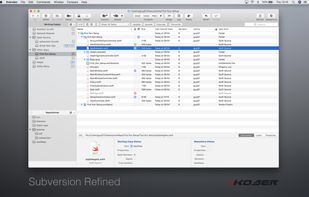
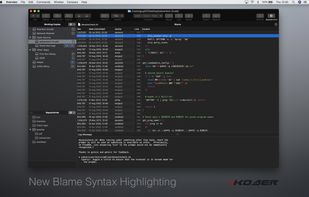
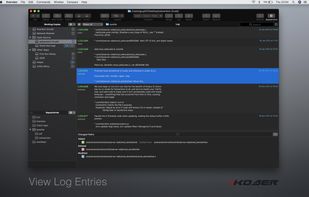
Super easy enterprise class version control. Packed with features, blazing fast and beautifully designed. Xversion makes Subversion simple and intuitive with the advanced features you need.


 China
China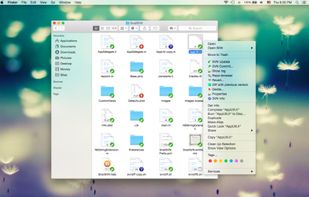
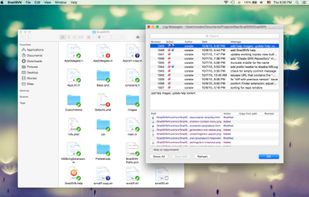


WebSVN offers a view onto your subversion repositories that's been designed to reflect the Subversion methodology. You can view the log of any file or directory and see a list of all the files changed, added or deleted in any given revision.
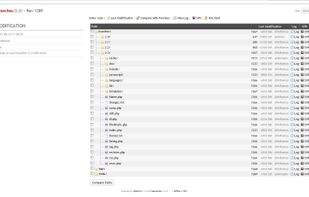


Syncro SVN Client makes easier document and code sharing between content authors or developers. This multiplatform Subversion front-end allows you to browse repositories, check for changes, commit changes, update your working copy and examine the revision history.


