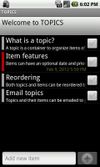
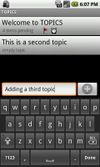
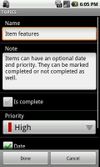
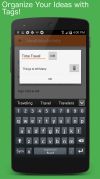
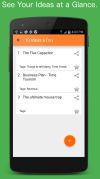
Never forget another brilliant idea. Log, organize and track your ideas and more with the Idea Notebook.
Cost / License
- Free
- Proprietary
Platforms
- Android
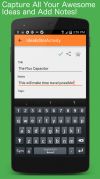




Shuffle has been discontinued. Similar apps include CherryTree, which is free and open source. Other options are Cryptee, Remember The Milk, Zoho Notebook and Milanote. There's no shortage of Note-taking Tools like Shuffle, with more than 50 alternatives for Windows, Android, the web, iPhone and Mac.
Never forget another brilliant idea. Log, organize and track your ideas and more with the Idea Notebook.

Take simple text notes. You can put them into folders to create your own quick, easy and robust file structure.




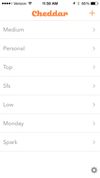
Cheddar keeps your world organized. It's easy to use on your iPhone, iPod touch, iPad, and on the web. Cheddar is super simple and instantly in sync on all of your devices.
 United States


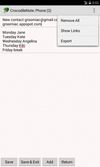
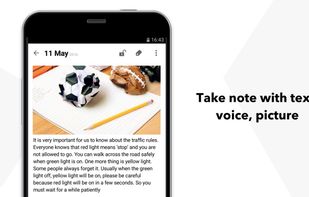
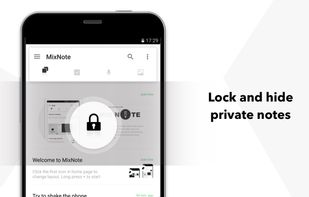
MixNote is a mobile note taking app, like a memo pad or notepad. Take note of every deserved thing, with text, ToDo, voice and picture.
 China
China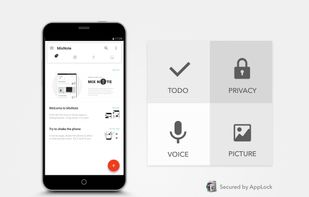


Productivity app. Save information like a sticky notes. You can create notes with images, videos or whatever you want. Save pages to read later or capture any web content with the chrome or firefox extension. Share boards with your friends. Create public boards.


Fast and portable note editor.
Supports: Markdown format, HTML previews, tagging, favorites, searching, Dropbox and Google Drive synchronization, embedded photos.




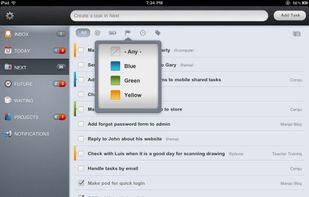
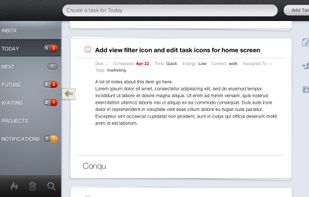
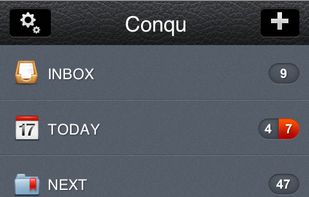
Conqu is an easy to use yet powerful task management tool designed to help you conquer your inbox and get things done. With Conqu, you can organize the tasks by criteria that makes sense to you and then find the right task to do at the right time and place.
United States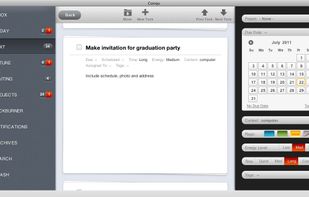


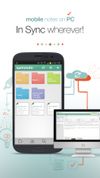
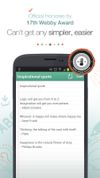
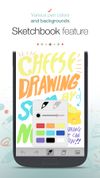
Record and save important information, brilliant ideas, and moments of everyday life easily and securely with SomNote.


 Indonesia




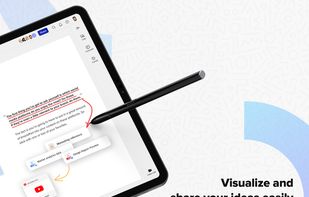
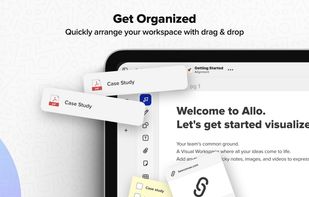
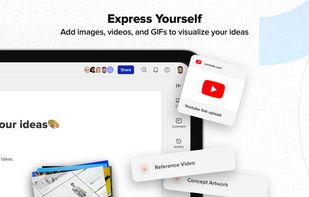
Allo is the online workspace for visual collaboration and teamwork for remote teams. With our interactive and visual workspace teams can collaborate over, notes, design, sketches, tasks, processes, and work.
United States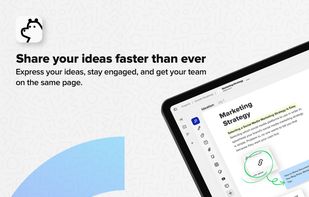


Description Get organized with TOPICS to-do task list manager. Features include