





Sesli Okuma
Like
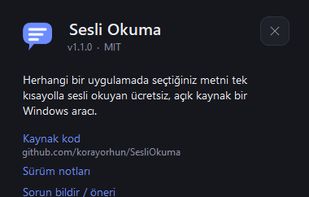
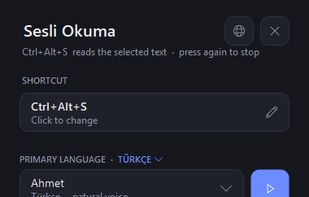
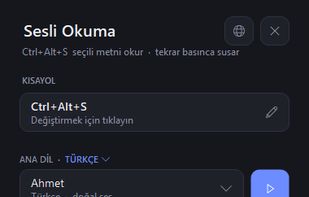
Read selected text aloud in any Windows app with one shortcut (Ctrl+Alt+S). Natural voices, 8 UI languages, free & open source.
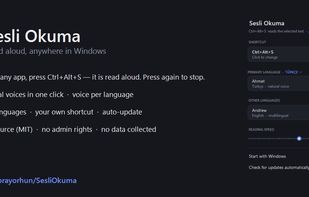

Cost / License
- Free
- Open Source (MIT)
Platforms
- Windows


+1

Add Alternatives

0likes
0alternatives
0articles
Features
Highlights All activities
Sesli Okuma News & Activities
Recent activities
- Koray-Orhun added Sesli Okuma
- Paul updated Sesli Okuma
- Paul updated Sesli Okuma
Developed by
 Koray Orhun
 Licensing
Open Source (MIT) and Free product.Written in
Alternatives
0 alternatives listedBadge
Get an embeddable badge for Sesli OkumaSupported Languages

AlternativeTo Category
OS & UtilitiesGitHub repository
- 0 Stars
- 0 Forks
- 0 Open Issues
- Updated
No comments or reviews, maybe you want to be first?