SemanticDiff Alternatives
Apps similar to SemanticDiff include WinMerge, which is free and open source. Other options are Meld, Beyond Compare, KDiff3 and P4Merge. There's no shortage of Diff Tools like SemanticDiff, with more than 50 alternatives for Windows, Mac, Linux, the web and self-hosting.
Alternatives list

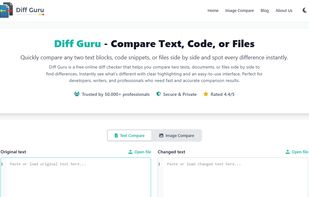
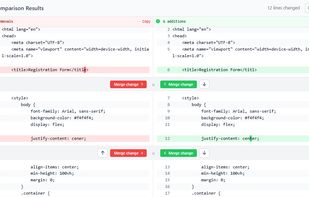
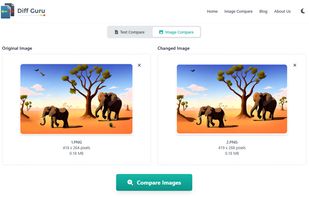
DiffGuru is a free online tool for developers and writers to instantly compare two blocks of text or files, highlight additions and deletions, and merge changes - no signup required, privacy-first design.
Cost / License
- Free
- Proprietary
Application typeApplication types
Platforms
- Online
 +4
+4


 27 WinDiff alternatives
WinDiff is a graphical file-comparison program published by Microsoft (from 1992[1]), and is distributed with certain versions of Microsoft Visual Studio as well as in source-code form with the Platform SDK code samples.
Cost / License
- Free
- Proprietary
Application typeApplication types
Platforms
- Windows
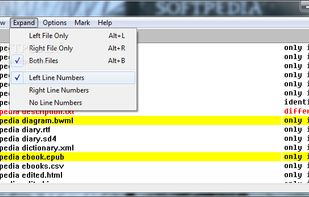

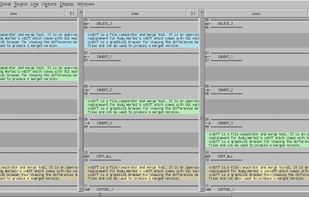
Ediff is a comprehensive visual interface to Unix diff and patch utilities.
Ediff provides a convenient way for simultaneous browsing through the differences between a pair (or a triple) of files or buffers (which are called ‘variants’ for our purposes). The files being compare.
Cost / License
- Free
- Open Source
Application typeApplication types
Platforms
- Windows
- Linux
E
Utilities for web, compare text online with Syntax highlight and support for languages like Java, Javascript, Typescript, C#, HTML and CSS
Cost / License
- Free
- Proprietary
Application typeApplication types
Platforms
- Online
- Software as a Service (SaaS)



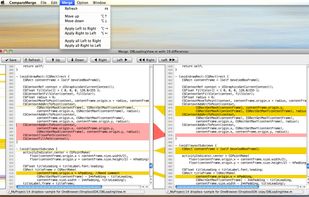
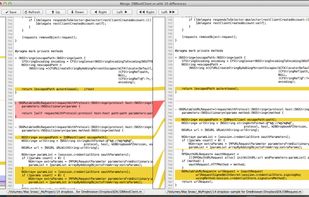
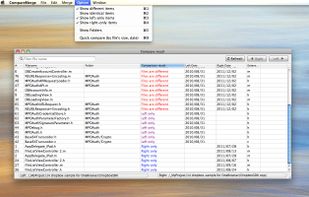
CompareMerge is a Mac OSX's software tool for file comparison and merging text-like files.
Cost / License
- Paid
- Proprietary
Application type
Platforms
- Mac
 Vietnam


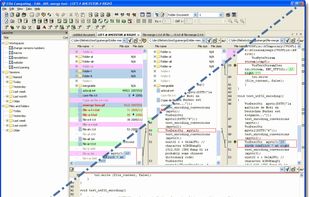
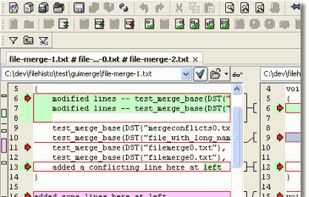
ECMerge is a comparison and synchronization tool with two and three-way merge for text and folders and difference on binary, text, images and folders, locally, via FTP/S, SFTP or in version controls. For Windows, Mac OS X, Solaris and Linux.
Cost / License
- Paid
- Proprietary
Application typeApplication types
Platforms
- Mac
- Windows
- Linux
 France
 EU
EU
 +1
+1

 76 DiffVue alternatives
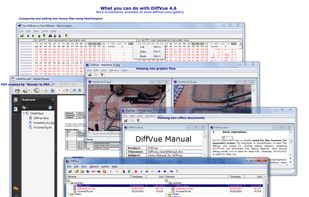
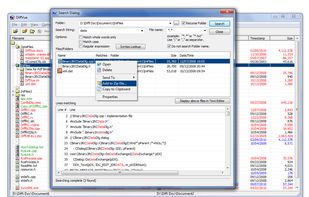
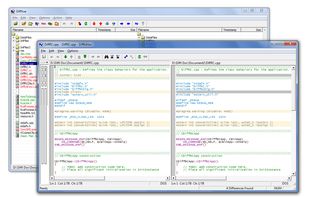
DiffVue is a diff tool, also known as a diff utility for Windows XP and Windows 7, and it lets users compare folders and files as well as ftp site's files against the local files by displaying differences visually.
Cost / License
- Paid
- Proprietary
Application type
Platforms
- Windows
 United States
 +1
+1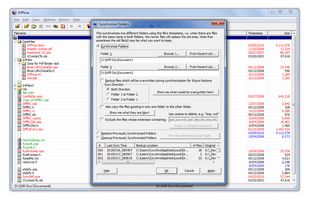

 45 xxdiff alternatives
xxdiff is a QT based graphical file and directories comparator and merge tool. It provides comparing two files, three files.
 Canada