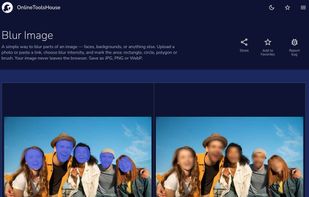
Automatically blur faces in photos with AI technology. Protect privacy, anonymize images, and blur multiple faces instantly. Free online face blurring tool.
Cost / License
- Free
- Proprietary
Application type
Platforms
- Online


Apps similar to Screenshot Editor - Blur Text include Image Toolbox, which is free and open source. Other options are Redacted, Point Blur, Szoter and QuickRedact. You can choose from more than 10 Image Editors like Screenshot Editor - Blur Text for Android, iPhone, iPad, the web and Mac.
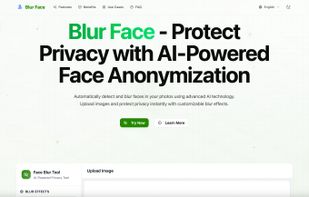
Automatically blur faces in photos with AI technology. Protect privacy, anonymize images, and blur multiple faces instantly. Free online face blurring tool.

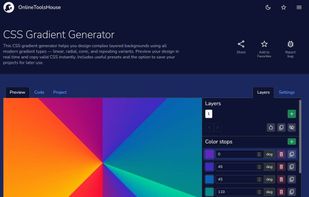
Online Tools House is a collection of free browser-based tools designed to simplify everyday digital tasks across multiple categories, including image editing, web design, and text processing.
 Ukraine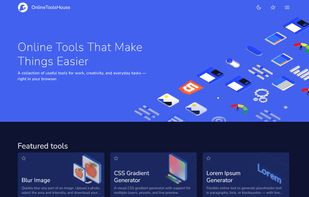



 Greece
 EU
EU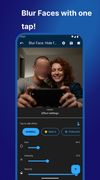


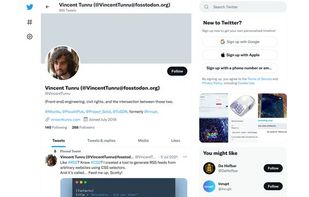
Sometimes you might want to share a screenshot of the website you're on, without revealing the personal data that is visible at that time. With Obfuscate, you can make text unreadable without changing the structure of the web page.



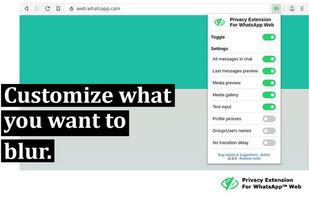
To increase privacy in public spaces this extension blurs your messages as well as other content and only reveals one when you hover over it with your mouse cursor. Additionally, you can quickly toggle all effects by using a keyboard shortcut or by clicking the toggle button in...
 AustriaEU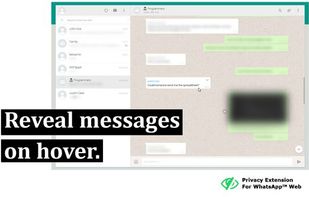

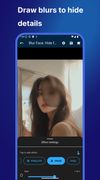
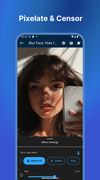
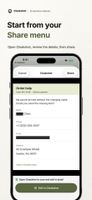
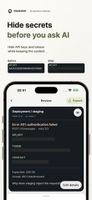
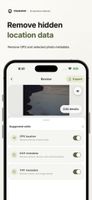
Screenshot redactor for iPhone and Android: hide private details before sharing with AI, support or coworkers.

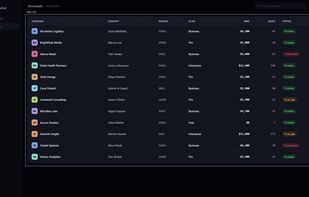
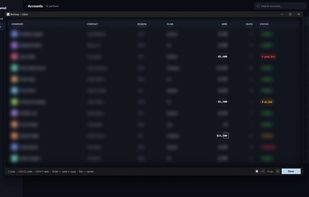
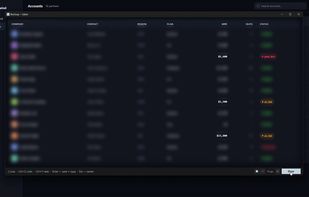
BlurSnap is a Windows screenshot utility built around an inverted workflow: instead of capturing a screen and then hunting for sensitive details to hide, the capture opens fully blurred and you paint to reveal only the parts you actually want to show.
Ukraine