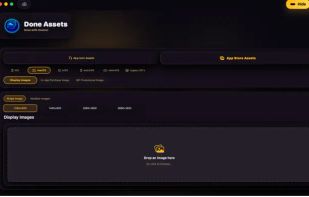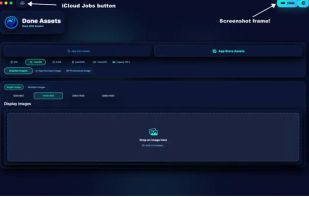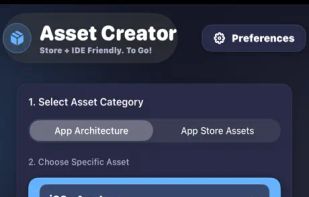
Generate properly sized app icons or resize images for the digital stores, for all Apple platforms, Android, and Windows. Do it right in finder without even opening the app with the Finder extension!.


Screenshot Creator is described as 'Web app that helps mobile app developers create beautiful marketing assets for their App Store and Google Play listings' and is a mockup generator in the photos & graphics category. There are more than 25 alternatives to Screenshot Creator for a variety of platforms, including Web-based, Mac, SaaS, iPhone and iPad apps. The best Screenshot Creator alternative is Shots, which is free. Other great apps like Screenshot Creator are CleanSnap, AppShotter, Placeit and Framous: Screenshot Frames.
Generate properly sized app icons or resize images for the digital stores, for all Apple platforms, Android, and Windows. Do it right in finder without even opening the app with the Finder extension!.


Promo screenshots for Mac apps, the easy way. Capture one window or a stacked composite, switch the app through every language you ship in, and drop it all onto a custom desktop with light + dark renders in one pass.


MockRocket is a web-based platform that enables users to create device mockups and product videos easily and quickly. It features a WebGL rendering engine that produces high-quality images and videos up to 4K resolution.


App Store Screenshot helps you generate beautiful and professional looking app screenshots in minutes. Works with iOS and Android phones/tablets.

Create compelling screenshots for your mobile app through an intuitive mockup builder with gorgeous templates. Simply pick an app platform (App Store or Google Play), import your screenshot and configure the captions and other template options as you like.


LocaShot is an AI-powered tool that localizes your App Store and Google Play screenshots without forcing you to rebuild them in a design tool. You upload your existing screenshots, choose your target languages, and LocaShot automatically detects every text element in the image...