


ScreenOCR for iOS
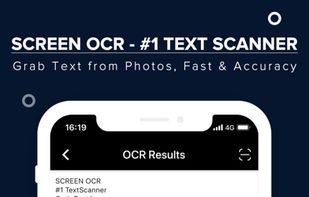
ScreenOCR - born for scanning your documents and extract text from images and photos with your iPhone devices. Highest Speed & Highest Quality! Support translation.
Cost / License
- Free
- Proprietary
Platforms
- iPhone

Features
- OCR
- Image to text
- Screenshot OCR
Tags
ScreenOCR for iOS News & Activities
Recent activities
ScreenOCR for iOS information
Developed by
 EasyScreenOCR
 Licensing
Proprietary and Free product.Alternatives
31 alternatives listedSupported Languages
- English


What is ScreenOCR for iOS?
ScreenOCR - born for scanning your documents and extract text from images and photos with your iPhone devices. Highest Speed & Highest Quality! Support translation.
*** Turn your mobile phone into a text scanner and translator. Take a photo to start the OCR/Translation process.*** *** More than 98% accuracy as powered by Google advanced engine. *** *** Privacy Protected. No documents and results will be stored on our server. ***
KEY FEATURES
** Use your iPhone or iPad to start scanning instantly and extract text/words/handwritings on images. ** Pick image/photo up from the album for OCR and translation. ** Support recognizing 50+ languages from images. ** Support translating 20+ languages. ** Support scanning handwriting to text. ** Support scanning whiteboard or blackboard to text. ** Support Auto-Detection. ** Support cropping image before OCR. ** Support exporting the results as .txt/.pdf files. ** Support editing and sharing the OCR/Translation results. ** Support checking the results with the original images/photos. ** Support storing your recent scan history locally. ** Support signing your Google account and synchronize your Pro member between all your Android devices.
