

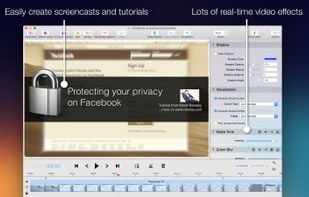
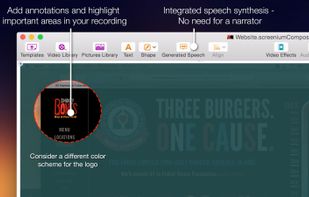
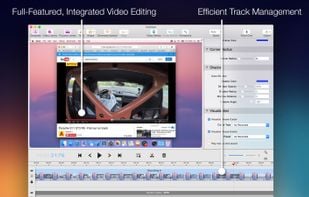
Capture the contents of your entire desktop at the same time as your video camera, microphone and computer's audio. Sophisticated editing tools allow you to create incredible screencasts in no time.
 United States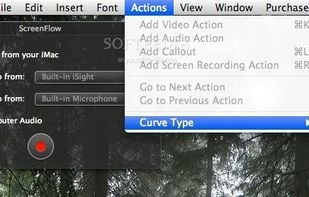


The best paid Screenshot Capture alternative to ScreenCastle is ScreenFlow. If that doesn't suit you, our users have ranked more than 25 alternatives to ScreenCastle and nine of them are paid Screenshot Capture Tools so hopefully you can find a suitable replacement. Other interesting paid Screenshot Capture Tool alternatives to ScreenCastle are Snapz Pro X, Screenflick, Screenium and Zebra Screen Recorder.
Capture the contents of your entire desktop at the same time as your video camera, microphone and computer's audio. Sophisticated editing tools allow you to create incredible screencasts in no time.

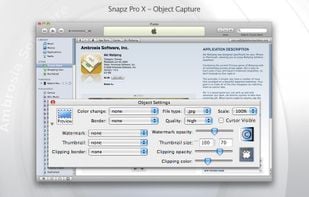
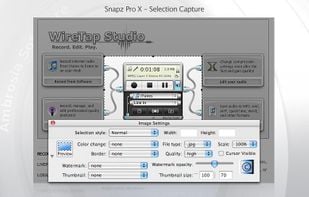
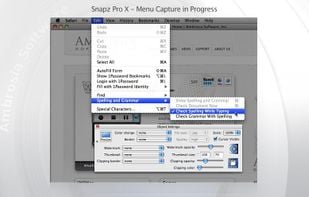
Snapz Pro X allows you to effortlessly record anything on your screen, saving it as a QuickTime® movie or screenshot that can be e-mailed, put up on the web, or passed around however you want.


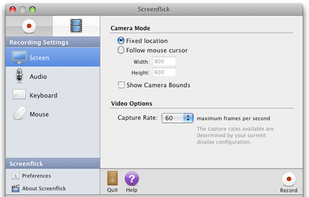
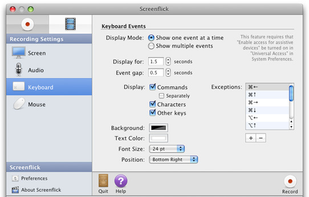
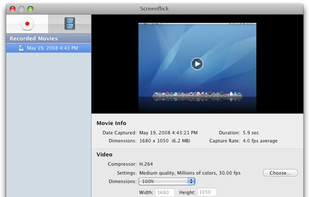
Screenflick features high performance screen capturing for smooth, fluid motion up to 60 fps. Screenflick can record any portion of the screen, simultaneously recording audio from internal or external microphones and the system audio.


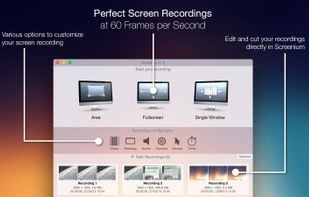
Record exactly what you see on the screen and turn it into a screencast in next to no time. Screenium lets you record at 60 frames per second, offering optimum performance for your tutorials, gameplay recordings or any other screen content you wish to record.


Zebra Screen Recorder captures your PC desktop activity into standard MPEG or AVI video files. It records everything you see on the computer screen, including the entire desktop, windows, menus, cursors - even video with sound.
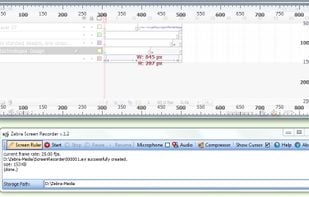


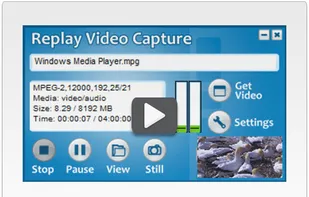
Captures high-quality video from your PC with smooth recording up to 50 frames per second, unique Background Mode for uninterrupted capture when videos are hidden, customizable settings, and compatibility with streaming sources and scheduled sessions.


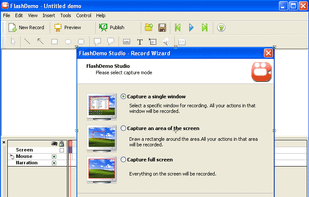
FlashDemo Screen Recorder captures all screen activity from your Windows Desktop in real time and publishes as a Flash movie. Perfect for creating online tutorial, training & support videos, E-Learning material.


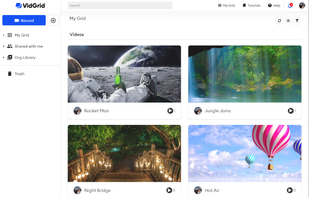
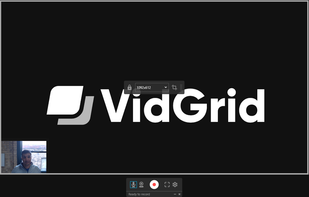
Video capture, screen recording, in-video questions, call to actions, video management, sharing, LMS integrations, hosting, analytics, and closed captioning inside one app.


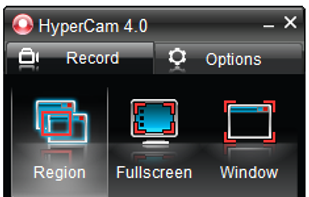
SolveigMM HyperCam is a new version of the famous HyperCam , being jointly developed with Hyperionics LLC.


 Germany
 EU
EU
 Ukraine

 China
China

 Russia