


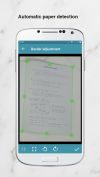
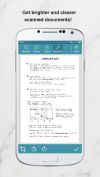
This little application provides a way on scanning handwritten notes and printed documents.
Platforms
- Android
- Android Tablet
- F-Droid
 Brazil
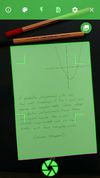

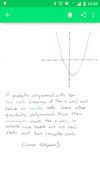

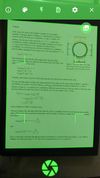


Apps similar to Scanner 2 PDF include Open Note Scanner, which is free and open source. Other options are Scanbot Document Scanner SDK, Notebloc, Scan Now and Scanner Pro. You can choose from more than 10 Document Scanners like Scanner 2 PDF for iPhone, Android, iPad, Windows and the web.
This little application provides a way on scanning handwritten notes and printed documents.
Brazil
With the Scanbot Document Scanner SDK, companies can easily equip their mobile and web applications with a fast, accurate, and user-friendly mobile document scanner.
 Germany
 EU
EU


 SpainEU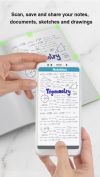


Scanner Pro turns your iPhone into portable scanner in your pocket. It lets you scan multipage documents, email them and even upload to Dropbox, MobileMe iDisk or any other WebDAV enabled server.
 Ukraine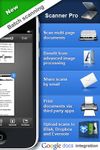
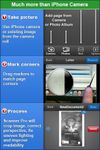
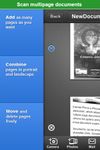


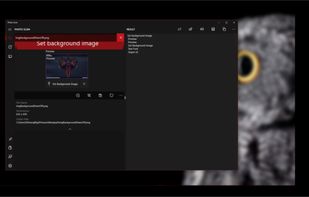
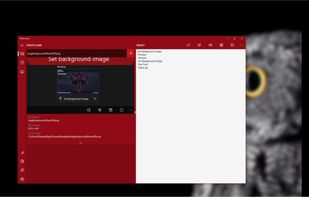
Photo Scan lets you extract text from Images or Photos very easily and efficiently!
 India
India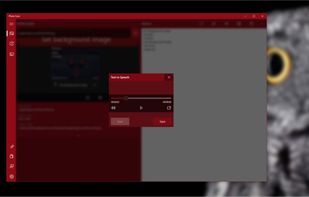



vFlat Scan is a powerful scanner app that automatically crops, flattens, and enhances images on your mobile device, allowing you to effortlessly scan, save, and share documents as digital files.
 South Korea
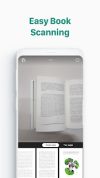
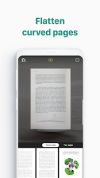


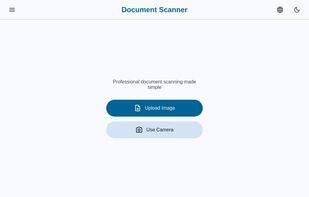
Scan documents on your device just like regular scanner with our document photo scanner. Scan, edit, and export documents as PDF, JPG, or PNG directly in your browser.


Pocket Scanner Ultimate is the stand-alone version of Kdan’s Pocket Scanner series. Search “Pocket Scanner Cloud” in the App Store and try out the app & cloud services for free!
 Taiwan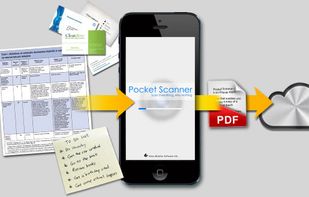


The app that allows scanning and organizing documents. Including export in PDF and sharing with others. Completely free.


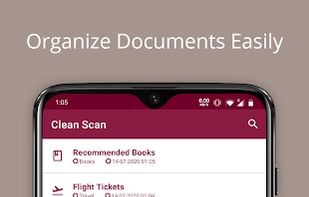
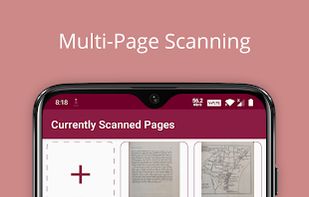
Clean Scan is an open source (Apache license) mobile document scanner that lets you easily digitize your paper documents into PDFs.


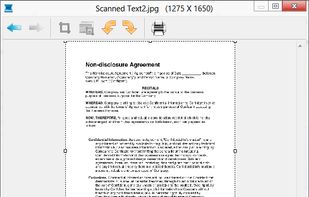
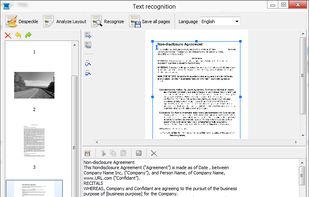
Scanitto Pro is Windows-based software application for image scanning, direct printing and copying, basic editing and text recognition (OCR).
 Russia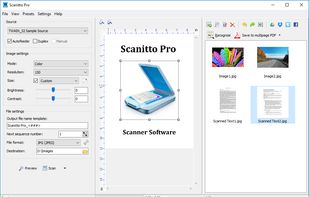


 Poland


