Cost / License
- Free
- Proprietary
Alerts
- Warning
Platforms
- Windows


Apps similar to Aspose.Pdf for Cloud include PDF Arranger, which is free and open source. Other options are PDF24 Creator, Adobe Acrobat DC, PDFCreator and PDF24 Tools. You're spoiled for choice with PDF Printers like Aspose.Pdf for Cloud: we list more than 50 alternatives for Windows, the web, Mac, Linux and Android.

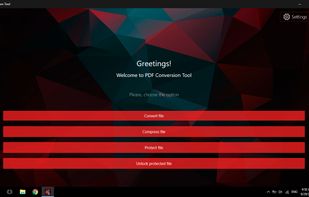
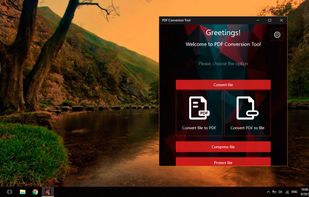
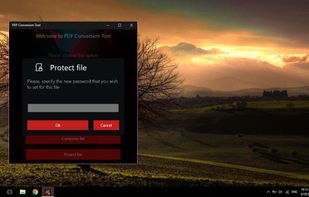
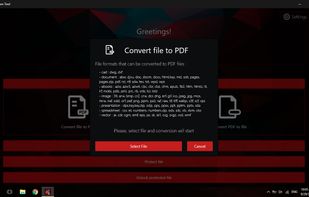
PDF Conversion Tool allows you to easily and quickly convert almost any file into PDF format and back. Easily converts PDF file to Microsoft Word format (doc, docx) and to almost any images format (png, jpg, gif, etc.).


PDF Converter Elite is a software package for Windows that lets users convert their PDF documents into Word, Excel, PowerPoint and also create, manage and edit PDFs anytime.
 Canada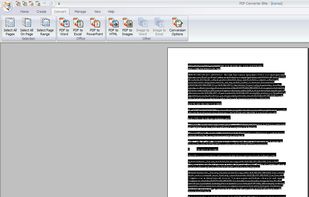


Merge PDF files into a single document. Split PDF into multiple files following a custom pattern similar to Word printing. Combine encrypted PDF with just a few clicks.
 Romania
 EU
EU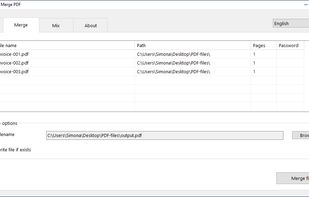
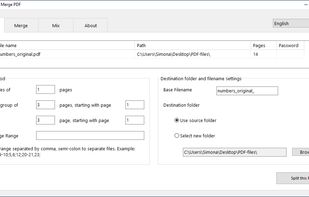
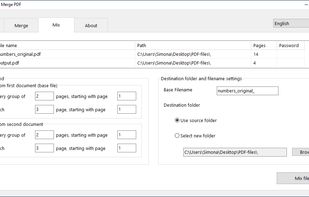
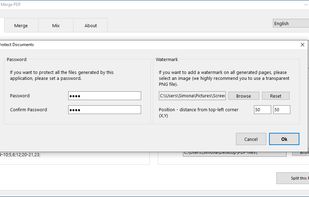


A tool for converting to/from PDF files. It can convert PDF to JPG, PNG, BMP, GIF, TIFF, and text and back. It can also split PDF files by page.
 Russia


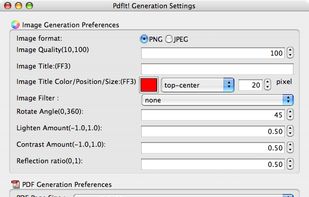
The Pdf It! extension is designed for FireFox and runs on any platform: Windows, Mac OS X and Linux. The Pdf It! menu item will be installed at Browser-->Tools menu as well as context menu


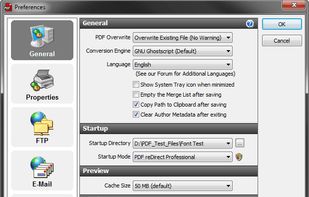
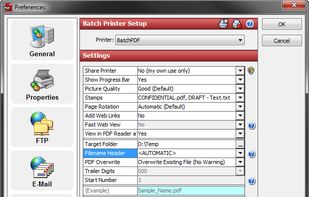
PDF reDirect is the full-featured alternative to PDF995 and CutePDF.
Features
Create Standard PDF Files
Create universal, standard, reliable and secure PDF files, recognized by industries and governments around the world. Perfect for sharing information with others.
Easy t.
 United States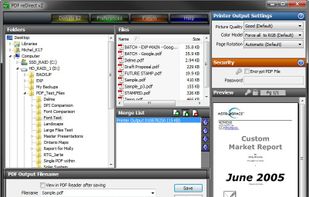


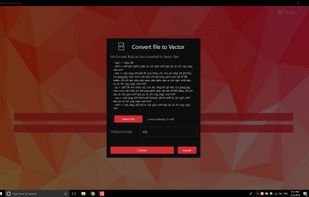
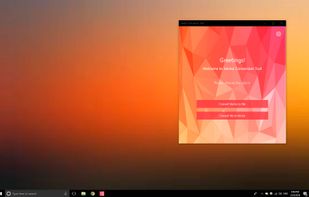
💥 Easily converts SVG, AI, CDR, PS, WMF, and other vector files to PNG, PDF, PS, EPS, and back.
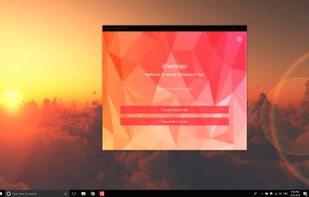


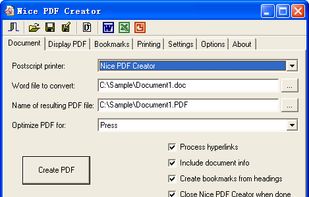
Nice PDF Creator allows you to create PDF documents just by clicking a button from within Microsoft Word, Excel, and PowerPoint on all versions of Microsoft Windows.




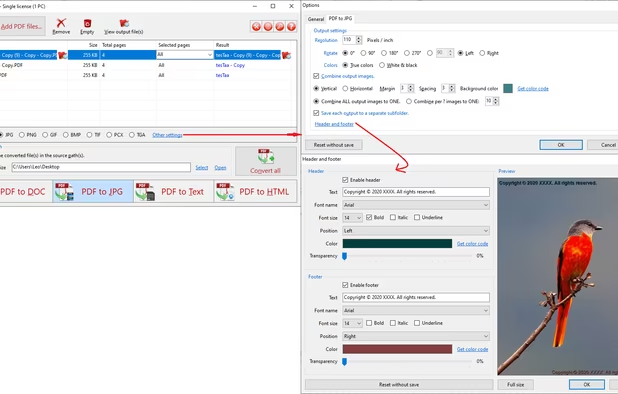
PDF to X is used to convert PDF documents to Word (.doc)/WordPad (.rtf) documents, HTML web pages, JPG/PNG/BMP/TIF/GIF/PCX/TGA images and plain text files in batch mode. It works without Adobe Acrobat or Adobe Reader.
United States


It's virtually the fastest solution for users to edit PDF documents in any circumstances, all you need to do is several clicks!.