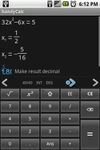
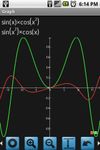
handyCalc is a powerful calculator with automatic suggestion and solving which makes it easier to learn and use.
Cost / License
- Free
- Proprietary
Application type
Platforms
- Android
- Global




Apps similar to Ruvenss Calculator include Wolfram Alpha, which has a free version. Other options are SpeedCrunch, Qalculate!, Fossify Calculator and OpenCalc. There's no shortage of Calculators like Ruvenss Calculator, with more than 50 alternatives for Android, Windows, Linux, Mac and iPhone.
handyCalc is a powerful calculator with automatic suggestion and solving which makes it easier to learn and use.

Lumist launched its homework answers app in 2020 with over 3M solution sets in their database. Take a photo of your college homework statistics, technology, economics and math questions and get answers and math solvers from the Lumist app.



A kickass, open-source calculator that lets you do calculations and unit conversions naturally, with features like:


Calzy is a beautiful modern calculator for your everyday use. It helps you perform your day to day mathematical calculation in a more elegant way.
 India
India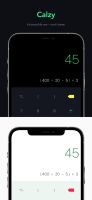




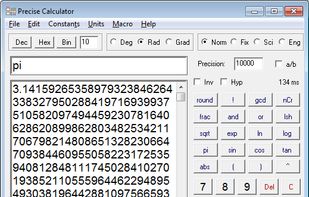
Programmable scientific calculator which has more than 150 mathematical functions and all of them return as many digits as you need. It can calculate with real numbers, complex numbers, fractions, vectors, matrices. Commands if, goto and print can be used to create scripts.
 Czechia
 EU
EU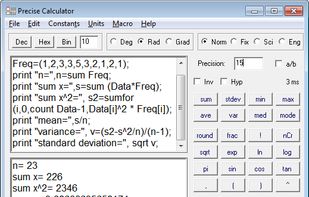


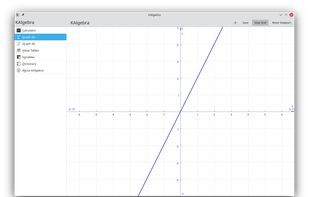
KAlgebra is a mathematical graph calculator included in the KDE education package. While it is based on the MathML content markup language, knowledge of MathML is not required for use. The calculator includes numerical, logical, symbolic, and analytical functions, and can plot...
 GermanyEU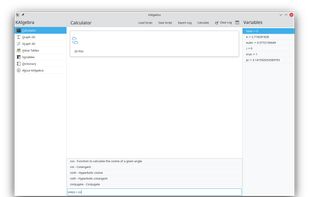

 GermanyEU


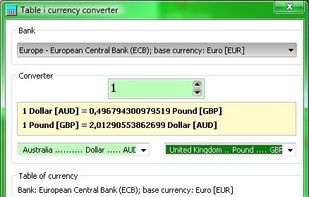
HEXelon MAX is a science calculator. It solves math expressions like: Sin(Pi)-Root(-8;3)+3. Exchange rates table and currency converter are update from Internet by one click. Units converter makes easier to convert various units,14 categories of units: length, temperature...
 PolandEU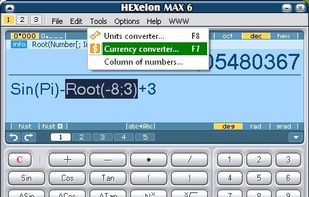


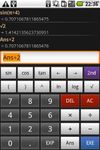
A calculator for Android.
Algebraic entry. Full on-screen history (multi-line display). Use your phone's keyboard or on-screen buttons. Usual functions: trig, log, etc. Parentheses. Copy to clipboard.
 United Kingdom


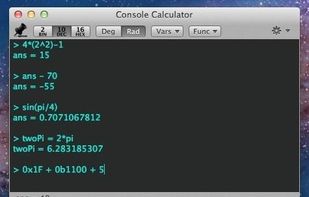
Console Calculator is a powerful calculator with a simple console interface. This calculator supports many built-in mathematical functions, remembers recent entries, supports creation of user defined variables and custom functions.
 United States


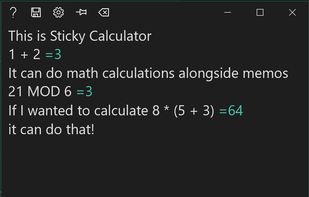
Do you really need your calculator's on-screen number pad? (You know, the virtual keyboard?)
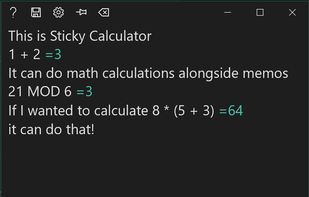
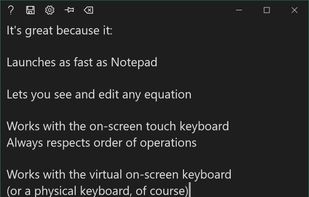
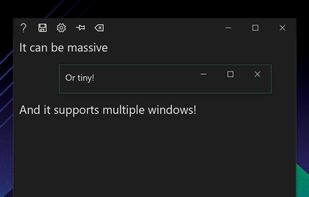


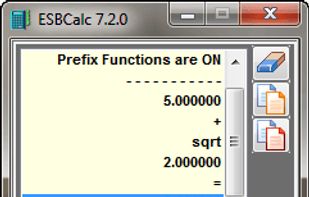
ESBCalc is a Freeware Scientific Calculator for Windows with Infix Notation, Brackets, Scientific Functions (Trigonometric, Hyperbolic, Logarithmic - including Base 10, Base 2 & Natural - plus more), Memory, Paper Trail, Result History List and more.