


Platforms
- Windows
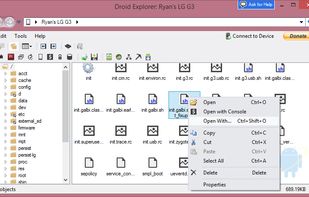

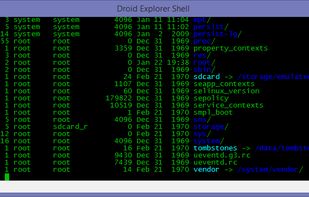


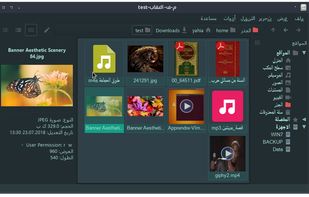
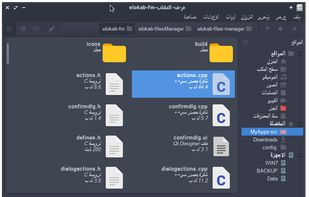
Apps similar to Root Explorer include Total Commander, which has a free version. Other options are Fossify File Manager, Directory Opus, Amaze File Manager and Right Files. File Managers like Root Explorer are a crowded field, with more than 50 alternatives for Android, Windows, Mac, Linux and iPhone.

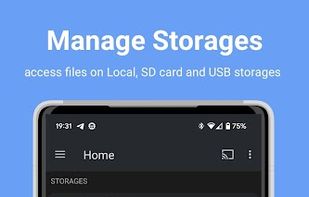
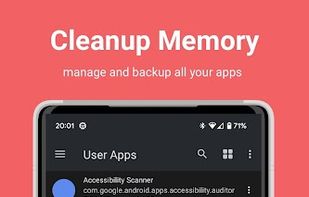
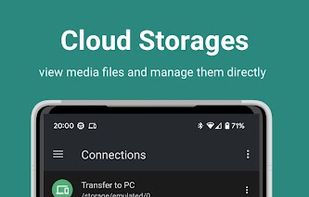
Another Android Explorer (File Manager) is an All-in-One Open source file manager for all android devices including Phones, Phablets, Tablets, Chromecast, Wear OS, Android TV and Chromebooks.
 India
India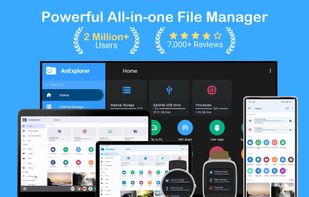


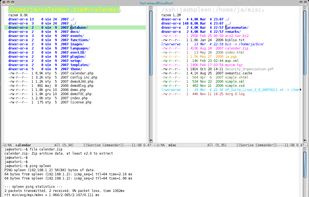
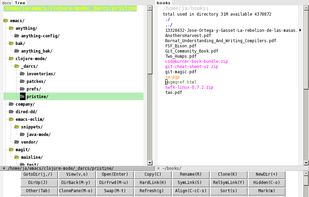
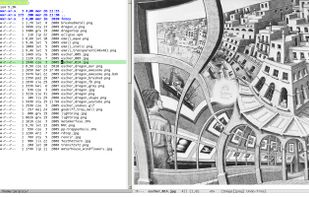
Double-pane file manager extension for Emacs integrating dired mode, keyboard navigation, customizable keybindings, orthodox manager features, archive browsing, directory comparison, bookmarks, extensibility, and asynchronous operations across multiple platforms.



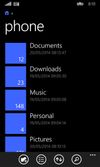
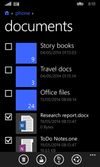
Files is a free app for managing files on your Windows Phone. By using this app you can: • Access files stored on your phone and SD card • Browse, search and launch files • Easily share one file or multiple files • Create folders to organize your files • Copy, move, rename and d.
 United States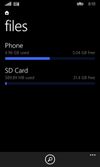




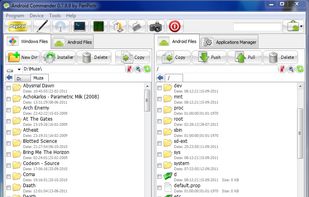
Android Commander is a small, very fast and intuitive application for Windows. You can easily manage files and apps on your rooted android device via ADB without typing any command and mounting a SD card.


 United States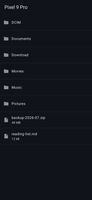
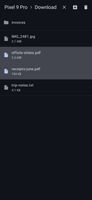
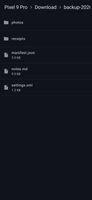


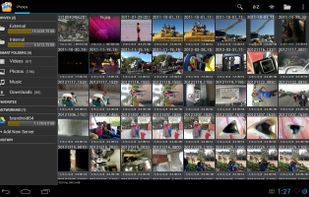
Smart and free file manager for Android with perfect set of features. It provides quick and convenient access to your pictures, music, videos, documents and other files. You'll find that all operations on files become easy and more intuitive.
 Poland
 EU
EU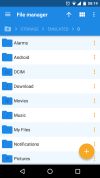
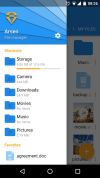
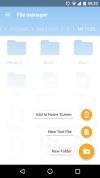


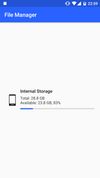
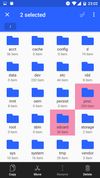
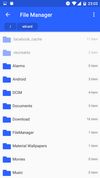


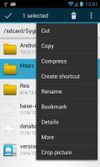
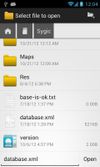
OI File Manager allows you to browse your SD card, create directories, rename, copy, move, and delete files. It also acts as an extension to other applications to display "Open" and "Save" dialogs.
 GermanyEU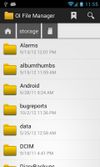


Open Explorer - Open source file manager for all devices! (Tablets, Phones, Google TVs, sandwiches!)


Y-Browser is a free filemanager application designed for S60 3rd edition Symbian smartphones. All testing is done with Nokia S60 devices only, but it should work as well with other manufacturers S60 smartphones.


