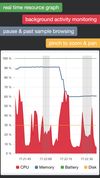
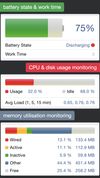
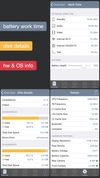
CheckMyMac monitors key components in your system and helps preventing and discovering major malfunctions before they happen.
Cost / License
- Pay once
- Proprietary
Since
- Since 2015
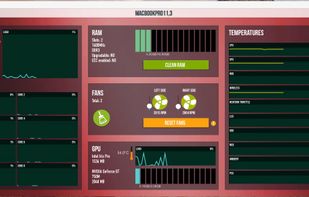





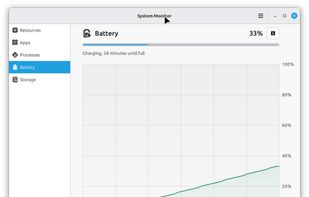
Apps similar to Resources include CPU-Z, which is free. Other options are HWiNFO (32/64), Process Explorer, Speccy and htop. System Information Utilities like Resources are a crowded field, with more than 100 alternatives for Windows, Linux, Mac, Android and iPhone.
CheckMyMac monitors key components in your system and helps preventing and discovering major malfunctions before they happen.

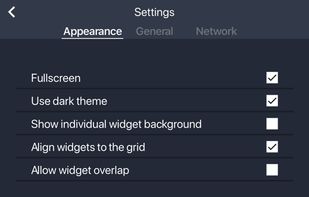
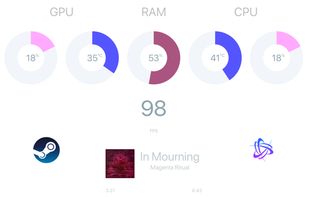
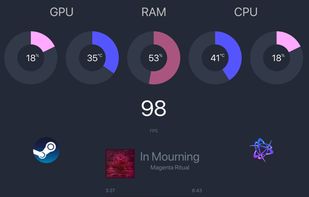
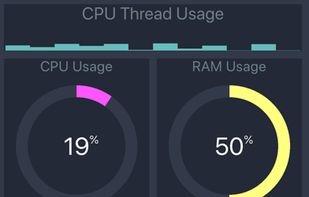
Pitikapp provides highly customizable modules to monitor your computer and to interact with it.


 Czechia
 EU

Applies 227 explained, risk-rated, one-click-reversible Windows tweaks, then verifies the gains with a real before/after FPS test.
 United Kingdom
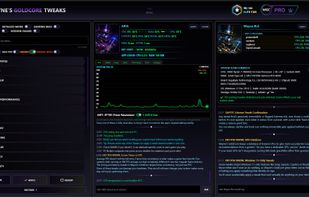
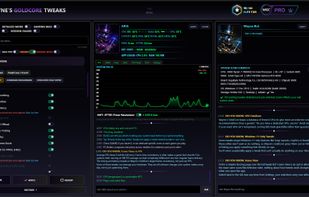
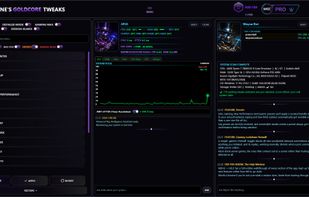


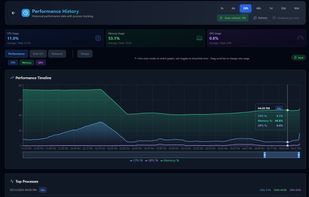
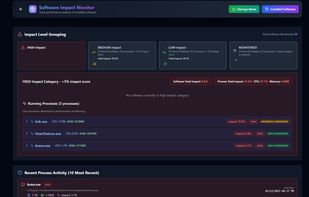
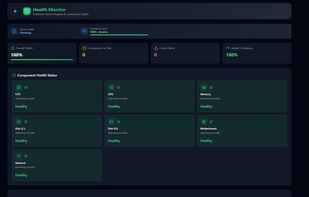
AI-powered hardware monitoring for Windows. Real-time system health, predictive alerts, and smart diagnostics. Free for home use.



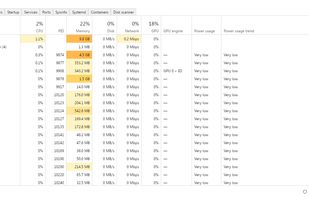
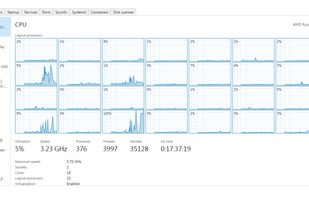
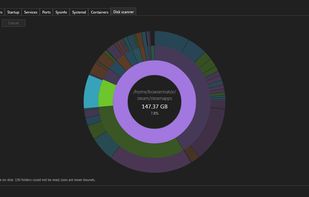
A comprehensive task manager / system monitor replacement for Linux, with process tree / lists, processes by user/port, graphs for cpu/ram/gpu/disk/power/thermal/network + SMART data and other info, startup, systemd services, containers and disk space analyzer.


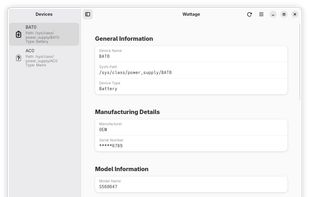
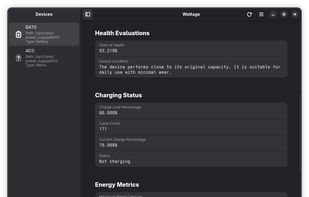
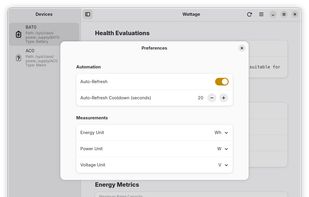
Wattage is an application designed for monitoring the health and status of your power devices. It displays quick data regarding battery capacity, energy metrics, and device information through a clean, modern GTK 4 + libadwaita interface.
 United States


Monitors CPU, GPU, memory, storage, network and fan sensors in real time, showing why a reading is unavailable instead of supplying an estimate. Includes S.M.A.R.T. drive health, end-task controls, dead-pixel checks, plus an hour of in-memory history and JSON reports.
 Switzerland
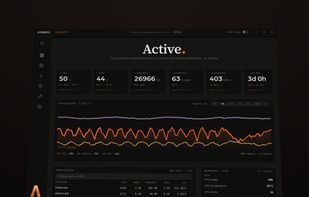
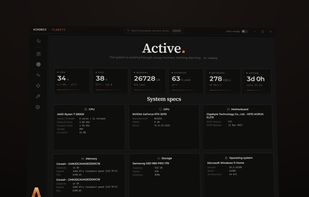
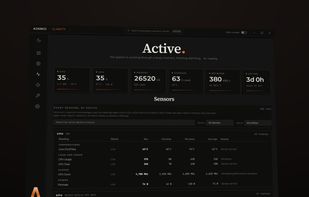
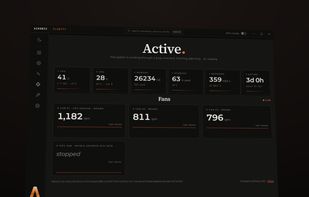


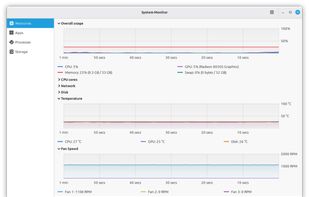
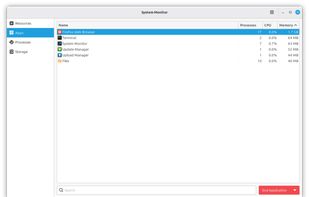
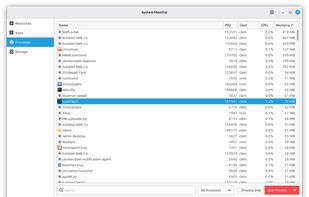


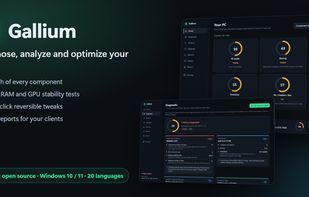
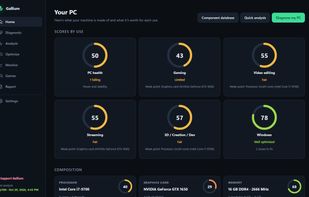
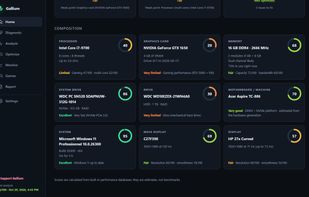
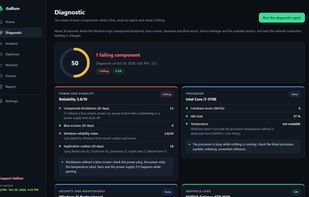
Gallium tells you what’s fine, what to watch and what’s failing in your PC, and how to fix it. Component-by-component diagnostics, stability tests, one-click reversible tweaks and estimated FPS in about thirty games. 100% free and open source, no ads, and no data ever leaves your PC. 💚


Analyze installed apps, permissions, Wi-Fi details, sensors, device activity, hardware components, and system behavior in a clear and structured way.
 India








 China