DataFrog.tools is a free, privacy-first data intelligence workspace that runs entirely inside your browser. It brings together utilities across six categories — Inspect, Analyze, Validate, Compare, Clean, and Visualize — for working with CSV, JSON, Excel, XML, YAML, and SQL data. Every transformation happens locally in your browser's JavaScript engine: no files are ever uploaded, no server processes your data, no account is required, and tools keep working offline once a page has loaded.
Whether you're debugging an API response, auditing a messy spreadsheet, checking a JSON Schema, or diffing two versions of a config file, DataFrog.tools gives you a dedicated tool for it — without the risk of pasting sensitive data into a third-party server.
Tools by category:
Inspect: JSON Viewer, CSV Viewer, XML Viewer, YAML Viewer, Excel Viewer, Data Dictionary Generator, and more — interactive tree views, multi-sheet inspection, path finders, and depth metrics.
Analyze: Statistical summaries (mean, median, min, max, sum), missing-value ratios, data type distributions, column profiling, and web server log audits.
Validate: JSON, XML, CSV, and YAML syntax validation with exact line/column error pointers, plus JSON Schema verification (Draft-04, Draft-07, 2020-12) and a SQL Validator for DDL/DML linting across dialects.
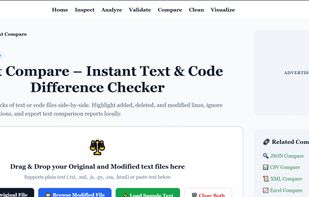
Compare: Side-by-side and inline diffing for Text, JSON, CSV, XML, and Excel, with key-path tracing, added/deleted row detection, and exportable diff reports.
Clean: Excel and CSV deduplication by column or full row, whitespace normalization, casing standardization, and record filtering.
Visualize: Turn JSON, CSV, XML, Excel, and YAML into interactive node trees, searchable tables, and charts (bar, line, pie, doughnut).
Key features:
100% browser-based — no backend, no external compute
Zero data uploads; files are read directly into browser memory
No sign-up or account required, completely free
Works offline after first page load
Regularly updated with new tools and blog content on data engineering topics







 Eleven April added DataFrog Tools as alternative to Beardie Days
No comments or reviews, maybe you want to be first?