


RapiLaser
1 like
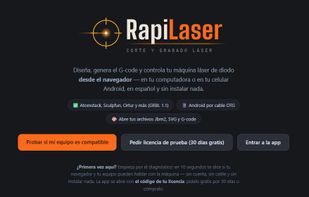
Browser-based design and control app for GRBL 1.1 diode laser engravers. Runs in Chrome or Edge with no install and no drivers, and works on Android phones over USB OTG.

Cost / License
- Subscription
- Proprietary
Platforms
- Online
- Software as a Service (SaaS)


Features
Highlights All activities
RapiLaser News & Activities
Recent activities
- Manuel added Easy-to-learn as a feature to RapiLaser
- Manuel added Easy to use as a feature to RapiLaser
- Manuel liked RapiLaser
- Manuel added RapiLaser
- Paul updated RapiLaser
 Manuel added RapiLaser as alternative to LightBurn, Rayforge, LaserGRBL, Universal Gcode Sender and 1 more


Developed by
 RapiLaser
 Licensing
Proprietary and Commercial product.Pricing
Subscription ranging between $33 and $49 per month.Alternatives
6 alternatives listedBadge
Get an embeddable badge for RapiLaserSupported Languages


No comments or reviews, maybe you want to be first?