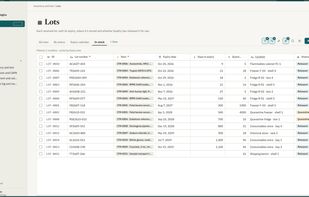
Qualsted is a no-code workspace for regulated teams: biotech, pharma, medical device, contract labs, aerospace, Food Safety etc.. Instead of buying a fixed quality system and bending your process to fit it, you build your own from tables, pages, forms and dashboards, starting from ready-made templates for document control, deviations, CAPAs, change control, training, supplier management, inventory, sample tracking etc.
Everything is designed for 21 CFR Part 11 and EU Annex 11. Records and pages have version control, multi-step review and approval, electronic signatures, and a full audit trail of who changed what and when. Nothing is ever deleted, only archived. Training is assigned, quizzed, approved and kept as signed records.
Teams automate their work with rules and automations, link records across tables, scan barcodes and QR labels, share forms with clients and suppliers, and import existing data from Excel or CSV. An optional AI assistant answers questions, summarizes records and helps build tables, always within each person’s permissions.
Qualsted is hosted on AWS in the United States, with each workspace’s files protected by its own encryption key, single sign-on on every plan, free viewer seats, scheduled backups you can download, and a validation report for every release in the in-app Trust center.






 Qualsted LLC


No comments or reviews, maybe you want to be first?