

PowerToys - Always on Top Alternatives
PowerToys - Always on Top is described as '📣 This app is part of the Microsoft PowerToys bundle and cannot be downloaded separately' and is an app. There are more than 10 alternatives to PowerToys - Always on Top for a variety of platforms, including Windows, Mac, Self-Hosted, Google Chrome and File Explorer apps. The best PowerToys - Always on Top alternative is MenuTools, which is both free and Open Source. Other great apps like PowerToys - Always on Top are WindowTop, Floaty, DeskPins and Afloat.
Alternatives list
 14 WindowTop alternatives
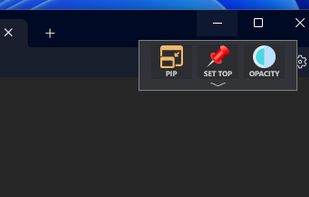
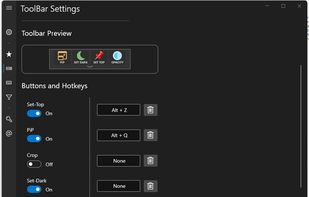
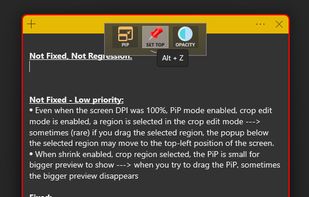
Boost your multitasking with Always-on-Top, Interactive Picture-in-Picture & Crop, Opacity & Click-Through, Anchors, Dark Mode and more!.
 +5
+5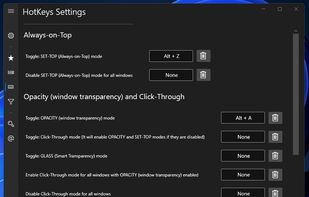


 21 Floaty alternatives
Floaty is a lightweight macOS utility that lets you pin any window so it always stays on top of other applications.
Cost / License
- Freemium
- Proprietary
Platforms
- Mac

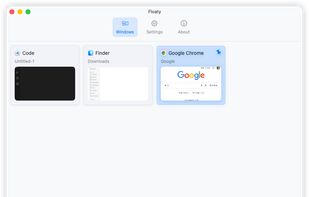
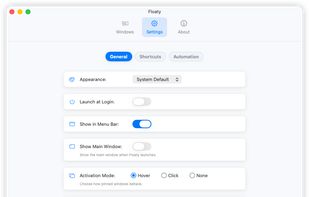 +5
+5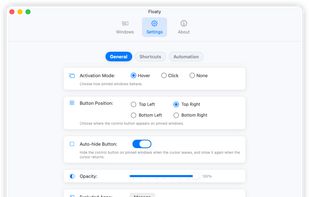

 16 DeskPins alternatives
DeskPins can be used to make any application topmost, that is, to keep it above all other windows. Just grab a pin from the DeskPins icon in the system notification area (a.k.a. taskbar tray) and click on any window.
Cost / License
- Free
- Open Source
Alerts
- Discontinued
Platforms
- Windows
- Windows Explorer


Cost / License
- Free
- Open Source
Platforms
- Mac
- SIMBL
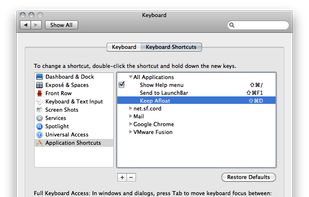


Always-on-top is the free utility that allows any program window to stay on top of all other windows even when it does not have the focus.


"Window On Top" is a small gadget made by Compzets.com which keeps any specific window on top of other windows. It does not have any user-interface (UI), it just sits on your tray bar and works with only a single keyboard shortcut.
Cost / License
- Free
- Proprietary
Platforms
- Windows
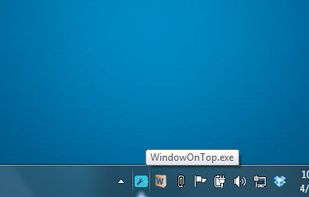
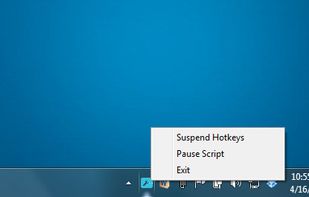


Window on Top can be used to make any application topmost,that is to keep it above all other windows. This functionality is identical to the "Always on Top" setting found in some programs. With "Window on Top" you can add this feature to any program.
Cost / License
- Freemium
- Proprietary
Platforms
- Windows
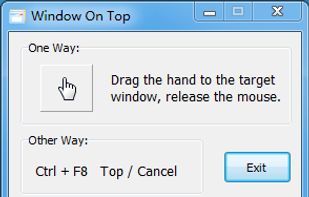


Simply double-click programs systray icon, and then left click the title of the window wanted to be Always on top.... Cool feature: Windows shake when set to stay on top, with the aforementioned method.
Cost / License
- Free
- Open Source
Alerts
- Discontinued
Platforms
- Windows

Cost / License
- Free
- Proprietary
Platforms
- Windows
S
Cost / License
- Free
- Proprietary
Platforms
- Self-Hosted
- Google Chrome
- Firefox


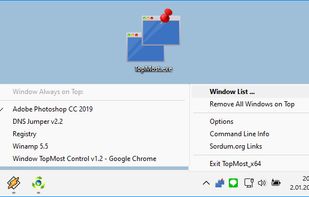
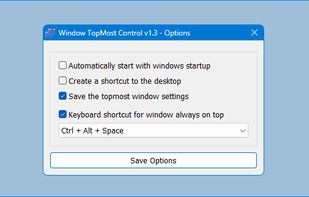
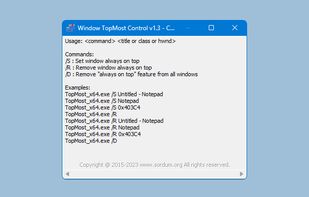
Some Windows Applications doesn’t offer an option to make itself topmost , that is to keep it above all other windows , with Windows Topmost control you can add this feature to any. There are situation that you need this feature, for example when you are monitoring a process...
Cost / License
- Free
- Proprietary
Platforms
- Windows


 Brazil


 Singapore


 Greece
 EU
EU


 United States


 Türkiye


