


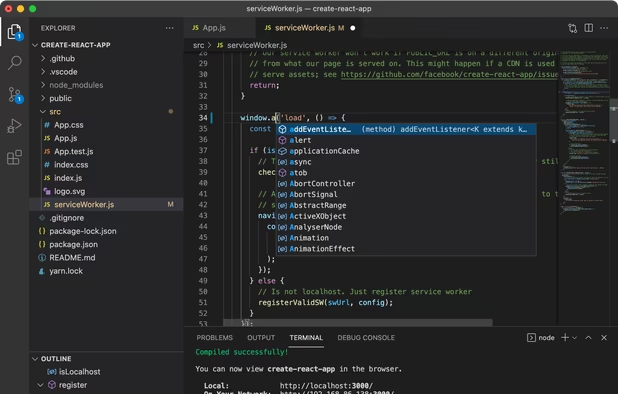
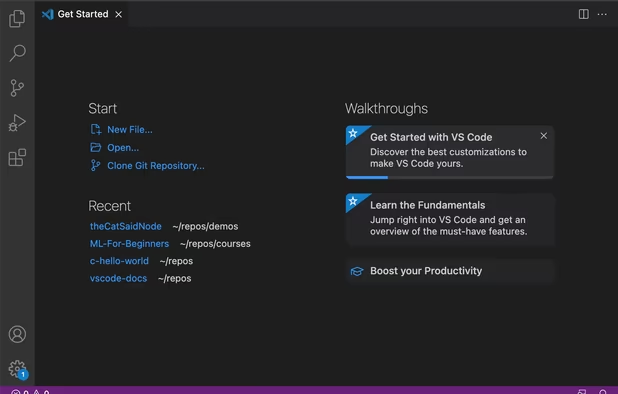
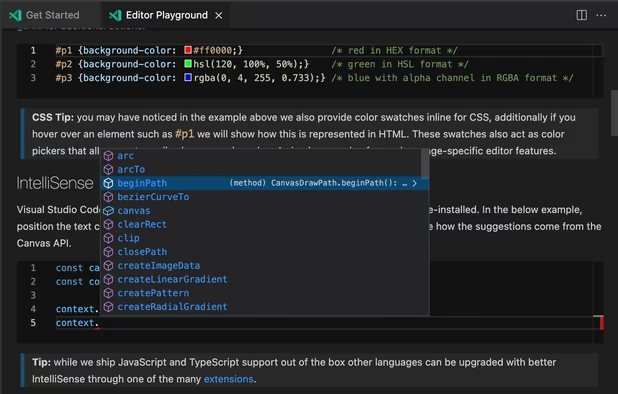
Free and extensible code editor with built-in Git support, smart IntelliSense, integrated debugger, 30,000+ extensions, works offline, supports markdown and syntax highlighting for numerous languages.
Cost / License
- Free
- Proprietary (MIT)
Application types
 United States
Platforms
- Mac
- Windows
- Linux
- Online
- Chrome OS
- Snapcraft
+2


Visual Studio Code vs Powershell ISE Comments

- Visual Studio Code is Free and Proprietary
- Visual Studio Code is Customizable


 China
China


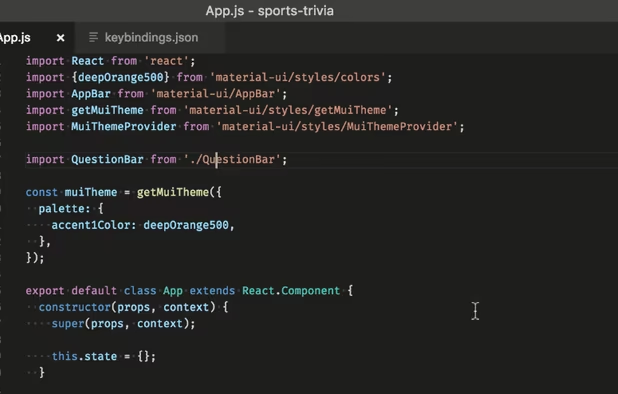
Visual Studio Code offers a good support of PowerShell (through extension). It provide integrated terminal, debugger and even a "PowerShell ISE" mode that mimics the look and feel and behavior or PowerShell ISE. Official documentation of PowerShell feature : https://code.visualstudio.com/docs/languages/powershell