


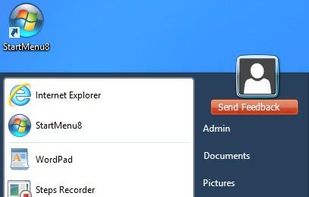
Start Menu 8 can help users who are not willing to change their behaviors and bring back the classic start menu. Users can enjoy a familiar start menu again with just one click while other styles are also available.
Platforms
- Windows
 China
China


Power8 has been discontinued. Similar apps include Open Shell, which is free and open source. Other options are Start11, Classic Shell, 7+ Taskbar Tweaker and StartAllBack. You can choose from more than 10 System Tweakers like Power8 for Windows and Android.
Start Menu 8 can help users who are not willing to change their behaviors and bring back the classic start menu. Users can enjoy a familiar start menu again with just one click while other styles are also available.
China
Bring back the Classic Windows XP Start Menu to Windows 8 & 10. With one click you have access to all of your Start Menu entries. Plus direct access to the Control Panel, Administrator command line and Run dialog.
 Germany
 EU
EU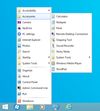
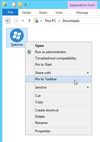


A simple and fast task launcher and switcher. Press a custom assigned mouse/keyboard key, the menu pops up at the place of the mouse cursor, move to the desired task, release the key, and that is all! Can not be quicker or easier!.
 NetherlandsEU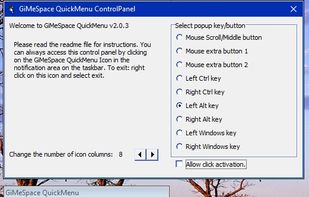


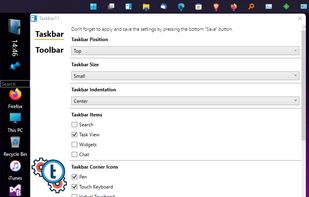
Taskbar11 customizes the look of the Windows 11 taskbar, which doesn't have any options by default. The taskbar can be set to the top or bottom (default) of the screen, it also allows for setting various icon sizes.


Classic Start Menu is considered as a perfect replacement to Windows 7 Start Menu. It helps you to find programs and folders many times faster. You always know where you put your things because folders expand when you hover over them.
 Ukraine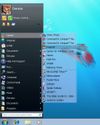
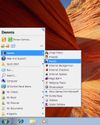


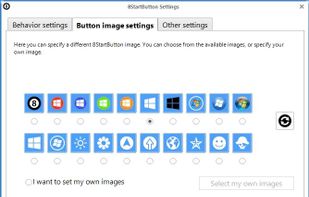
How to add a Start button to Windows 8? Just install Start Button 8! The package contains a Start button and a convenient Menu. A ready solution for those who like to keep everything under control.
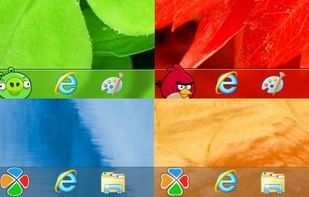
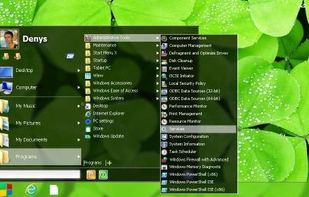


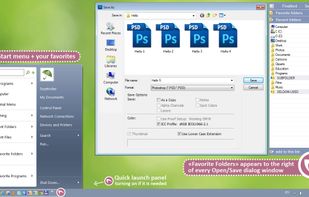
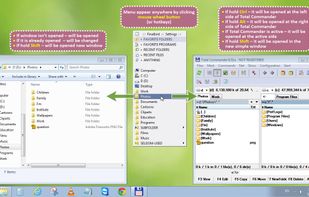
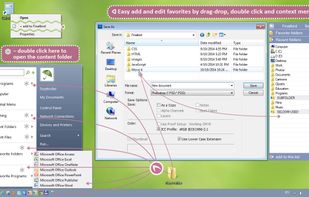
Finalbird is a free program to always reach required folders, files and programs, to work faster and more efficiently.

 GermanyEU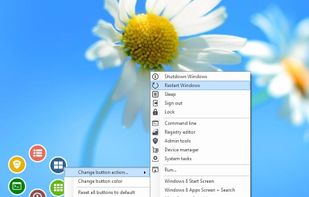



A skinnable start menu to replace your existing Windows XP start menu. It also allows you to get the Windows Start Menu back on Windows 7, 8 or 10.
 United States


