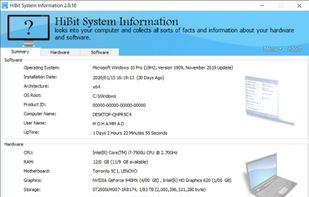
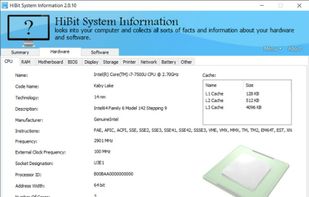
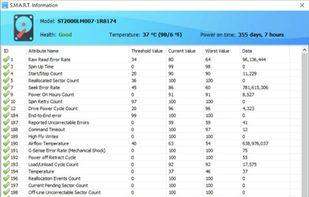
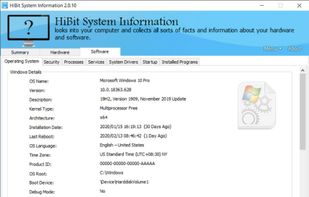
Windows built-in System Information shows details about your computer's hardware configuration, computer components, and software, including drivers.

Pfetch is described as 'A pretty system information tool written in POSIX' and is a system information utility in the os & utilities category. There are more than 25 alternatives to Pfetch for a variety of platforms, including Linux, Windows, Mac, BSD and Android apps. The best Pfetch alternative is HWiNFO (32/64). It's not free, so if you're looking for a free alternative, you could try HWiNFO (32/64) or Speccy. Other great apps like Pfetch are Neofetch, hwinfo, Screenfetch and Nerdfetch.
Windows built-in System Information shows details about your computer's hardware configuration, computer components, and software, including drivers.


sysinfo is a graphical tool that is able to display some hardware and software information about the computer it is run on.

RWEverything access almost all the computer hardware, including PCI (PCI Express), PCI Index/Data, Memory, Memory Index/Data, I/O Space, I/O Index/Data, Super I/O, Clock Generator, DIMM SPD, SMBus Device, CPU MSR Registers, ATA/ATAPI Identify Data, Disk Read Write, ACPI Tables...

Examine is an app which gives you easy access to system information without needing to use the terminal, built for the COSMIC desktop.


SuperB Fetch (a.k.a bfetch) is a SuperB general-purpose fetch displayer written in portable sh that takes user commands output and changes how it displays dynamically with the terminal size.


Linuxlogo (linux_logo) is a simple tool to display a Linux distribution logo in ascii, the name of the distribution and some other short information about the system in the terminal.