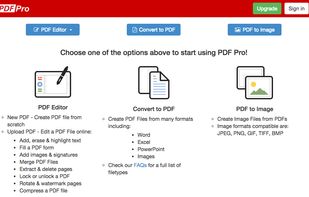
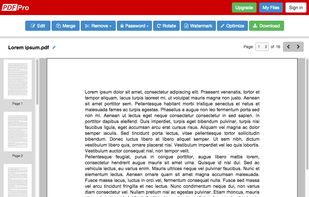
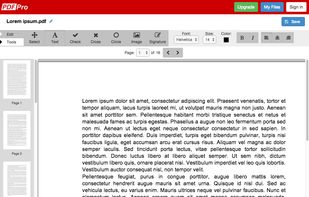
PDF Pro is the complete online PDF solution, allowing professionals to get their PDF work done quickly and easily.
Cost / License
- Freemium
- Proprietary
Application type
Platforms
- Online
 Canada



+2


Sites and apps similar to PDF24 Tools include Stirling PDF, which is open source with a free version. Other options are PDF-XChange Editor, PDF24 Creator, PDFsam Basic and Adobe Acrobat DC. There's no shortage of PDF Editors like PDF24 Tools, with more than 100 alternatives for Windows, Mac, Android, iPhone and Linux.
PDF Pro is the complete online PDF solution, allowing professionals to get their PDF work done quickly and easily.
Canada
Free online PDF toolkit with 14+ tools for merging, splitting, compressing, converting & editing PDFs. No registration, secure processing, unlimited use.


PDF Maker is a tool to convert any file from DOC, XLS, JPG, TXT, PPT, SVG to PDF easily.
 United States


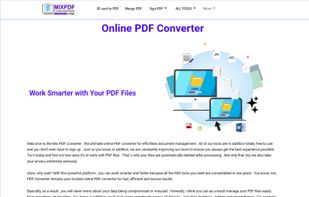
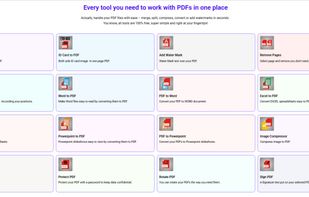
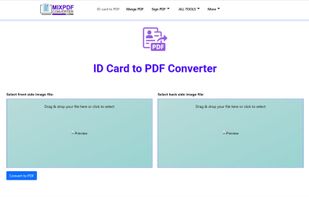
MixPDFConverter is a free and easy-to-use online tool that lets you convert PDFs into Word, Excel, JPG, PNG, or even merge and compress them. No signup required. Works on all devices including mobile. Ideal for students, professionals, and businesses.

Professional offline PDF compressor supporting Mac and Windows, offers up to 90% reduction with a 4-stage intelligent pipeline, batch processing, watch folders, DPI control, five presets, custom profiles, and a command-line tool for advanced automation workflows.
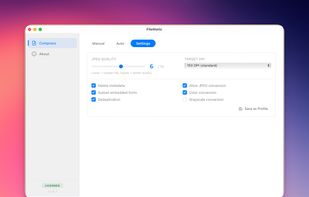
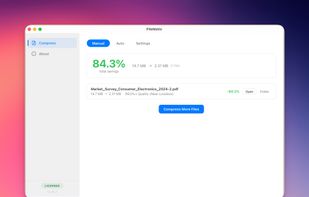
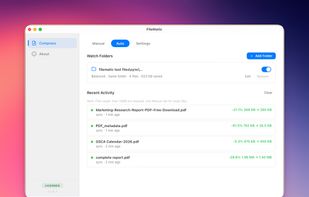
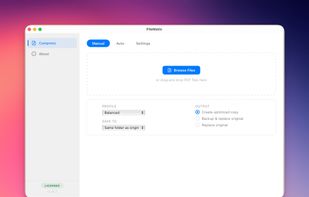

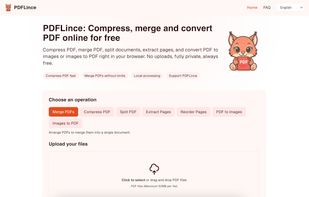
PDFLince is a privacy-first PDF toolkit that runs entirely in your browser. Unlike other tools, it does not upload your files to any server, all processing (merging, compressing, splitting, converting) happens locally on your device.


FileWatermak is a simple and intuitive solution to add watermarks to your PDF and image files. It provides you with all the necessary tools to add watermarks to your files easily and quickly.
 France
 EU
EU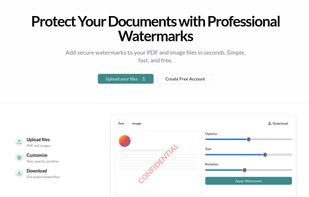
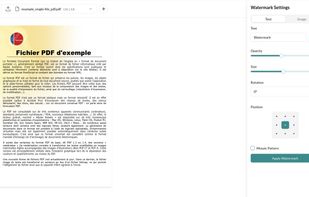
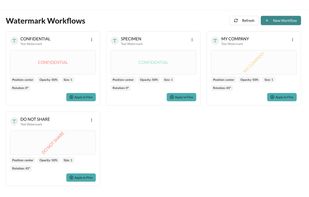


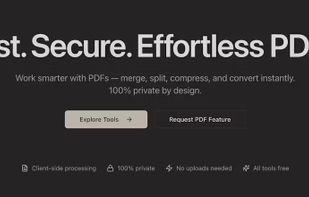
PDF Flo lets users manipulate PDF files instantly in the browser — without uploading them to a remote server. It focuses on being: Lightning-fast Files never leave your device Minimal UI with smooth transitions and neutral...
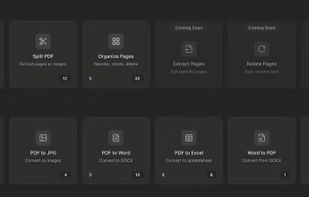


Unlock the full potential of your PDF documents with PDF Split & Merge, your all-in-one PDF toolkit. Effortlessly manage PDFs, split or merge files, and easily organize your documents. Simplify your workflow, save time, and ensure your PDFs are always in order.
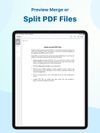
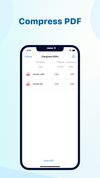
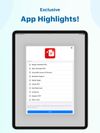


Discover Feather PDF, the ultimate PDF editor that prioritizes your privacy. Enjoy powerful editing features without data collection and gain lifetime access with a one-time payment.


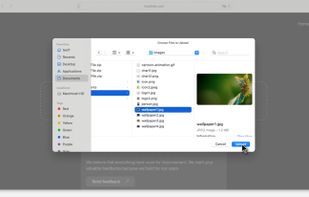
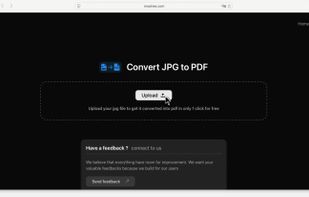
Moainex Taskspace is a privacy-first JPG to PDF converter that instantly processes files without storing them. It’s fast, secure, and ideal for Mac and Safari users. No login required.
 India
India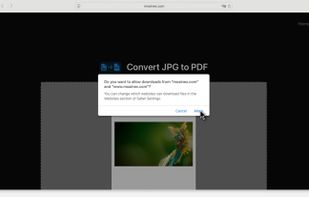


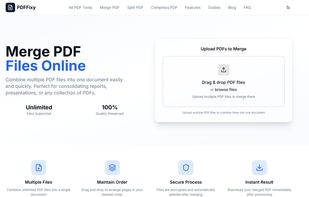
Merge PDF Documents easily using an online free service (no registration).
Information about the merge process and notable limitations: Maximum number of input files is 10 Individual file size limit is 5 MB All uploaded files are removed after the merge pdf process has finished.