





PDF to Web Form
Like
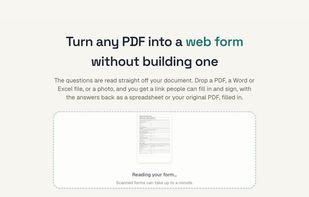
Upload a PDF, scan, or photo of a form. The questions are read off it automatically, and you get a link people can fill in and sign.

Cost / License
- Freemium (Subscription)
- Proprietary
Application type
Platforms
- Online
- Software as a Service (SaaS)


Features
PDF to Web Form News & Activities
Highlights All activities
Recent activities
- coderalert0 added PDF to Web Form
 coderalert0 added PDF to Web Form as alternative to JotForm, Microsoft Forms, Google Forms, Typeform and 2 more


PDF to Web Form information
Developed by
 PDF to Web Form
 Licensing
Proprietary and Freemium product.Pricing
Subscription that costs up to $99 per month + free version with limited functionality.Alternatives
6 alternatives listedBadge
Get an embeddable badge for PDF to Web FormSupported Languages



No comments or reviews, maybe you want to be first?