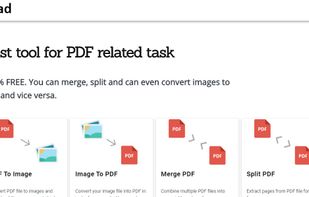
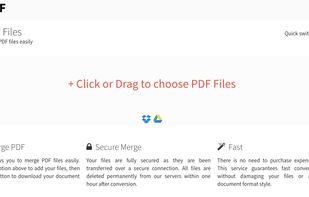
PDFDad is an online free tool to merge PDFs, split, convert image to PDF file and vice versa. This is a free online tool which can be used on Windows, Mac, Android, iPhone, Tablets and other devices.
Cost / License
- Free
- Proprietary
Platforms
- Online


Apps similar to PDF Candy include PDF Arranger, which is free and open source. Other options are PDF-XChange Editor, PDFsam Basic, BentoPDF and Adobe Acrobat DC. You're spoiled for choice with PDF Editors like PDF Candy: we list more than 100 alternatives for the web, Windows, Mac, Linux and Android.
PDFDad is an online free tool to merge PDFs, split, convert image to PDF file and vice versa. This is a free online tool which can be used on Windows, Mac, Android, iPhone, Tablets and other devices.
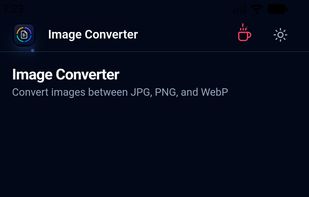
Orenvo PDF is a lightweight toolkit for the document jobs that interrupt everyday work: merging PDFs, compressing oversized files, creating PDFs from images, and converting between image formats.
 Germany
 EU
EU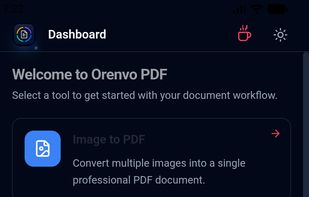


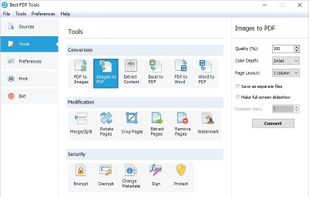
A complete suite of free tools for conversion, shaping and protection of your PDF documents. The software operates in batch mode, allowing users to process multiple PDF files. The interface is modern and intuitive; this makes it easy to use the program for both advanced users...


ZonePDF is a convenient and practical tool for PDF conversion. PDF files can easily be merged, split and converted from JPEG, PNG, DOC, XLS, PPT and other formats.
 Ukraine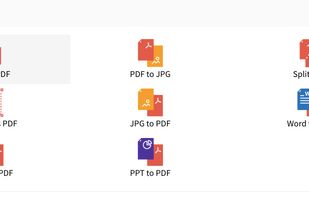


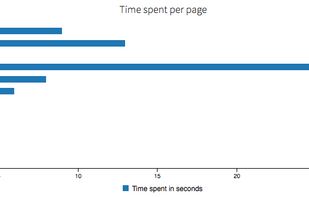
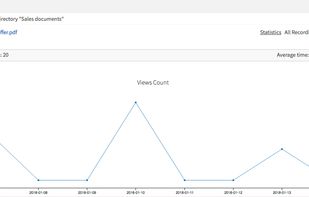
Securely share and store your documents using advanced security controls and valuable insights such as usage statistics, alerts, and visual heat maps in real-time
 United States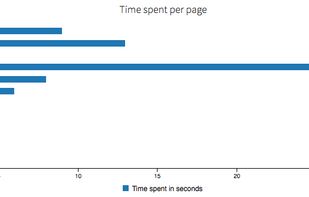


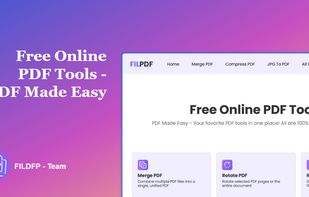
FILPDF provides easy-to-use Online PDF Tools for converting PDFs to Word, Excel, or PowerPoint, merging and compressing files, and editing PDFs directly in your browser.


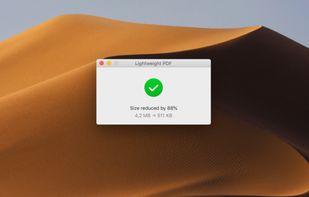
Free Mac utility for compressing scanned PDF documents by up to 80% while balancing file size and readable quality. Its drag-and-drop workflow requires no complex settings, and offline processing keeps confidential documents on the computer rather than sending them to an online service.
 PortugalEU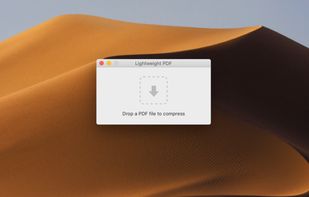


This program allows you to convert between PDF and other formats. PDF is free format for reading, but not for creation and exporting. So many people are looking for solution to convert their documents to PDF, or convert PDF to other formats.
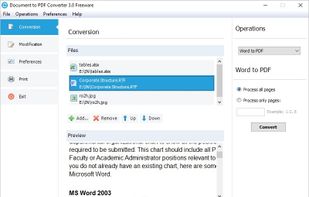


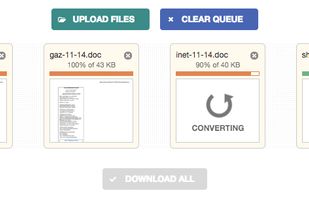
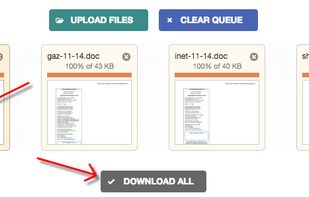
This free online tool converts your PDF files to Word DOC format and vice versa, preserving as much formatting as possible. Unlike other services, this tool does not ask for your email address, offers mass conversion and allows files up to 50 MB.



PDF Merge Tool is a simple, fast and easy tool for merging PDF files. It runs on the .NET framework v2 and uses the PDFSharp library.


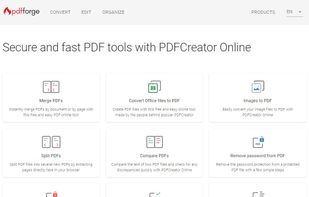
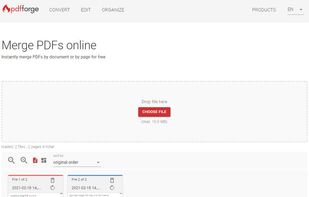
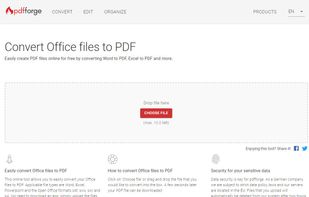
PDFCreator Online offers fast and secure online tools that let you convert and edit your PDF files directly in your browser for free.
GermanyEU