Cost / License
- Free
- Open Source (MIT)
Application type
Platforms
- Self-Hosted




+1
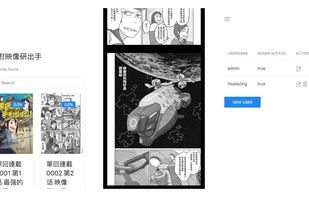


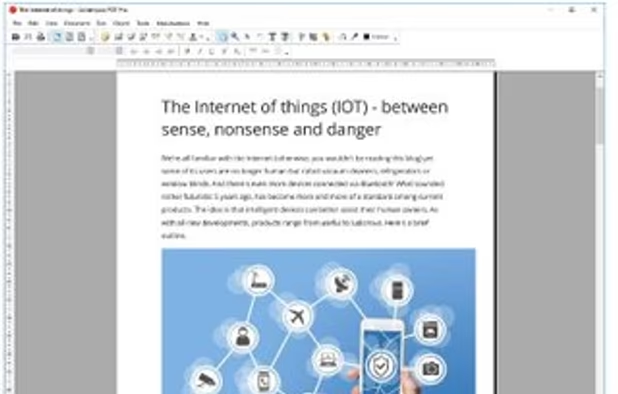
Apps similar to Panels - Comic Reader include SumatraPDF, which is free and open source. Other options are Okular, KOReader, PDF-XChange Editor and Koodo Reader. PDF Readers like Panels - Comic Reader are a crowded field, with more than 100 alternatives for Windows, Android, Linux, iPhone and iPad.

Paperback allows you to read manga, download, and track it automatically on tracking services such as Anilist or MyAnimeList.



Jumpdf is a keyboard-focused PDF viewer for documents where one needs to jump between different sections of the document frequently.
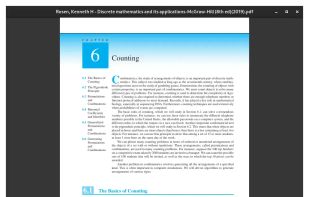


SlimPDF Reader is a high quality PDF viewer that is only 1.5MB in size. Features and benefits:
 United States


Explore hit and niche titles from publishers large and small, alongside independent studio gems and creator-owned comics. Action, romance, comedy, horror, drama, isekai, slice of life, sci-fi, and more, all in one app.
 Singapore




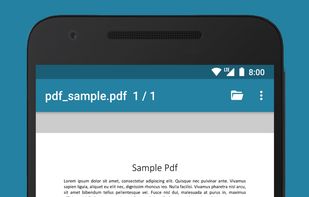


ComittoN is a viewer for self-scanning comic image. Open PNG, JPG, Image Folders, ZIP(CBZ) and RAR(CBR) files. Directly browse the zip file in the Windows shared folder (SAMBA).
Main features:
File browser:
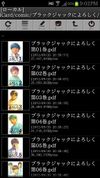
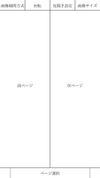


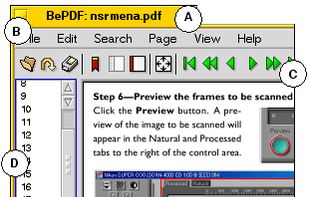
BePDF is a PDF viewer for the BeOS, Haiku & Zeta. Besides viewing, it supports annotating and user-defined bookmarking for unencrypted PDFs. It's fully localized for 20 languages at the moment with additional languages being easily added via text files.
BePDF is based o.


MangaMeeyaCE is compact version of MangaMeeya. It has less but some unique feature compared to MangaMeeya.


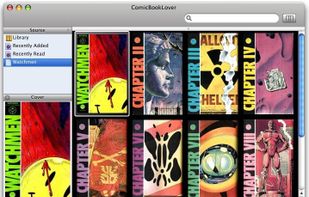
ComicBookLover enables comic fans to easily view, collect, and organise digital comics. Find comics to read by browsing cover artwork, smart lists, or using the advanced search functions. Read comics on your laptop, on an external display, in full screen, or perhaps even in...




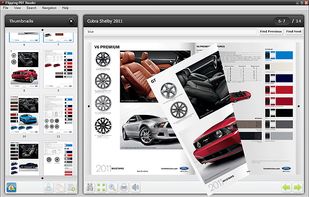
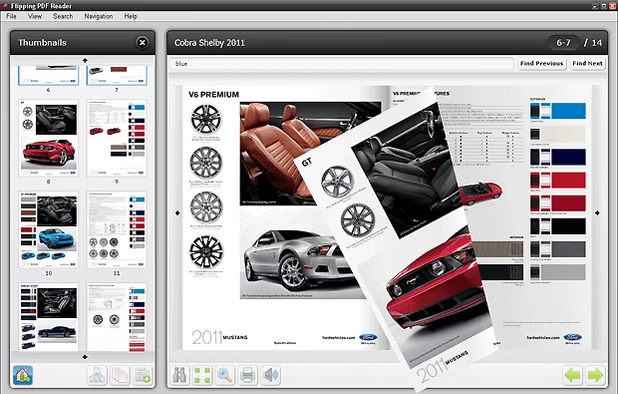
The Flipping PDF Reader allows to read PDF documents in user friendly interface with flipping book effect. Good looking and convenient alternative for Adobe PDF Reader.