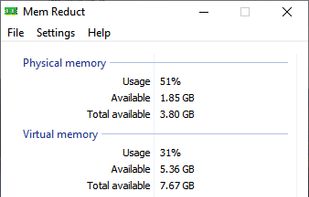
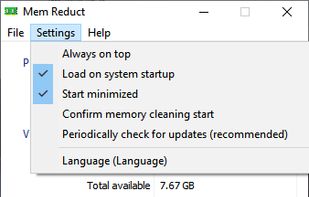
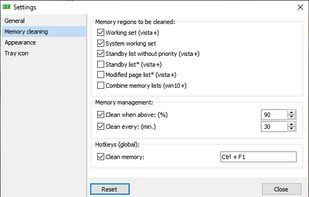
Mem Reduct is a small application that allows you to monitor and clean your computers memory. Exempt system cache, modified, and idle memory pages.
Cost / License
- Free
- Open Source (GPL-3.0)
Platforms
- Windows
 Kazakhstan




Apps similar to OwnMemory include Mem Reduct, which is free and open source. Other options are CleanMem , Wise Memory Optimizer, Memory Clean and Rizonesoft Memory Booster. In total there are nine System Cleaners like OwnMemory for Windows and Mac.
Mem Reduct is a small application that allows you to monitor and clean your computers memory. Exempt system cache, modified, and idle memory pages.
Kazakhstan
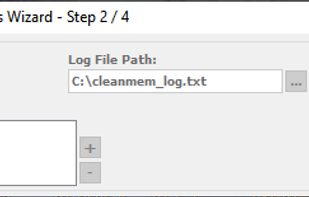
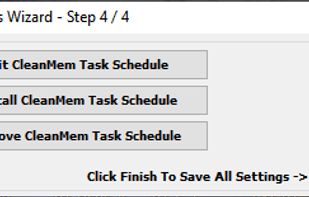
CleanMem keeps memory use in check on the system without the memory being pushed to the page file. This in turn keeps the system running smoother.
 United States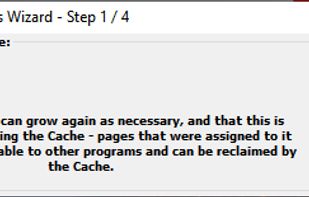



Wise Memory Optimizer helps you free up and tune up the physical memory taken up by some useless applications to enhance PC performance. Wise Memory Optimizer, as automatic and intelligent as other products from WiseCleaner.
 China
China



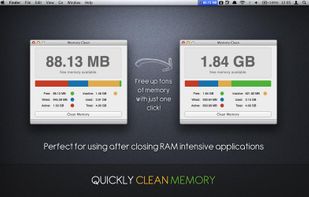
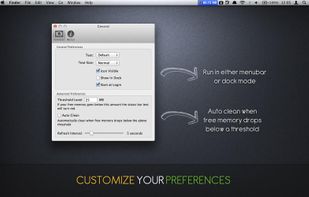
Memory Clean is the ultimate app for optimizing your Mac's memory and is best used after you have finished using a memory (RAM) intensive app or game. With the slickest interface and user experience, Memory Clean stands head and shoulders above the rest.
 United Kingdom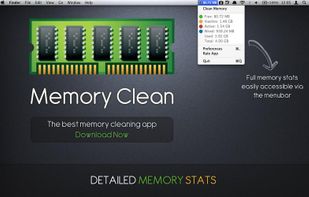


Rizonesoft Memory Booster is not just another Memory Booster. It does not run on the placebo memory optimization engine and will not force any memory out of your RAM. It will however make a safe Windows API call that tells Windows to clean up the work space of all processes thus.
 South Africa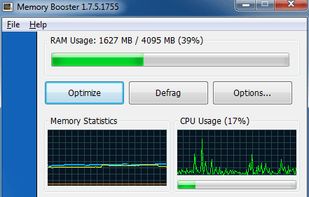
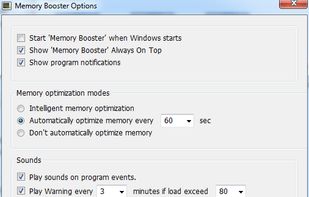


Understand your computer’s memory usage and keep it under control – Memory Optimizer will graph your computer’s memory showing you what’s using it and giving you an easy way to optimize it’s usage. Just click “Optimize” and speed your computer up immediately!
United States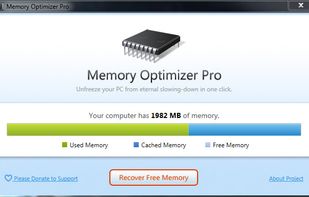



Windows fills up your computer's memory (RAM) little by little and finally RAM is filled with unnecessary data. Sooner or later you have to reboot your computer to make it work faster.
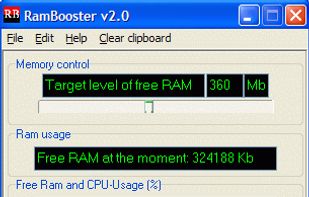
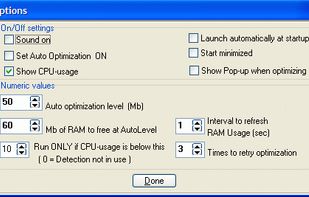
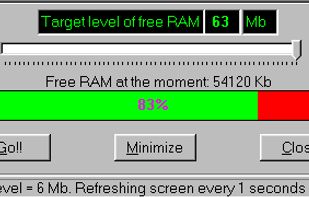


Removes as many pages as possible from the working set of the specified process. When too many programs are using up your computer’s RAM (Random Access Memory), you may find your system becoming slow or unresponsive.
 Türkiye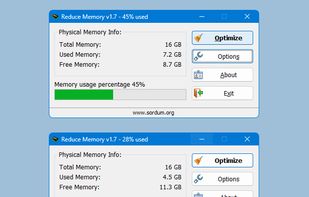
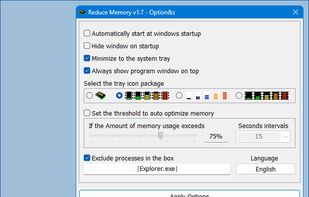
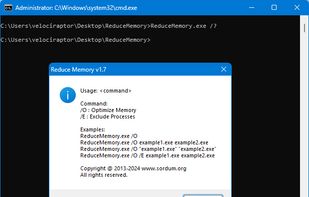


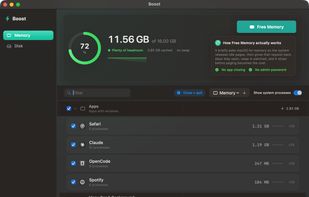
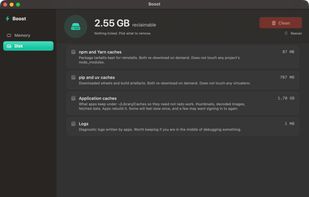
A memory and disk utility for macOS that tells you the truth: frees memory without closing apps, pauses apps instead of quitting them, and finds disk space that's genuinely safe to reclaim.