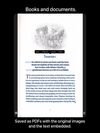
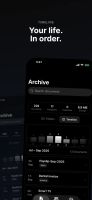
Scan Thing is the quickest way to capture and save anything around you. Scan Thing is available on iOS, iPadOS, and MacOS.
Cost / License
- Freemium
- Proprietary
Application typeApplication types
Platforms
- iPhone
- iPad
- Mac
 United States






Open Scanner has been discontinued. Similar apps include FairScan, which is free and open source. Other options are NAPS2, OSS Document Scanner, MakeACopy and Tesseract. Document Scanners like Open Scanner are a crowded field, with more than 50 alternatives for Android, iPhone, Windows, iPad and Mac.
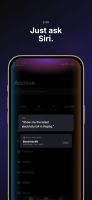
Scan Thing is the quickest way to capture and save anything around you. Scan Thing is available on iOS, iPadOS, and MacOS.
United States
 Germany
 EU
EU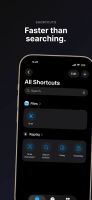


 SpainEU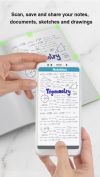
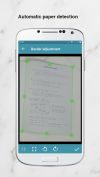
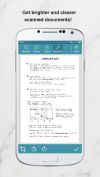


The Adobe Scan scanner app turns your device into a powerful portable scanner that recognizes text automatically (OCR) and allows you to save to multiple file formats including PDF and JPEG.
United States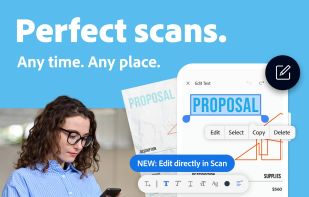


Chandra is a highly accurate OCR model that converts images and PDFs into structured HTML/Markdown/JSON while preserving layout information.
United States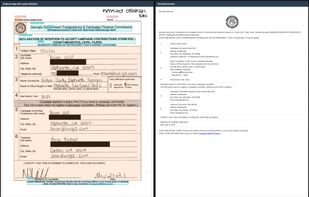


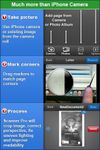
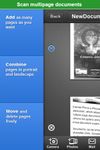
Scanner Pro turns your iPhone into portable scanner in your pocket. It lets you scan multipage documents, email them and even upload to Dropbox, MobileMe iDisk or any other WebDAV enabled server.
 Ukraine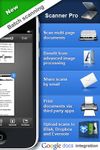

A lightweight, privacy-focused Windows tool for offline OCR and screen capture with seamless drag-and-drop workflow.
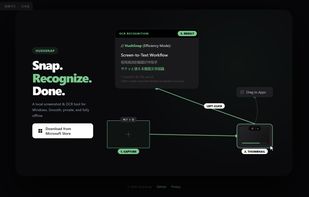
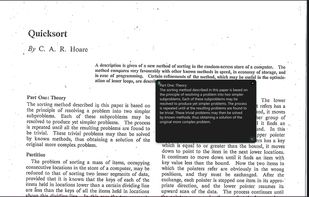


The app is 100% FREE, with NO ads and NO data collection. Donations are possible to support the project.
 ItalyEU
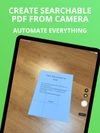
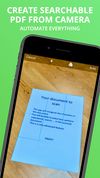


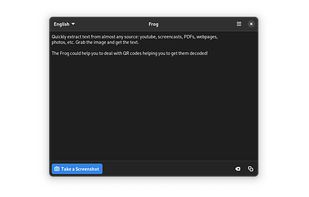
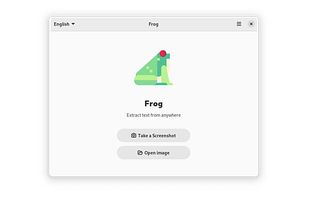
Quickly extract text from almost any source: youtube, screencasts, PDFs, webpages, photos, etc. Grab the image and get the text.
 EstoniaEU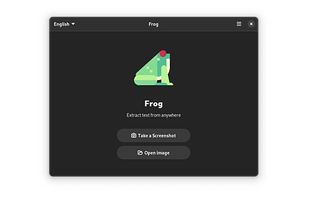

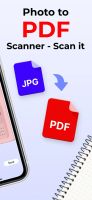
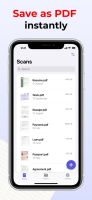
Meet Scanit, a simple yet powerful scanner app that lets you quickly scan any kind of documents and convert them into PDF’s.
 Israel

Privacy-first document scanner for Android. Scan, organize, and export multi-page PDFs with AES-256 encryption, biometric lock, and searchable PDF support. No ads, no cloud required.
United States
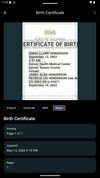
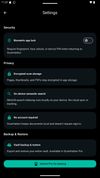


Main point of this app is to scan or select existing PDF documents simply using intent or chooser. Other apps require payment to access their api/sdk or simply don't have a possible way to do it. So they rely on switching between an app ,file chooser and a scanner.