



Cost / License
- Free
- Proprietary
Platforms
- Windows
 United States
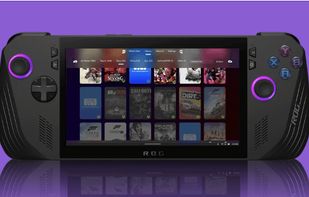


Apps similar to Open Gamepad UI include Playnite, which is free and open source. Other options are Lutris, GOG GALAXY, Bottles and Retrom. You can choose from more than 10 Game Library Managers like Open Gamepad UI for Windows, Linux, Android, Mac and self-hosting.
United States
A slick Windows game manager, which automatically scans and scraps games from Steam (installed or not), Origin, Battle.net, GoG.com and UPlay. It also monitors your play time and allows some automatization like power management and custom commands.
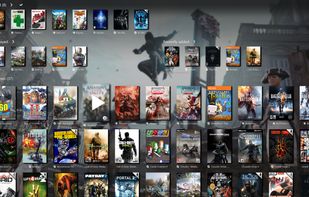
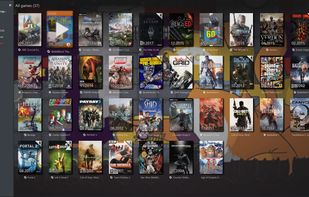
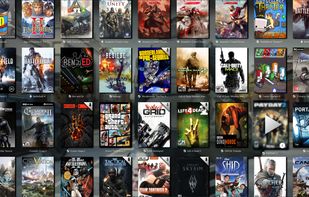


A simple, TV-friendly, gamepad-navigable frontend for the Lutris game launcher on Linux. This application provides a "10-foot UI" designed for couch gaming, allowing you to browse and launch your Lutris library entirely with a gamepad.
 Italy
Italy EU
EU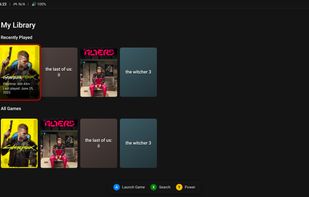


A front-end or user interface (UI) is the presentation and interaction layer of an app or website. Most modern emulator apps have basic game list UIs that you can interact with using a mouse/keyboard but not a game controller.
United States![Dolphin (Wii, Gamecube, Virtual Console) [Linux, macOS, & Windows]](https://img.alternativeto.net/s/309x197/jpeg/bottlenose_980398_full.png)
![Cemu (Wii U) [Windows & Linux* using Wine]](https://img.alternativeto.net/s/309x197/jpeg/bottlenose_762210_full.png)
![Yuzu (Switch) [Linux & Windows]](https://img.alternativeto.net/s/309x197/jpeg/bottlenose_785449_full.png)
![Citra (3DS) [Linux, macOS, & Windows]](https://img.alternativeto.net/s/309x197/jpeg/bottlenose_509961_full.png)


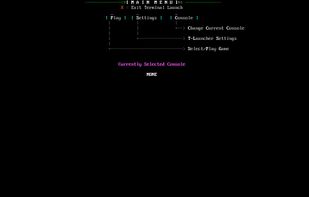
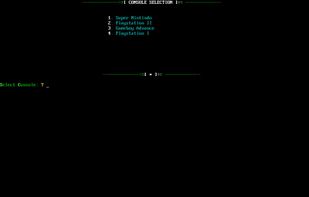
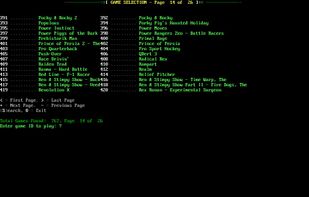
Welcome to Terminal Launch, the tool for gamers who value speed, efficiency, and simplicity over flashy interfaces. Created in 2019 as a simple DOS command to find games, Terminal Launch operates seamlessly within terminal and DOS environments.
United States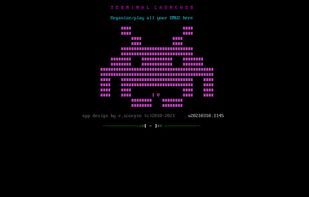


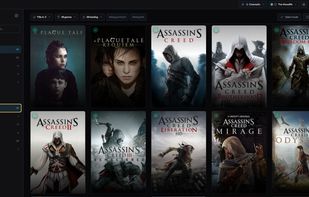
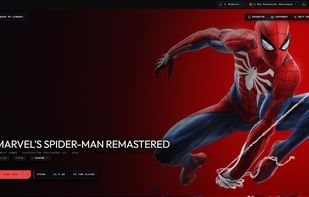
A lightweight, offline-first desktop game collection manager and tracker with native SteamGridDB & IGDB artwork support.



![Dolphin (Wii, Gamecube, Virtual Console) [Linux, macOS, & Windows]](https://img.alternativeto.net/s/618x394/avif/bottlenose_980398_full.png)
![Cemu (Wii U) [Windows & Linux* using Wine]](https://img.alternativeto.net/s/618x394/avif/bottlenose_762210_full.png)
![Yuzu (Switch) [Linux & Windows]](https://img.alternativeto.net/s/618x394/avif/bottlenose_785449_full.png)
![Citra (3DS) [Linux, macOS, & Windows]](https://img.alternativeto.net/s/618x394/avif/bottlenose_509961_full.png)


