



OneScreen Focus
OneScreen Focus is a professional focus application that provides guided focus sessions with multi-monitor support, visual patterns, audio soundscapes.
Cost / License
- Freemium (Pay once or Subscription)
- Proprietary
Platforms
- Windows
- Online

OneScreen Focus
Features
Properties
- Distraction-free
Features
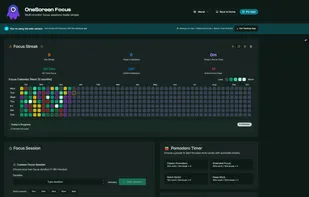
- Pomodoro Timer
- Goal Tracking
- Dark Mode
- Cloud Sync
- Ad-free
- Distraction-free Writing
Tags
OneScreen Focus News & Activities
Recent activities
- Nefju12 added OneScreen Focus
- POX updated OneScreen Focus
OneScreen Focus information
What is OneScreen Focus?
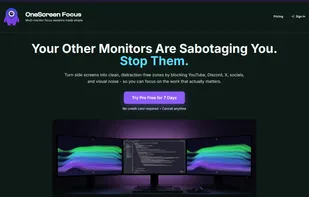
OneScreen Focus is a simple app designed to help you stay focused and productive while working on your computer. It works by blocking out distractions on your extra monitors (if you have multiple screens), so you can concentrate fully on your main screen without getting sidetracked by other tabs, notifications, or open windows. You start a "focus session" with a timer, choose calming visual patterns like flowing gradients or soft circles to fill the background, and even add soothing sounds like nature noises or white noise to create a peaceful environment. It's like a digital Pomodoro timer that guides you through work periods with breaks, and it includes safety features like easy ways to exit if needed. The free version lets you try it for 7 days with basic features, while the paid version unlocks longer sessions, more patterns, and tools to track your progress and achievements. Whether you're studying, coding, or just trying to get things done, it turns your computer into a distraction-free zone to boost your focus.