





+1


OneNote Web Clipper is described as 'You're busy. OneNote Web Clipper lets you quickly clip all or part of a web page to OneNote, and save it for later. Clip images, pdfs, videos, or a visual bookmark of a page. Best of all, you can access them from any computer, tablet, or phone - even when you're offline' and is a screenshot capture tool in the photos & graphics category. There are more than 100 alternatives to OneNote Web Clipper for a variety of platforms, including Windows, Web-based, Mac, Google Chrome and Mozilla Firefox apps. The best OneNote Web Clipper alternative is Raindrop.io, which is free. Other great apps like OneNote Web Clipper are TagSpaces, Obsidian Web Clipper, Instapaper and PicPick.

WebBites is a tool to keep all your favourite websites, tools and articles in one place, currently in beta. With a strong focus on accessibility and aesthetics.
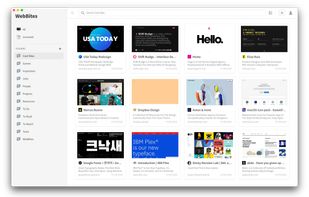
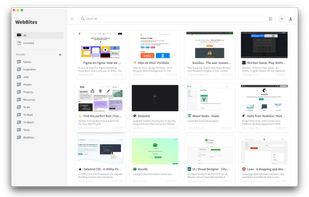


Larder is for bookmarking things on the web you'll need again. It's perfect for curating lists of libraries, tools, and reference material. Trial everything for 14 days, buy a paid account if it fits your workflow. It's honestly really good.



The Mercury Reader extension for Chrome removes ads and distractions, leaving only text and images for a clean and consistent reading view on every site.

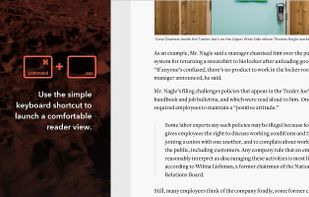




Pastebot is a versatile clipboard manager for your Mac that stores what you recently copied so you can quickly retrieve them later. Create custom pasteboards for frequently used clippings. Build powerful filters that you can apply as you paste.


Kommute gives you offline access to all of your favorite sites.
Whether you're underground or 30,000 feet in the air, it's the only daily news app that can give you the latest web content without an internet connection.





Taking screenshots with Shotty is so natural and easy, you just have to try it. Edit them in minimalistic editor and the upload them with one click. Focusing on simplicity and usability, this tool is probably the most intuitive screenshot utility out there.




FlyScreen is a powerful screenshot manager for iOS. Search your screenshots, copy text and links, organize by tags, and more.





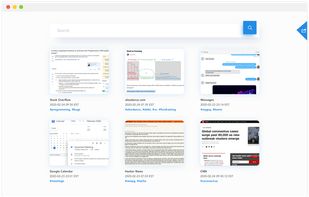
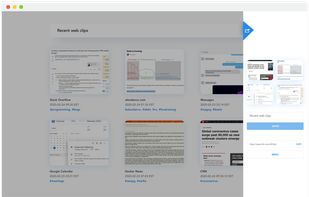
Screenshot organization and smart search, for effortless memory retrieval. Categorized screenshots by keywords, topic, and source -- so that you can find the memory you're looking for.



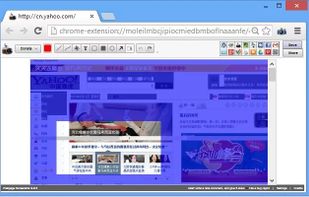
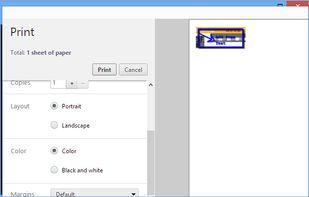
This extension is able to capture 100% of both the vertical and horizontal content appearing on any webpage on the Internet.




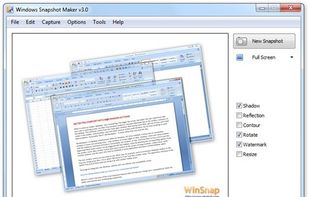
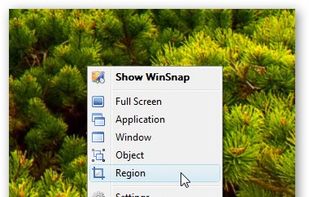
WinSnap is a small enhancement utility for taking and editing screenshots. Standard features include easy capture of non-rectangular windows with customized and transparent backgrounds, simple and automatic canvas transformations, coloring effects, and the addition of eye-candy...



Easy Screen Capture and Annotation lets you capture and annotate any part of the screen. The main goal of the product is to speed up the capture and editing process saving you valuable time by automating repetitive tasks.



 United Kingdom


 United States


 Germany
 EU
EU


 Russia


