


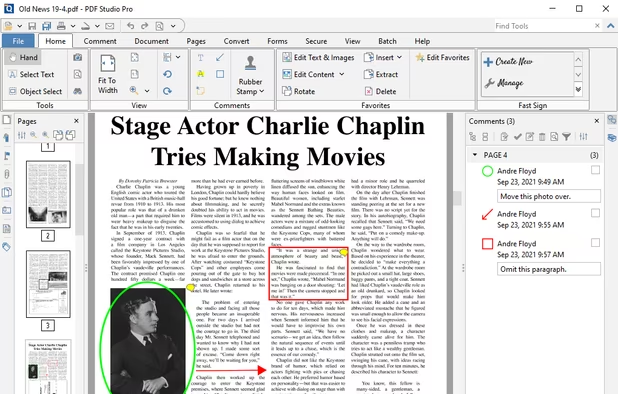
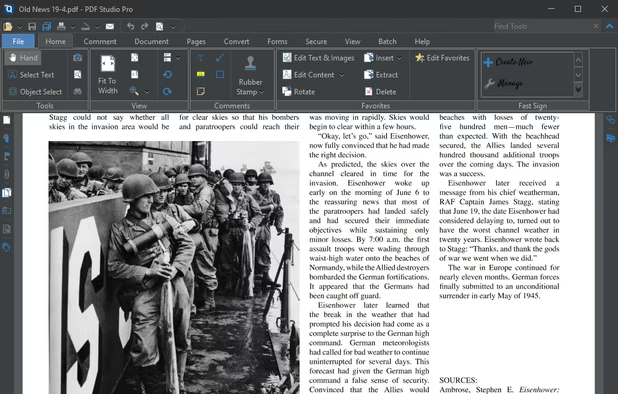
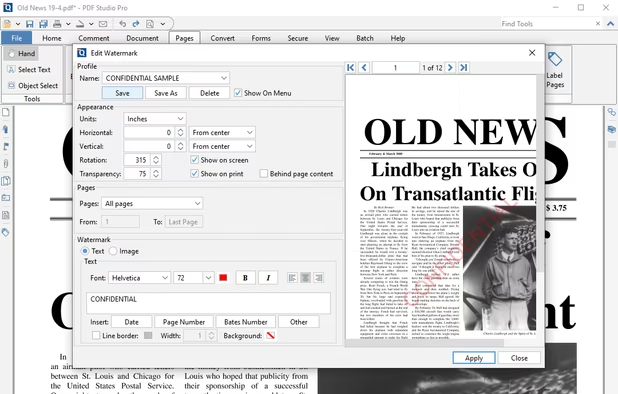
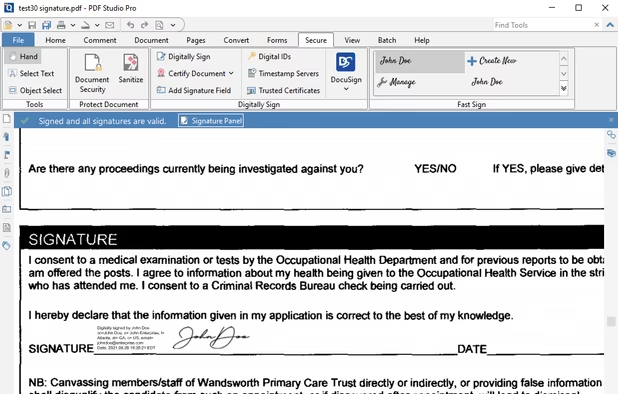
Create, Convert, Review and Edit PDF Documents on Windows, macOS, and Linux.
Cost / License
- Paid
- Proprietary
Application types
 United States
Platforms
- Mac
- Windows
- Linux
- Chrome OS
+7


The best Text to Speech alternative to Nitro PDF is Qoppa PDF Studio. It's not free, so if you're looking for a free alternative, you could try KDAN PDF or PDF4QT. If that doesn't suit you, our users have ranked more than 100 alternatives to Nitro PDF and six of them are Text to Speech Services so hopefully you can find a suitable replacement. Other interesting Text to Speech Service alternatives to Nitro PDF are Foxit PDF Editor, Soda PDF and PDF Editor Pro.
Create, Convert, Review and Edit PDF Documents on Windows, macOS, and Linux.

Comprehensive suite offering eSign, OCR, multi-platform editing, cloud integration, and robust security. Ideal for professional or personal use, facilitating collaboration while protecting content.


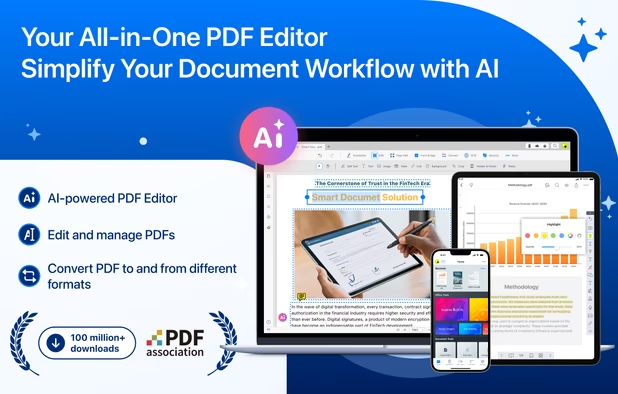
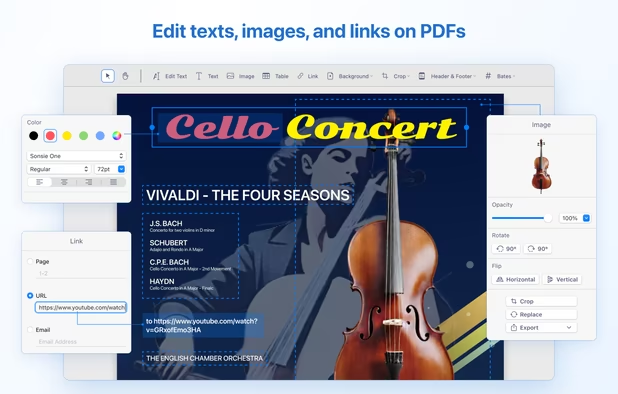
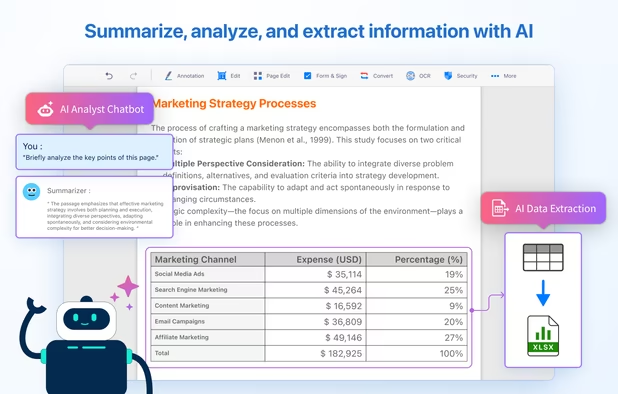
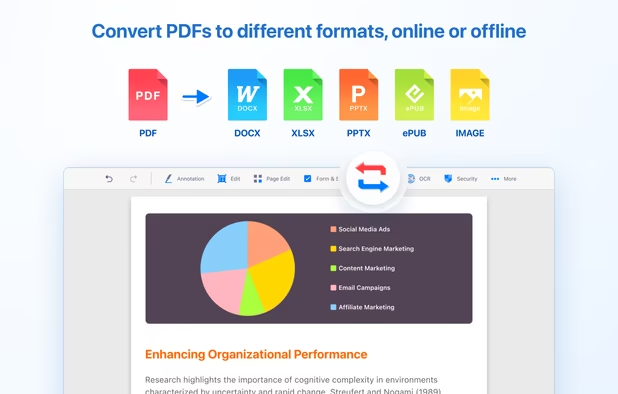
Comprehensive solution for editing, signing, form filling, OCR scanning, commenting, converting, and redacting PDFs, with AI-driven analysis and content extraction, data export to spreadsheets, text-to-speech, seamless use across desktop and mobile, and batch processing.


Soda PDF was created with the user in mind. Smart, reliable, and accessible, our software is designed with a focus on giving you the most useful features in an easy-to-use package.


Open-source PDF viewer and editor using Qt framework, featuring hardware-accelerated rendering, encryption, multithreading, text-to-speech, annotation tools, form filling, high-res monitor support, document compression, audio book conversion, and signature validation.


Revolutionize PDFs for free! Try PDFPro: advanced editing, annotating, converting, signing. Premium tools, cloud support, secure.


 Taiwan
 France
 EU
EU
 Czechia
it seems it has all features of Nitro. After my tests I will know more.