Revolutionize PDFs for free! Try PDFPro: advanced editing, annotating, converting, signing. Premium tools, cloud support, secure.
Cost / License
- Free
- Proprietary
Application typeApplication types
Platforms
- Android




The top-rated alternative to Nitro PDF is PDF-XChange Editor, which has a free version. People also recommend PDF24 Creator, PDFsam Basic, Adobe Acrobat DC and Master PDF Editor. You're spoiled for choice with PDF Editors like Nitro PDF : we list more than 100 alternatives for Windows, the web, Mac, Linux and Android.
Revolutionize PDFs for free! Try PDFPro: advanced editing, annotating, converting, signing. Premium tools, cloud support, secure.

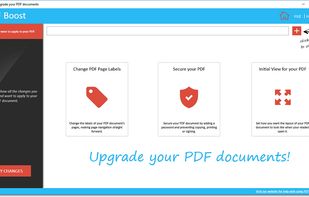
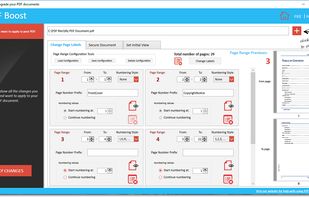
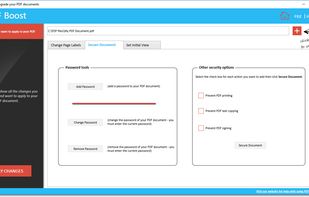
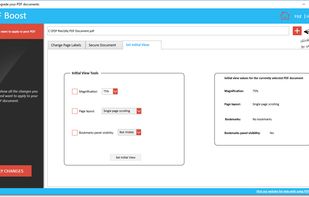
Edit the labels of PDF pages, manage security options (password, printing, text copying, signing), set initial view.


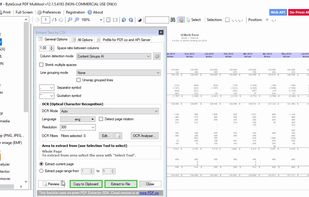
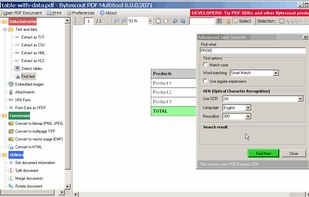
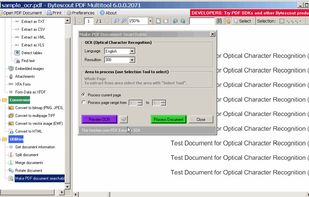
PDF Multitool Utility – Convert PDF to Text, Extract Data from PDF as CSV, XML, Text or XLS Format, Convert PDF to HTML, Convert PDF to TIFF, PDF to PNG, PDF to BMP Images and More.
 United States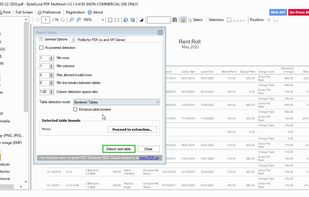


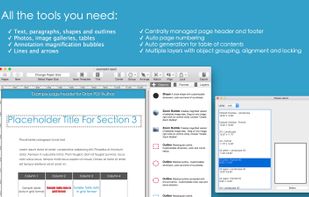
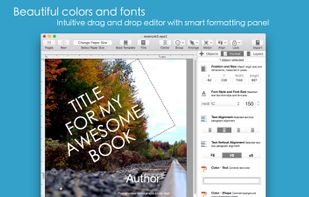
Orion PDF Author, a new and easier way to create multi-page PDF-format user guides, instruction manuals, and booklets.
United States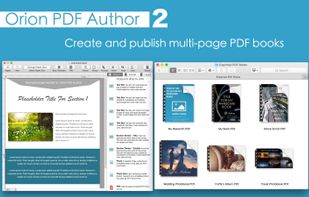



Allowing both the creation (from Image file formats, Image Scanners/Web CAMS and text files etc) and manipulation of Adobe compatible PDF files, PDF-Tools is an ideal tool to compliment your existing PDF creation application or as a stand alone tool in its own right!
 Canada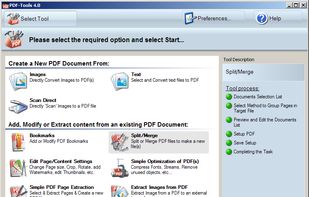


PDFZilla is a desktop software designed to convert PDF files into various formats. These formats include editable MS Word Documents, Rich Text Documents, Plain Text Files, Images, HTML Files, and Shockwave Flash SWF Files.
 China
China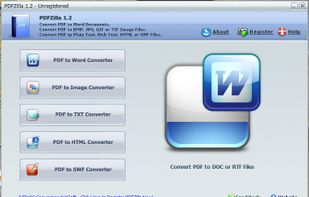

a web-based platform that allows you to perform various operations on PDF files, such as conversion, merging, splitting, and more. It works by allowing you to upload your files, select the desired operation, and then download the processed file.
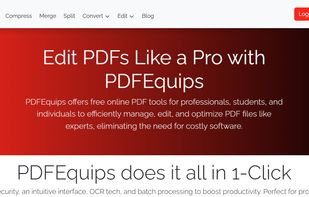


PDFCreator Online offers fast and secure online tools that let you convert and edit your PDF files directly in your browser for free.
 Germany
 EU
EU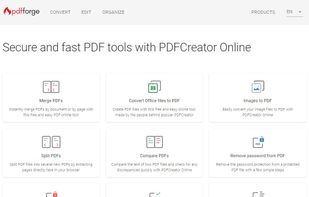
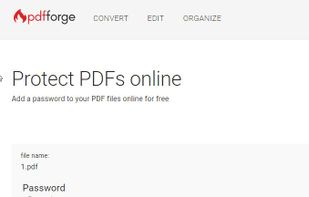
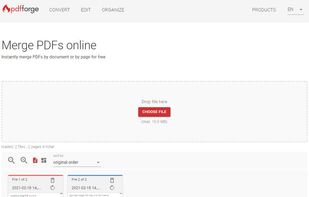
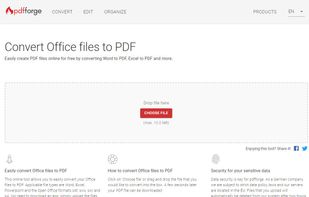


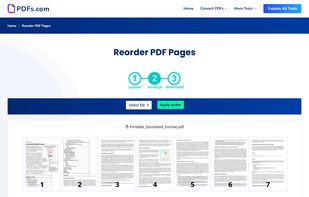
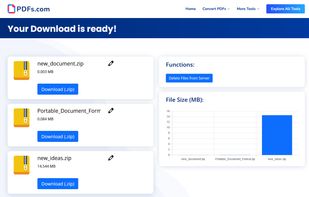
PDFs.com is a online platform to edit, convert and manage multiple PDF-Files at once. Each PDF tool available on pdfs.com can be used with different PDF files simultaneously. This is especially useful for users who need to edit many PDF files per day to save time.
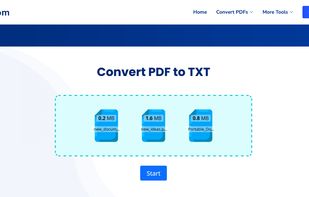


PrimoPDF is a handy and lightweight utility that converts just about any file type to a PDF by using the source program that created the file and its Print command. The conversion process is quick and efficient, bolstered by a clean, simple interface.
United States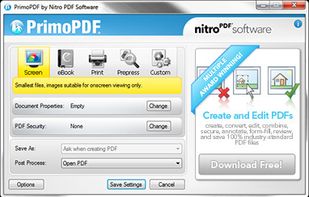


Convert PDF to Word (DOC) and Excel (XLS) accurately and easily while retaining text, formatting, images, page layout, tables, headers and footers, and more. Try the free trial.
United States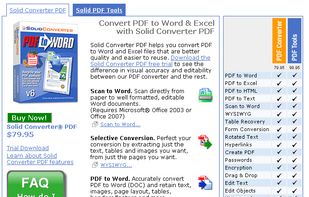


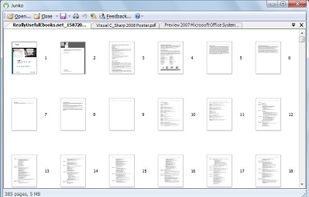
Junko is a PDF tool developed for quicker and more efficient access to information needed from your PDF files, reorganizing them in a way that makes them easier to manage and handle.