Platforms
- Mac
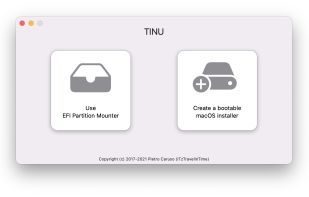



+3


N


NIMMI has been discontinued. Similar apps include Rufus, which is free and open source. Other options are Ventoy, balenaEtcher, UNetbootin and YUMI exFAT. You're spoiled for choice with Bootable USB Creators like NIMMI: we list more than 25 alternatives for Windows, Linux and Mac.

FlashBoot is a tool to create an installable clone of Windows 7/8.x/10 (including all your apps and data) on the USB thumbdrive/HDD and instantly transfer your entire OS to another computer, even with dissimilar hardware:
 Russia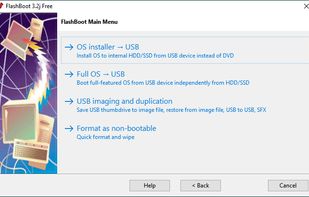
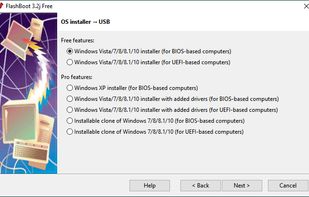
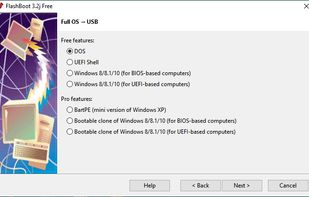
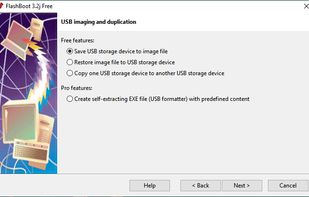


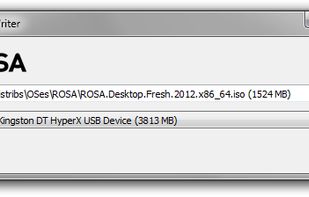
Optical drives are rapidly disappearing from our computers of all kinds, and consequently installing operating systems from USB flash disks is becoming increasingly popular. ISO images of the ROSA Linux distribution were originally intended for burning to DVD disks, but they can...


 United States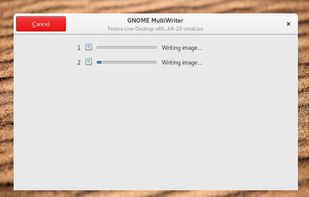


Piw is a software to create bootable media i.e USB disk. It is similar to UNetbootin or Rufus.
 Türkiye



USBWriter is tiny Windows tool that lets you write an image file directly to an USB drive. It requires no installation and depends on no bloated framework, it's just a little program that you may put on your desktop.
 Belgium
 EU
EU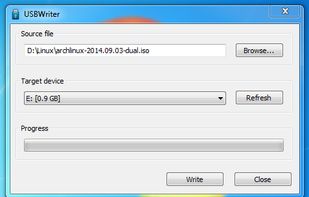


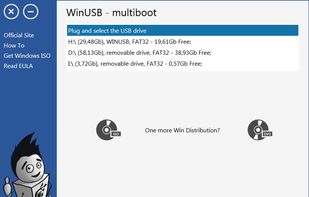
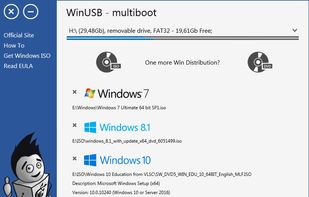
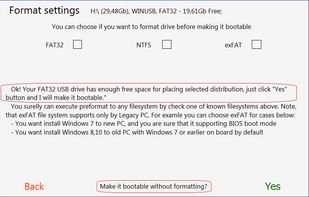
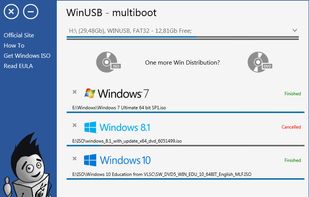
WinUSB - simple, portable and lightweight tool, lets you create multiple Windows bootable USB flash drive using ISOs or DVDs. Formatting drive is not required when free space is enough. Boot with NTFS flash drive in UEFI system supported for most PC.


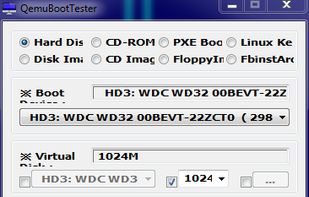
Utility QemuBootTester, at the base QEMU, from Ameda Buddha, with support for x86 / x64 UEFI mode. All possibilities, in general, are visible on the screen.


This is a small utility tool that will help you format and create bootable flash drives for Windows 7/8. It can be useful if you want to create installation media from bootable ISOs and if you want to install Windows7/8 on a system that doesn't have a CD-ROM device installed.


Automatically make a live bootable usb with ease with AutoBootDisk, a open-source program


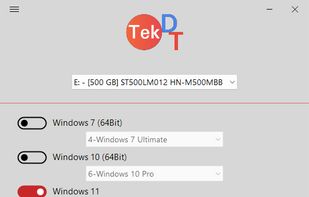
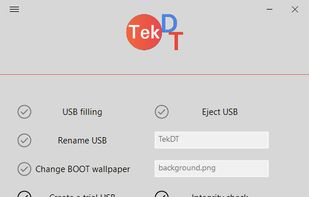
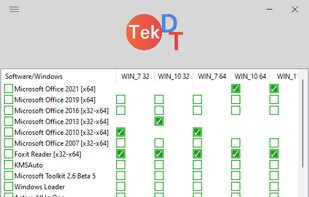
TekDT USB Creator is an automatic Windows installation USB/Hard drive creation free software. Help you install Windows for your computer as quickly, simply and as easily as possible.