


Netwrix Password Secure
Professional password management for businesses, managers, admins & employees.
Cost / License
- Paid
- Proprietary
Application type
 United States
Platforms
- Mac
- Windows
- Online
- Android
- iPhone
- iPad
- Google Chrome
- Mozilla Firefox
- Android Tablet
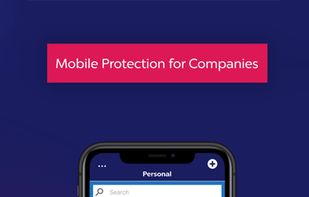

Features
- Dark Mode
- Password Sharing
- Ad-free
- Multiple Account support
Netwrix Password Secure News & Activities
Recent activities
- ErSpieltHD added Netwrix Password Secure
- POX updated Netwrix Password Secure
 ErSpieltHD added Netwrix Password Secure as alternative to KeePass, KeePassXC, Bitwarden and LastPass

Netwrix Password Secure information

What is Netwrix Password Secure?
The Password Manager App for the Entire Company
Netwrix Password Secure is the No. 1 solution to centrally manage and use all your passwords and secrets.
Enterprise Password Management is our focus: We provide your company with a high-quality and proven "Made in Germany" cybersecurity product where you retain data sovereignty. Our app can be used by both IT experts and power users such as head of the department, as well as normal end-users.
Security first
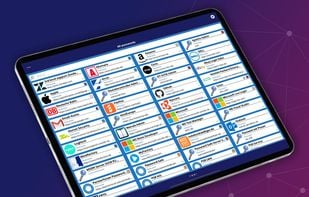
• Log in securely everywhere: Your passwords are wherever your Netwrix Password Secure app is! Once logged in with your user password, Touch ID, or Face ID, you can access your passwords from anywhere and use them to log in. • Don't waste time logging in – with auto-login, tags, and the quick search. • Create random passwords that are truly secure with the built-in password generator, and save new entries directly within the app. • Use your personal area for passwords that only you use, or use the team area to share passwords securely. • 14 (standard) forms included to store your credentials conveniently.

