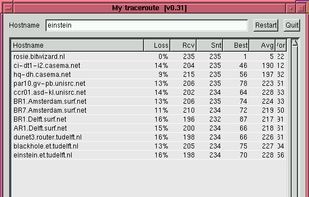
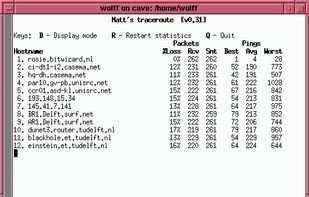
mtr combines the functionality of the 'traceroute' and 'ping' programs in a single network diagnostic tool.
Cost / License
- Free
- Open Source
Platforms
- Linux
 Netherlands
 EU
EU



Apps similar to NetCrunch Tools include Nmap, which is free and open source. Other options are Angry IP Scanner, Fing, Advanced IP Scanner and Zenmap. You're spoiled for choice with Network Monitors like NetCrunch Tools: we list more than 25 alternatives for Windows, Mac, Linux, Android and iPhone.
mtr combines the functionality of the 'traceroute' and 'ping' programs in a single network diagnostic tool.
NetherlandsEU
PingPlotter is a graphical traceroute and ping tool that visualizes network performance in a way that makes identifying the source of problems quicker and easier.
 United States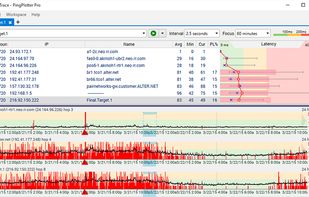


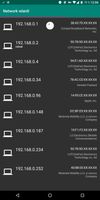
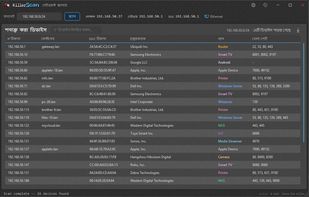
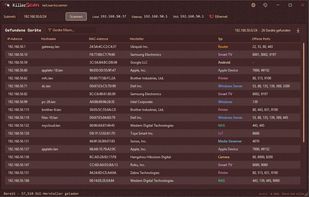
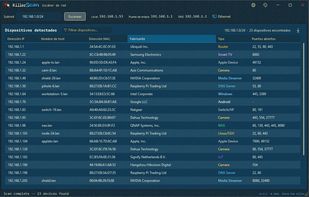
KillerScan sweeps a network and tells you what is on it: routers, printers, cameras, servers and workstations, not a list of IP addresses.
United States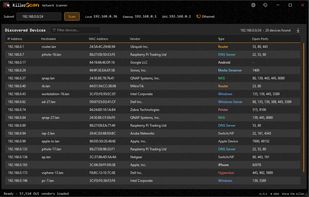


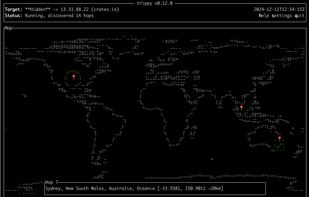
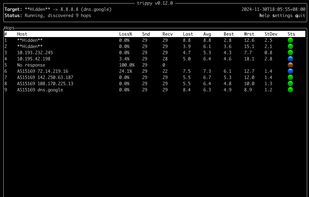
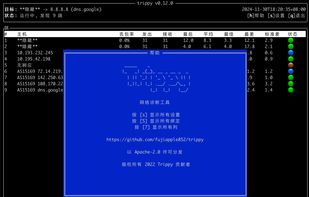
Trippy combines the functionality of traceroute and ping and is designed to assist with the analysis of networking issues.



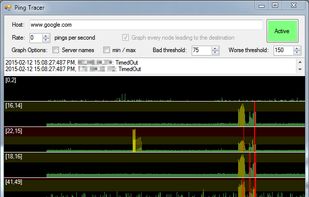
Ping Tracer continuously pings each network host between your computer and a given destination, helping visually identify the source of connectivity problems.


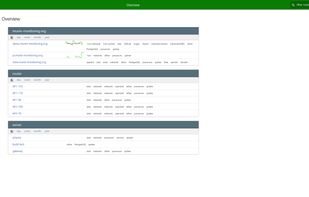
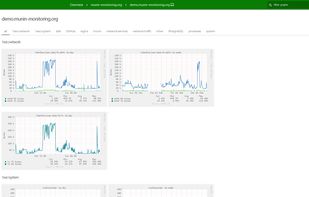
Munin is a networked resource monitoring tool that can help analyze resource trends and "what just happened to kill our performance?" problems. It is designed to be very plug and play. A default installation provides a lot of graphs with almost no work.


 Russia






Free Network Diagnostic Tool. WinMTR is an equivalent of mtr for Windows.
 RomaniaEU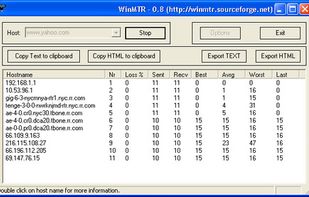


NetViews is a modern, macOS network scanning app inspired by the specialized needs of IT, Wi-Fi, and network professionals. It combines host discovery, Wi-Fi insights, real-time monitoring, and vendor/DNS insights with a clean, native interface - giving you the tools you need...
United States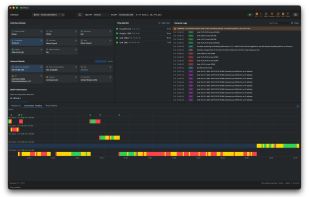
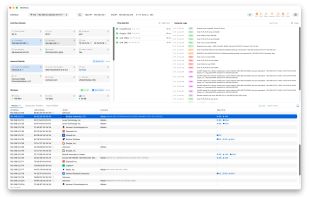


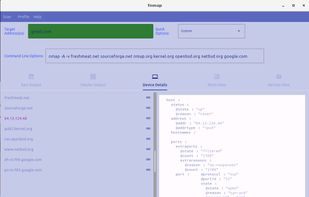
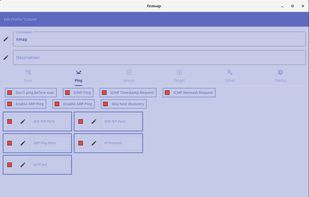
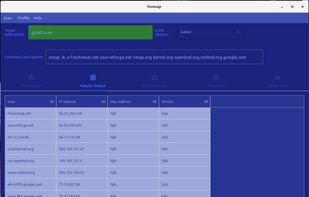
A front-end for the nmap command, similar and partially compatible with zenmap written in Dart+Flutter. Fnmap pretty prints XML output and provides tabular views of the data nmap collects. Fnmap can load XML scan files that are produced directly from the nmap CLI and can also...
United States