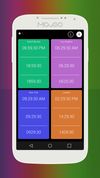
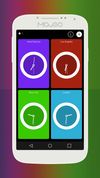
WorldClock shows you the time in different places over the world. Also included are the Swatch Internet Time, Julian Date and StarDate. You can also use it to synchronize the time with an atomic clock.


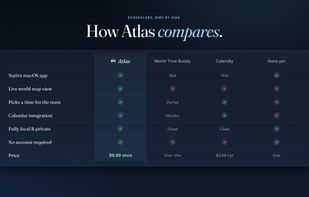
Apps similar to multiClock include MultiTimeInMenuBar, which is free and open source. Other options are Any World Clock, Second Clock, World Time Buddy and Clocker. There's no shortage of World Clocks like multiClock, with more than 25 alternatives for Mac, the web, iPhone, iPad and Windows.
WorldClock shows you the time in different places over the world. Also included are the Swatch Internet Time, Julian Date and StarDate. You can also use it to synchronize the time with an atomic clock.

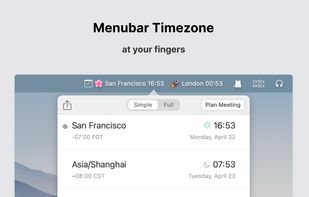
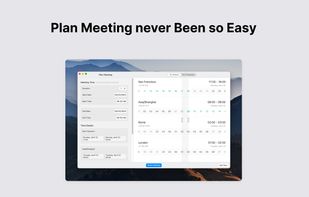
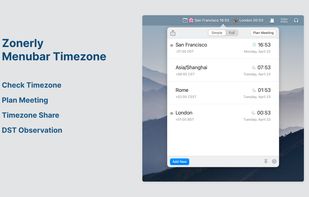


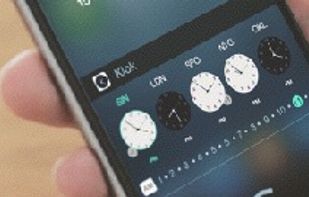
Klok is a time zone converter widget that sits in your Today view and helps you stay on time with people you care about in different time zones.
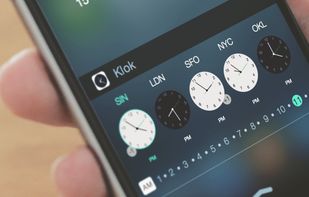
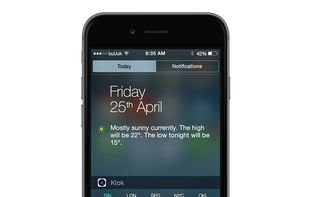


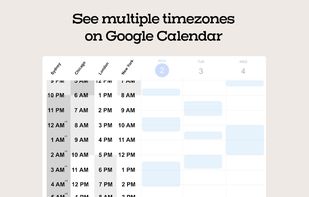
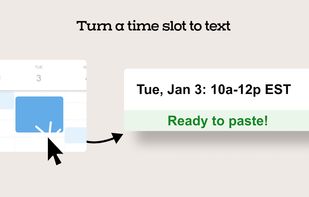
Sundial is a Chrome extension that allows you to see multiple timezones on Google Calendar.


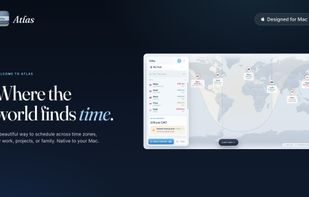
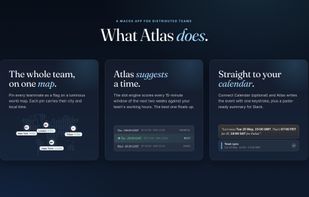
Where the world finds time. A beautiful way to schedule across time zones, for work, projects or family. Drag in the cities where your team, clients or family live and they appear on a luminous world map, each lit by its own daylight, so you can see exactly where everyone is in...



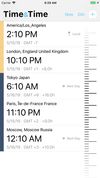
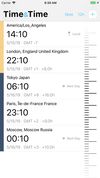

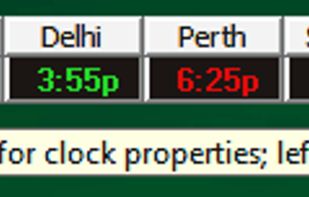
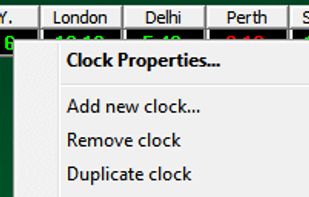

We think it's fairly likely you have at least a couple of contacts dotted around the globe and we know how difficult it can be keeping track of lots of different time zones.
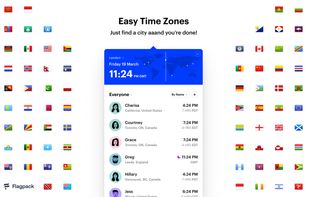
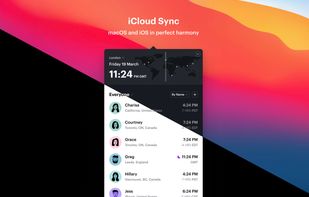
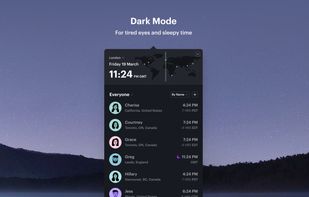
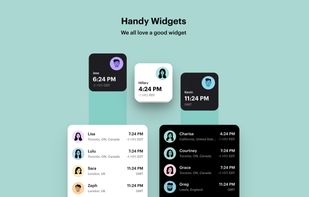


Customizable world clocks with built-in time zone reference guide, timezone news updates and global daylight/darkness map.
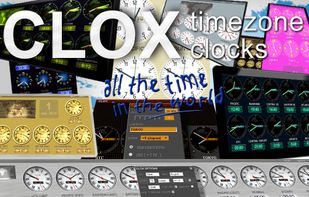

 Australia
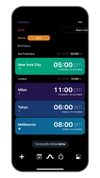
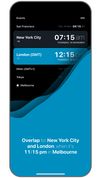
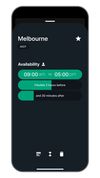

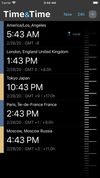
What is the Time is a beautifully designed, gesture-based, world clock. Use your finger to slide and watch the cities clock update magically.
 Malaysia
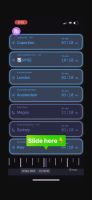
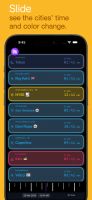
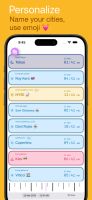


Time Buddy brings a colorful world clock. Setting and seeing the correct time for different time zones was never so easy.All you need to do is open the app tap to plus icon and enter location; that’s it.
 India