


mRemoteNXT
Like
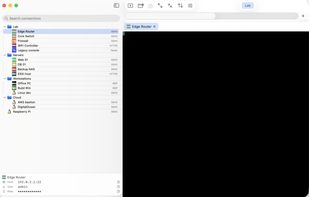
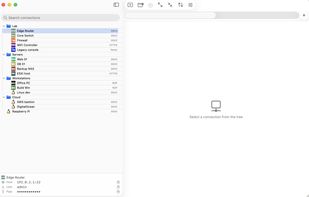
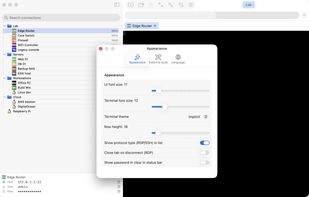
Native macOS multi-protocol remote connection client — SSH, RDP, Telnet, SFTP, HTTP/HTTPS in tabs. Imports mRemoteNG confCons.xml byte-for-byte. Built with Swift, FreeRDP and SwiftTerm.

Cost / License
- Free
- Open Source (GPL-2.0)
 EU
EUPlatforms
- Mac


Add Alternatives

0likes
0alternatives
0articles
Features
Highlights All activities
mRemoteNXT News & Activities
Recent activities
- cremenescu added mRemoteNXT
 cremenescu added mRemoteNXT as alternative to mRemoteNG, Royal TSX, Tabby and MobaXterm

Developed by
 cremenescu
 Licensing
Open Source (GPL-2.0) and Free product.Written in
Alternatives
0 alternatives listedBadge
Get an embeddable badge for mRemoteNXTSupported Languages

AlternativeTo Category
Network & AdminGitHub repository
- 2 Stars
- 0 Forks
- 0 Open Issues
- Updated
No comments or reviews, maybe you want to be first?