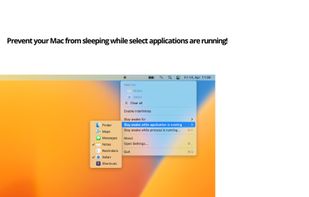
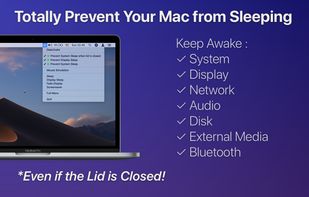
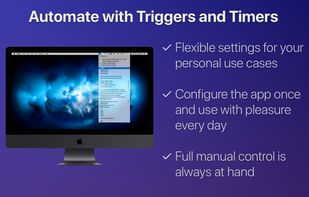
"Don't Go to Sleep Please" prevents sleep mode on the Mac until applications or processes are done.
Cost / License
- Paid
- Proprietary
Application type
Platforms
- Mac
 Germany
 EU
EU




+3
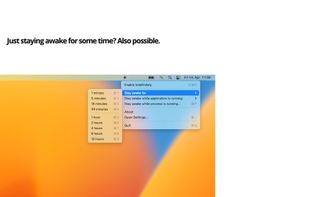


Apps similar to Mouse Shaker include goguma app, which is free and open source. Other options are Amphetamine, Green Dotter, Caffeine for Linux and caffeinate & disablesleep. There's no shortage of Prevent Sleep Mode Apps like Mouse Shaker, with more than 25 alternatives for Mac, Windows, Linux, the web and iPhone.
"Don't Go to Sleep Please" prevents sleep mode on the Mac until applications or processes are done.
GermanyEU
 Norway
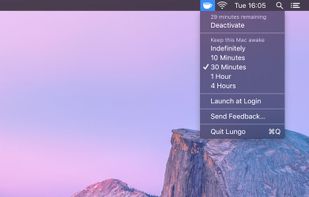


Annoyed by the display getting dim when you're reading or watching something? What if the computer could “see and hear” you?
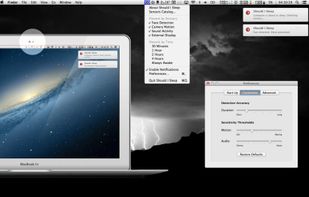
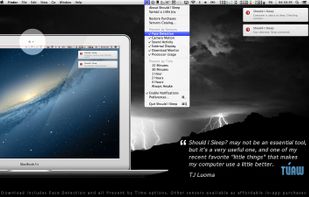
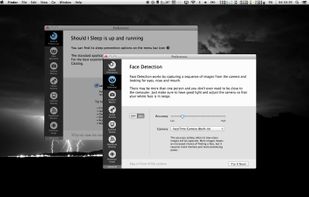
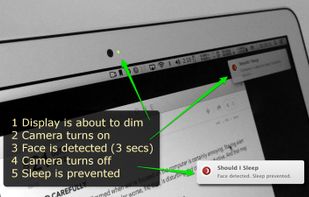


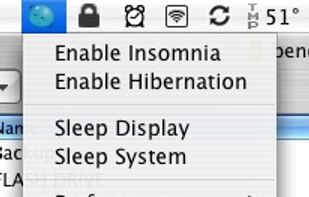
It always has been a missing feature: disabling the sleep mode on a Apple Laptop. Who does not want to use it as a big juke-box or go warwalking. The best looking server ever, especially at about one inch height.


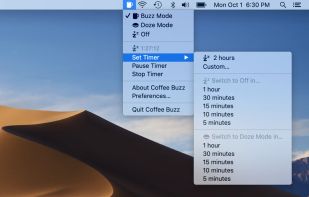
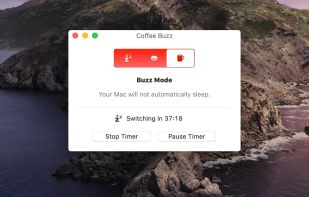
Coffee Buzz is the easiest and safest display-sleep preventer available, with simple operation and exclusive Safety Auto-Shutoff feature. Keeping your Mac awake (and letting it sleep again) is as simple as a click!.


A small GNOME utility application to send Wake On LAN (WoL) magic packets to devices in a network.
GermanyEU


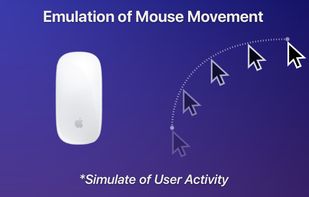
Auto Mouse Mover Software Utility allows you to move the mouse automatically which prevents your computer from logging off.
 India
India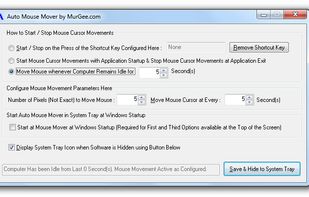


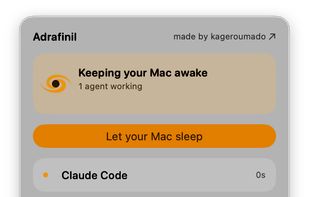
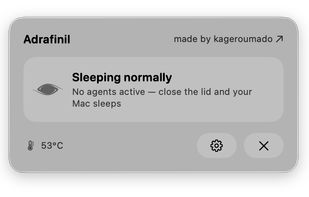


NoSleep makes closing of your MacBook lid possible without going to a sleep mode. Now you shouldn't have to plug your mouse and monitor to stay computer awake - just activate it by clicking a menu bar icon or check a tick in the System Preferences and continue downloading...
 Russia

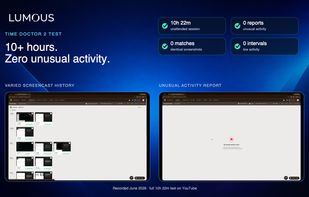
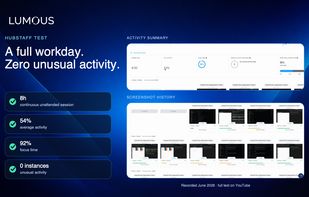
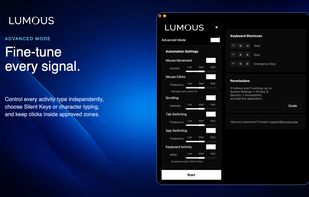
Lumous keeps a Windows or macOS desktop naturally active while you're away from the keyboard, coordinating mouse movement, smart clicking, scrolling, keyboard activity, browser tabs, and open apps in changing, work-like patterns — not the single-signal approach of a basic...
 Canada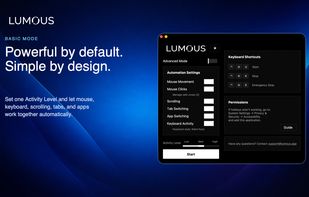



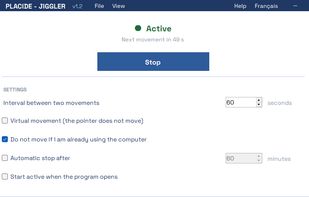
JIGGLER prevents Windows from going to sleep, locking the session or switching your status to "Away" during presentations, long file transfers, builds or remote sessions.
 Switzerland