Cost / License
- Paid
- Proprietary
Platforms
- Mac
- iPhone
- iPad
 Portugal
 EU
EU



+9
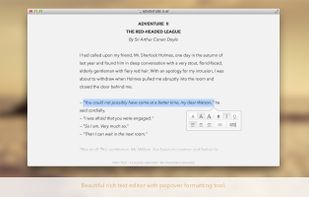


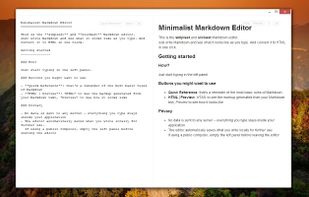
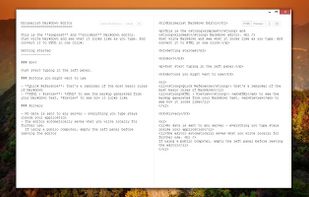
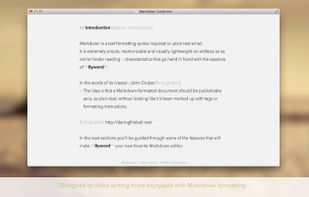
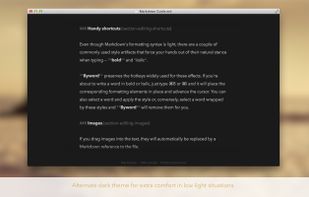
Sites and apps similar to Modern Markdown Editor include Zettlr, which is free and open source. Other options are Typora, Trilium Notes, ghostwriter and Marknote. Text Editors like Modern Markdown Editor are a crowded field, with more than 50 alternatives for Mac, Windows, Linux, self-hosting and Chrome OS.
PortugalEU
A markdown-based notes app for macOS, with simplicity and moderation.
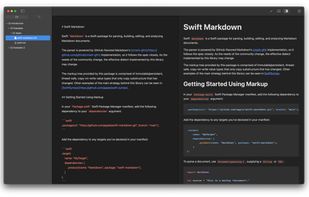


Safe Notes is a security project aimed at providing an encrypted, private note manager that works locally and protects notes from various threat actors.
 India
India
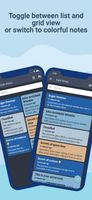



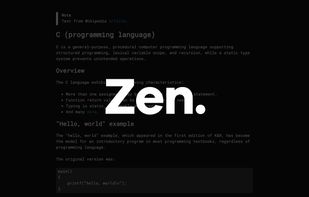
Zen by Unit is a free, minimal, fast, private writing app. Just open and use.


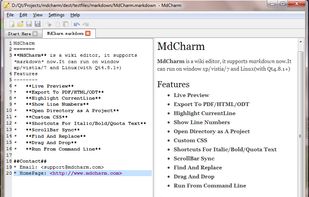
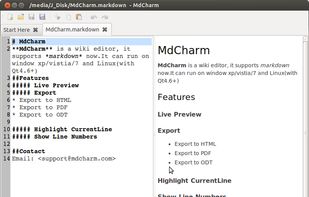
MdCharm is a wiki editor written in Qt which supports markdown. It has features like live preview, pdf/html/odt exporting, opening directory as project, custom css, code syntax highlighting and much more.


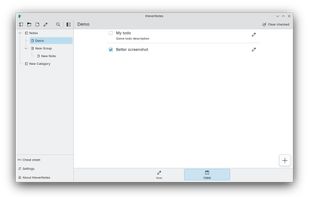
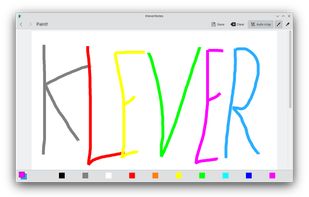
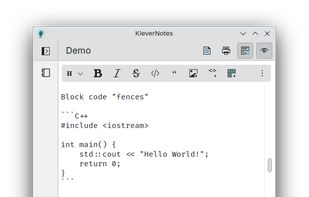
KleverNotes is a note-taking and management application for your mobile and desktop devices. It uses Markdown and allows you to preview your content.
 GermanyEU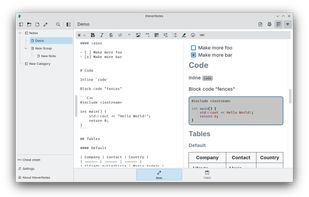


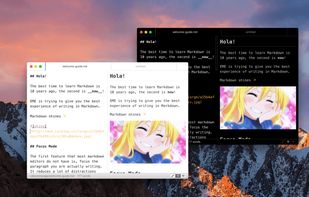
Elegant Markdown Editor (EME) is an intuitive Markdown text editor with distraction-free mode, auto-sync for GitHub Gist, math typesetting support and more.


Writeopia is a modern text editor that integrates AI while prioritizing offline functionality and user privacy. Unlike cloud-based AI assistants, Writeopia allows you to choose your own AI model and interact with it locally, ensuring that your data stays on your device.
 Brazil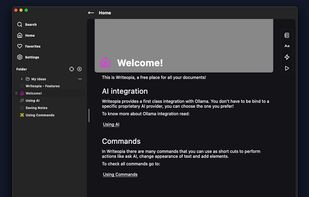


LightPaper lets you write your documents/articles/blogs using powerful features such as markdown, folder navigator, real and live preview, shadow notes, multi-tabs, custom styles, distraction free mode, syntax highlighting, math rendering, full GFM support including GitHub...
 United States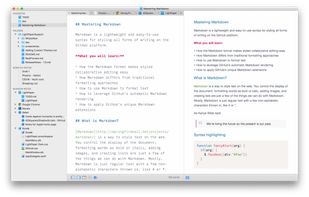


A modern macOS markdown editor - themeable, tabs, sidebar, GitHub flavored markdown, exporting, latex and more.
 Australia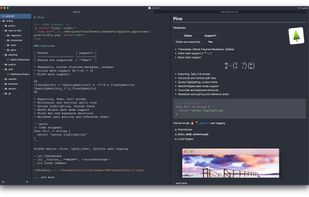
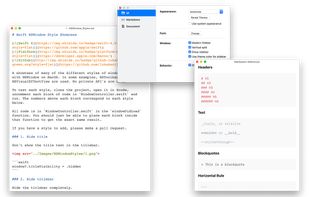


Glow is a terminal based markdown reader designed from the ground up to bring out the beauty—and power—of the CLI.


This is the simplest and slickest Markdown editor. Just write Markdown and see what it looks like as you type.