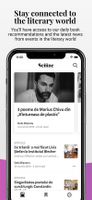
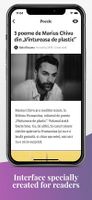
StoreShots helps you create iPhone, iPad & Android App Store Screenshots with Device Frame and Caption in minutes.





Apps similar to MockupGen AI include Shots, which has a free version. Other options are Better Shot, CleanSnap, Hano and Placeit. You're spoiled for choice with Mockup Generators like MockupGen AI: we list more than 50 alternatives for the web, Mac, iPhone, Windows and Android.
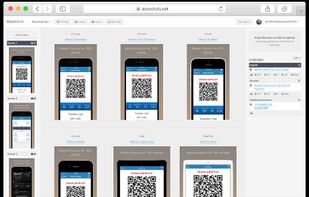
StoreShots helps you create iPhone, iPad & Android App Store Screenshots with Device Frame and Caption in minutes.

PicApp was created by the awesome team from AppDemoStore.com to help you show your app to the world.


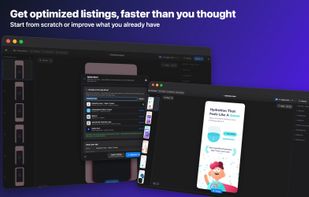
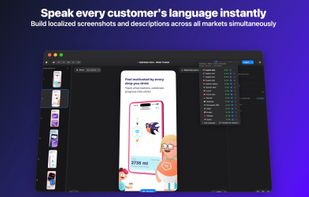
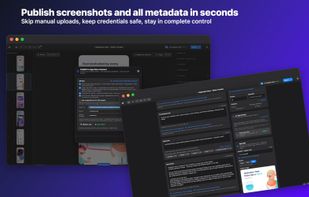
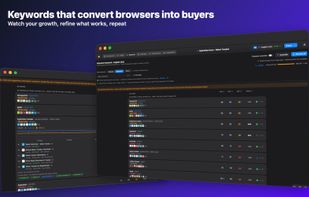
Mac app for App Store optimization that creates device-framed screenshots with captions, backgrounds and brand styling, researches storefront keyword popularity, difficulty and opportunity, drafts and localizes listing metadata, checks keyword coverage, and exports exact sizes privately on-device.
 Australia


 Japan
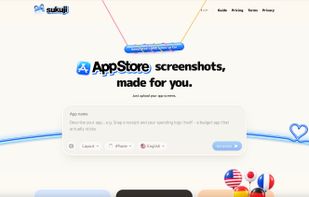
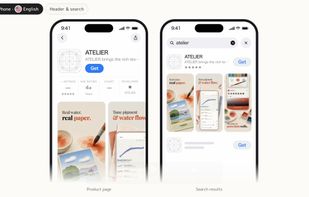
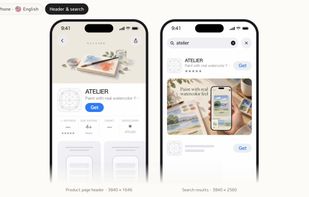


Dynamic Mockups helps you create realistic mockups on autopilot?via bulk mockup generator API and integrations.
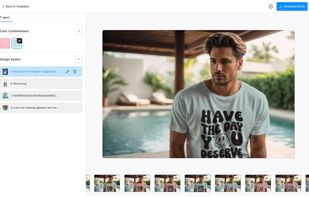
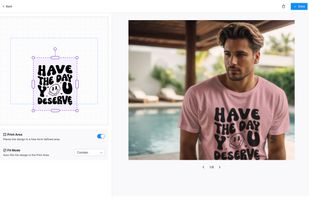


Picyard is a simple and intuitive web app that allows users to make beautiful images. With its user-friendly interface and powerful features, Picyard is the perfect tool for anyone looking to beautify their images for web use.
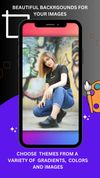
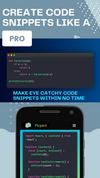
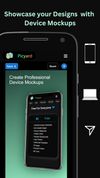


DropMock : Online Mockup Scene Editor : Easy to use, cloud-based; Mockup Scene design suite for videos and images. Affordable and packed full of features.


Made by AppBuild by AppInstitute , the App Screenshot Maker is an easy-to-use web app for creating screenshots for use on app stores and for app marketing.
 United Kingdom
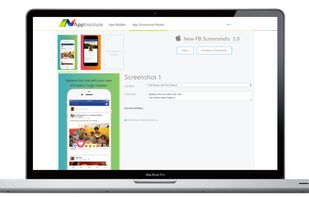
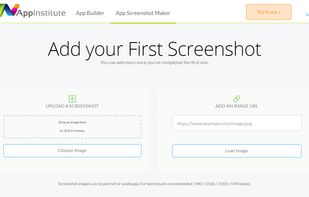


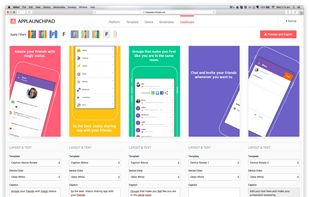
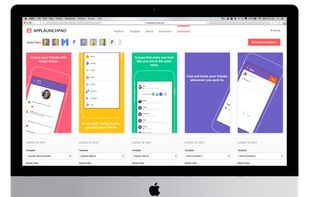
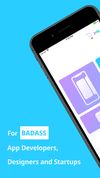
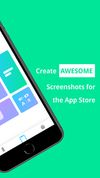
Create beautiful & trendy screenshots for App Store & Google Play pages (for Free). Simple to use & no design skills required.
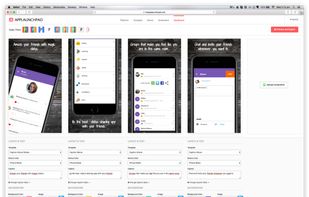
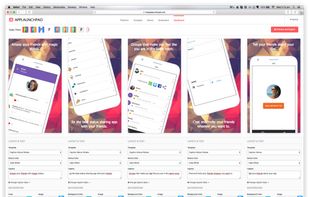


Screenshot Creation | App Icon | Metadata | App Store Preview | Translation | Publishing | Resources & more
 United States
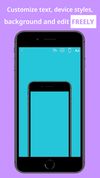


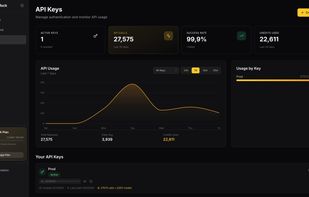
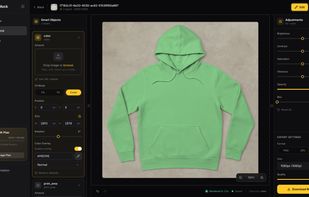
REST API for PSD mockup rendering. Sub-second response times at $0.002 per render. Built for e-commerce and print-on-demand automation.
United States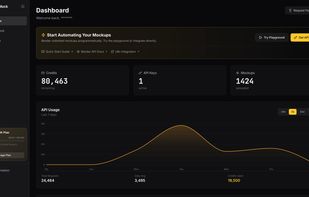


Create compelling screenshots for your mobile app through an intuitive mockup builder with gorgeous templates. Simply pick an app platform (App Store or Google Play), import your screenshot and configure the captions and other template options as you like.