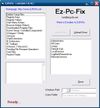
Clean your Operating System from all the garbage wasting space that slows the performance of your Computer, It removes traces that others cleaning software ignore. Download it now, it's free.
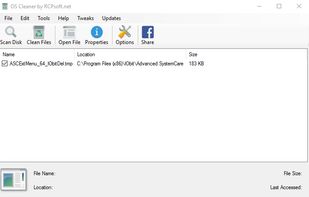


Mobi Cleaner has been discontinued. Similar apps include BleachBit, which is free and open source. Other options are CCleaner, Glary Utilities, SD Maid SE and Eraser. You're spoiled for choice with System Cleaners like Mobi Cleaner: we list more than 100 alternatives for Windows, Android, Mac, Linux and iPhone.
Clean your Operating System from all the garbage wasting space that slows the performance of your Computer, It removes traces that others cleaning software ignore. Download it now, it's free.

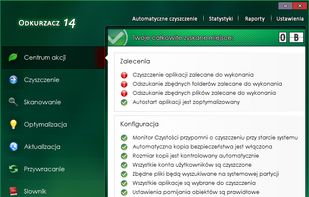
Odkurzacz (in english vacuum cleaner) is an application to maintain order in Windows. Lets get rid of unnecessary littering of objects on disk. Daily applications of which are created using dozens of garbage.
 Poland
 EU


Notification Area Cleaner allows you to remove obsolete notification area icons in Windows 7 (i.e. icons for programs that are no longer installed) which appear in the list icons for which you can change the notification area behavior.


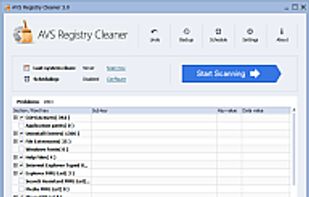
Scan, clean and fix your PC Windows registry. Remove obsolete, harmful or unused items, create system backup. Make your PC operate safe and fast.


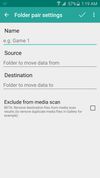
Speed Booster & Memory Cleaner saves you from those issues. Optimize your Android device’s CPU and battery life, clean cache and RAM memory with a single tap!









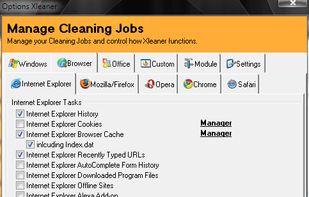
Xleaner is a free privacy and clean-up utility that allows you to get rid of junk files with ease. With Xleaner you can eliminate all these tracks that result from browsing the web on your computer, such as internet history, cookies, cache, autocomplete memory etc.




Magic Swipe is an utility app to make your device more useful. Features include a booster to speed up operations, a useful clipboard, and a high-speed screen capture function. Magic Swipe makes devices more useful by maintaining their most efficient state.




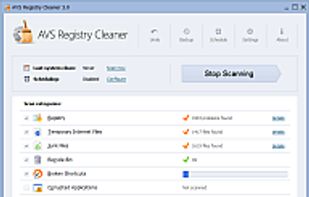
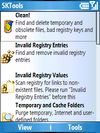
Useful tools and utilities: Lite version includes this SKTools options: Clean! Invalid registry entries, Invalid registry values, Temporary and Cache folders, Temporary and Junk Files, Bad Shortcuts, Benchmark, System Information, Registry Search, Notification Queue, Delete PIM i.


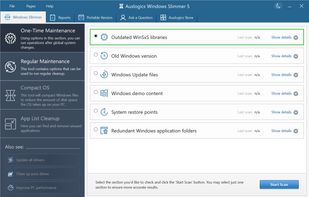
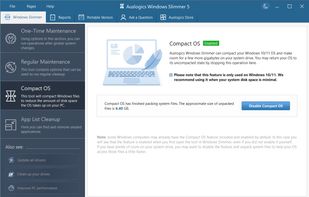
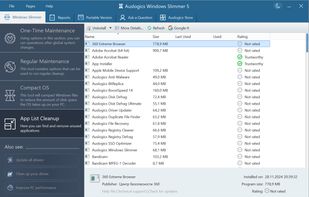
Optimizes Windows settings, removes unused apps, reduces OS footprint, and blocks data transmissions to free space and enhance performance with easy maintenance modes for improved privacy.
 Australia



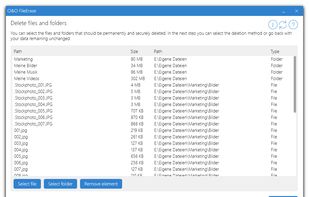
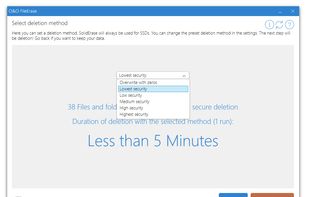
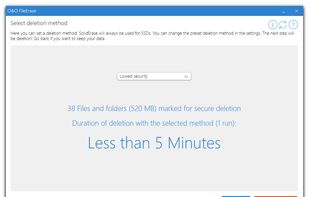
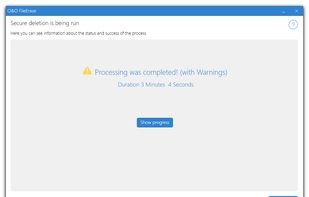
Over time, many very private or business-critical files accumulate on a computer. What happens to these files when you no longer need them? Moving to the Recycle Bin is far from enough to really protect your privacy.
 GermanyEU

If you're the one that your friends and family members turn to for PC repair and virus/ spyware removal then you need to have EzPcFix in your toolkit and learn how to use it.