WinFlip emulates Windows Vistas "Flip 3D" effect for Windows XP. Using the hotkey of your choice, you can find the window youre looking for in a fast, clean 3D interface.
Cost / License
- Free
- Proprietary
Platforms
- Windows
 Japan
Japan


Apps similar to Mission Control include KWin, which is free and open source. Other options are Contexts, Witch, SMBAct and Nimi Visuals. You can choose from more than 10 Window Managers like Mission Control for Mac, Windows and Linux.
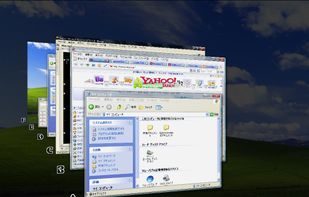
WinFlip emulates Windows Vistas "Flip 3D" effect for Windows XP. Using the hotkey of your choice, you can find the window youre looking for in a fast, clean 3D interface.
Japan
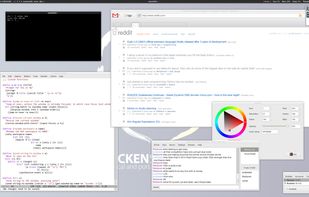
Sawfish is an extensible window manager using a Lisp-based scripting language. Its policy is very minimal compared to most window managers. Its aim is simply to manage windows in the most flexible and attractive manner possible.


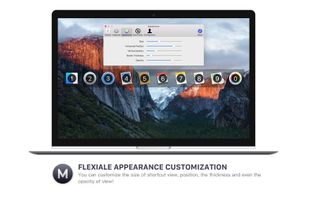
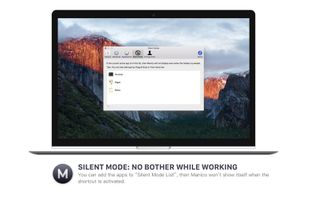
Manico is a fast application switcher for Mac that lets you access apps by simply holding the Option key and pressing the target number.
 China
China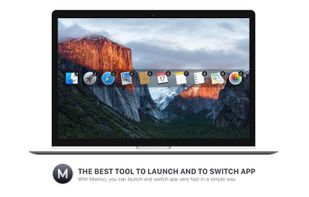

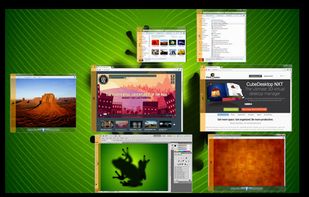
The ultimate desktop organizer. DeskPose NXT helps you to find your applications fast, organize your desktop and become more productive.
 Spain
Spain EU
EU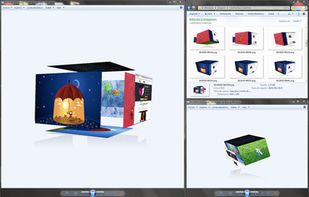

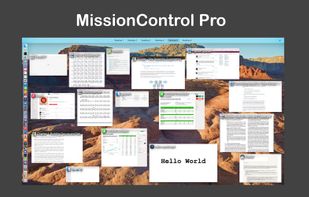
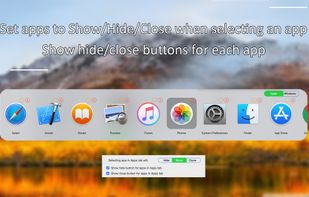
MissionControl Pro enhances your mission control experience by adding application icons, titles, and more, allowing you to quickly locate your desired application at a glance.


SuperSwitcher is a (more feature-ful) replacement for the Alt-Tab window switching behavior and Ctrl-Alt-Left/Right/Up/Down workspace switching behavior that is currently provided by Metacity.


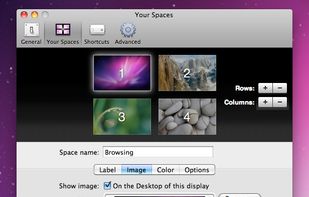
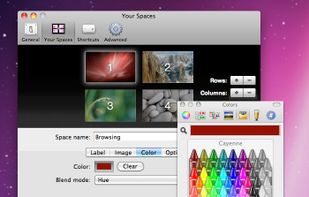
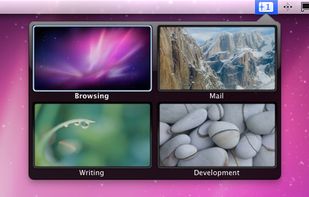
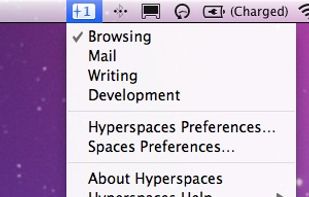
Hyperspaces works with Apple’s Apple Spaces to let you customize each Space so that it’s recognizably different from the others. It does this through a set of great visual decorations.


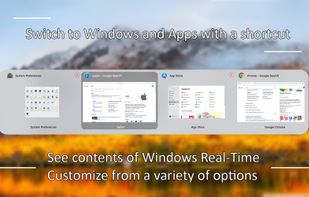
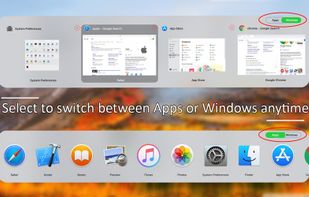
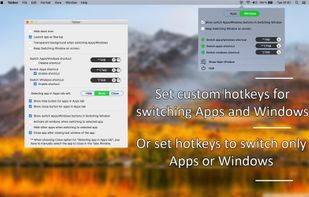
Activate wanted windows and apps with Tabber Window Switcher which is a Command+Tab alternative to switch windows. See contents of windows Real-Time when switching windows. Switch Apps and Windows with a shortcut or set a custom shortcut to switch windows or to switch apps.


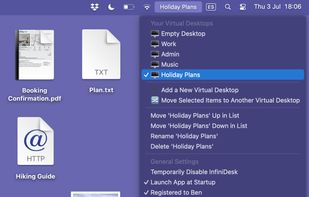
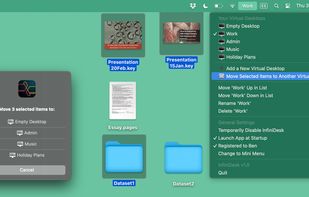
Use InfiniDesk to choose which files appear on your Mac desktop. Create dedicated desktop views for each project or workflow — and switch between them instantly with a click. InfiniDesk is perfect for keeping your workspace focused and clutter-free.
SpainEU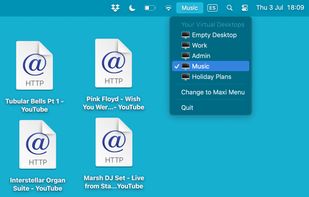


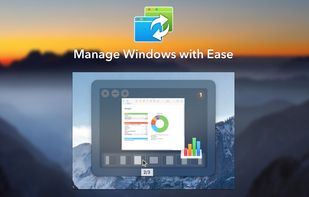
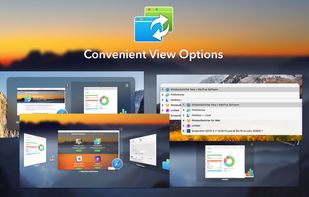
When Mac several applications are running, with many windows open, it is difficult to manage the chaos and to work productively. Manually switching between windows and placing them on the screen wastes a lot of time.
 Ukraine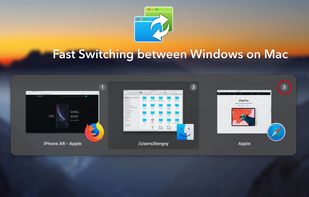


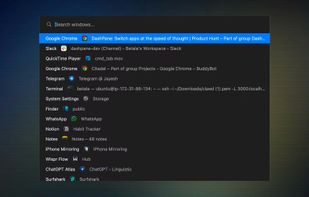
DashPane is a lightning-fast app switcher for macOS. Press a shortcut, type a few letters, and instantly jump to any app.


Robata is a macOS app to quickly see all of your desktop windows, find the one you want, and switch to it.