A free and portable process database on your Windows computer that helps you find portable applications run from anywhere.
Cost / License
- Free
- Open Source
Application type
Platforms
- Windows


Apps similar to Mission Center include CPU-Z, which is free. Other options are Process Explorer, HWiNFO (32/64), htop and Speccy. You're spoiled for choice with System Information Utilities like Mission Center: we list more than 100 alternatives for Windows, Linux, Mac, Android and iPad.
A free and portable process database on your Windows computer that helps you find portable applications run from anywhere.

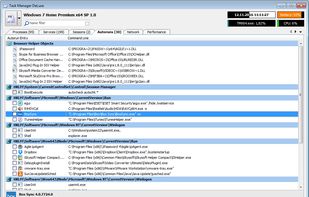
Task Manager DeLuxe (TMX) is based on MiTeC System Information Component Suite and offers powerful features available in standard Windows Task Manager in lightweight portable package with many more enhancements.
 Czechia
 EU
EU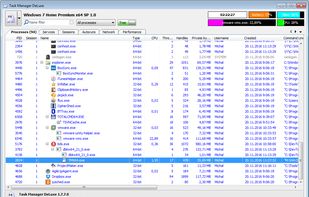
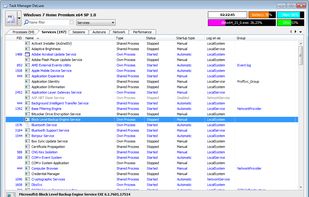
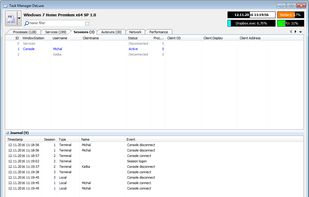


ESET SysInspector is a free, state of the art diagnostic tool for Windows systems. It is also an integral part of ESET Smart Security 4 and ESET NOD32 Antivirus 4. It peers into your operating system and captures details such as running processes, registry content, startup items...
 SlovakiaEU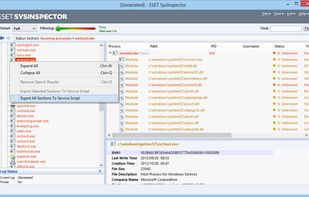

 SlovakiaEU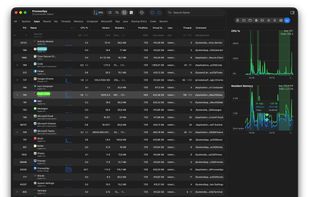


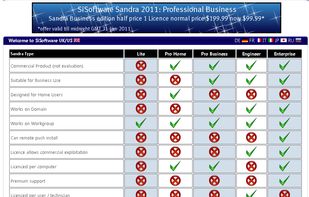
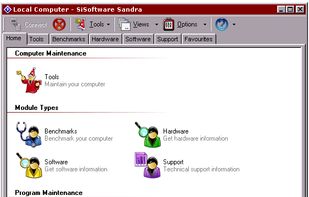
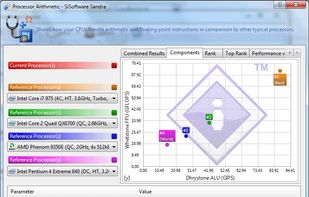
SANDRA is a system analyser that includes benchmarking and testing modules. Its scope of work is not restricted to the local system, though. It can analyze remote systems on a Windows domain.
 United Kingdom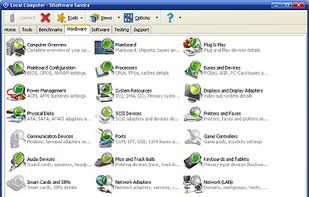


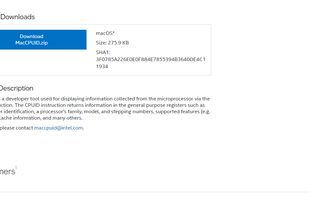
MacCPUID is a developer tool used for displaying information collected from the microprocessor via the CPUID instruction. The CPUID instruction returns information in the general purpose registers such as manufacturer identification, a processor's family, model, and stepping...
 United States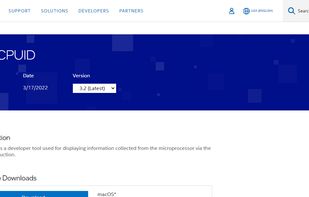


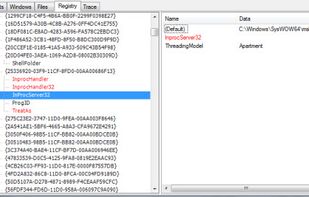
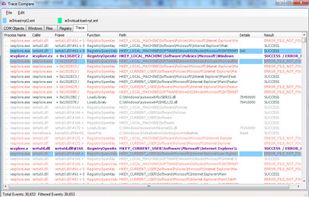
SpyStudio is the best product to trace user-mode API calls on Windows. SpyStudio is an Application tracer which shows and interprets calls, displaying the results in a structured way which is easy for any IT professional to understand.
 Argentina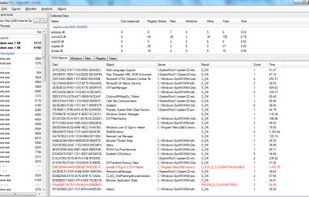


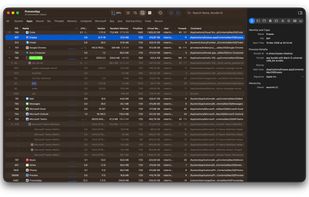
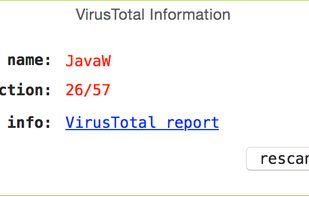
Explore all the tasks (processes) running on your Mac with TaskExplorer. Quickly see a task's signature status, loaded dylibs, open files, network connection, and much more!.
United States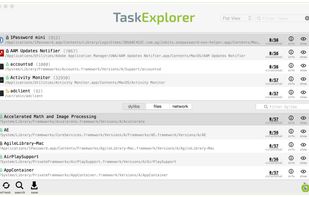



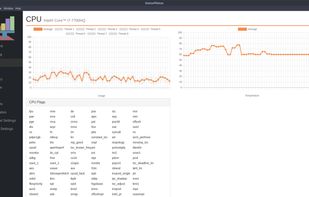
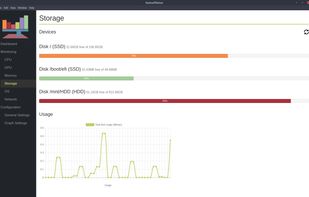



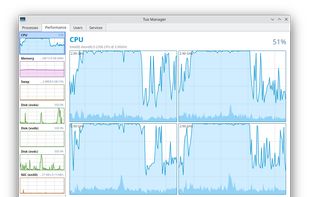
A Linux Task Manager alternative built with Qt6, inspired by the Windows Task Manager but designed to go further - providing deep visibility into system processes, performance metrics, users, and services.
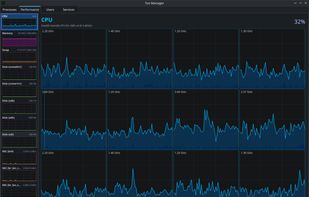
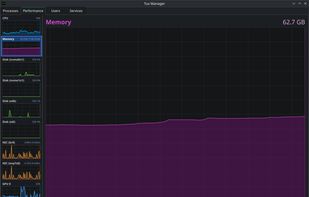
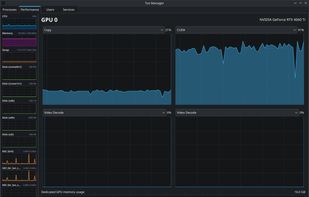


EF System Monitor gives you a well-rounded tool that can be used to retrieve a permanent record of information on all your network computers; these records include; memory space, hard disk usage, date, time, and username.
 GermanyEU


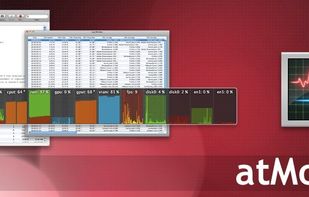
Mac OS X System Monitor and Process Explorer Tool atMonitor is the most advanced monitoring tool for Mac OS X that displays system activity in real-time. It is designed to allow quick assessment of computers state and it is powerful enough to make it a core utility in anyones sys.
United States