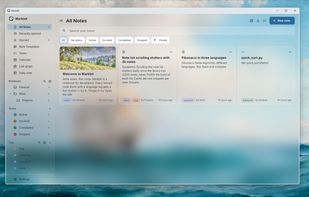
Markbit is a free and open source notebook for developers that combines Markdown notes with code you can run.
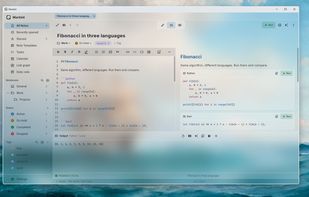
Write notes in Markdown with live preview, math, Mermaid diagrams, tables and charts. Every fenced code block gets a Run button: Python, JavaScript, TypeScript, Go, Rust, C, C++, Java, C#, Ruby, PHP and more run with the compilers already installed on your computer, and SQL runs locally with a bundled SQLite engine.
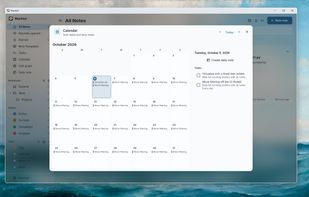
Markbit also includes tasks with due dates, priorities and repeating reminders, a calendar, notebooks and nested tags, wiki links with a link graph, version history, password-locked notes, backups, and import from Obsidian, Notion, Evernote and Joplin. Notes can be exported as Markdown, HTML, Word or PDF.
An optional AI assistant works with any OpenAI-compatible provider, including local models through Ollama or LM Studio, and only writes changes to a note after you approve them.
Your notes stay on your device as plain files: no account, no ads and no telemetry.










No comments or reviews, maybe you want to be first?