


This tool lets you simulate keyboard input and mouse activity, move and resize windows, etc. It does this using X11's XTEST extension and other Xlib functions.
Cost / License
- Free
- Open Source
Platforms
- Linux
- X11


Apps similar to Lord of User Interface include AutoHotkey, which is free and open source. Other options are AutoIt, Karabiner Elements, Pulover’s Macro Creator and Actiona. There's no shortage of Task Automation Apps like Lord of User Interface, with more than 50 alternatives for Windows, Mac, Linux, iPhone and iPad.
This tool lets you simulate keyboard input and mouse activity, move and resize windows, etc. It does this using X11's XTEST extension and other Xlib functions.

Macro Recorder is not only a mouse recorder, keyboard recorder and player. It is also a very powerful automation software and EXE-compiler.
 United States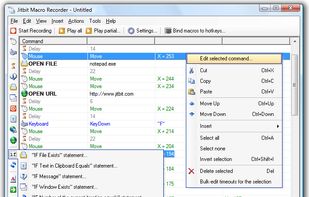


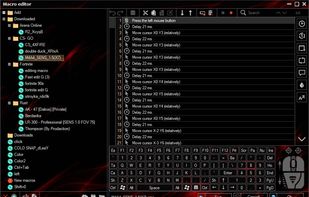
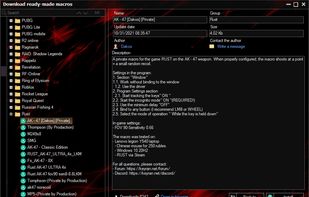
The cutting-edge program for creating and using macros on any mouse and keyboard setup. Whether its suppressing recoil in combat or automating MMO tasks, Keyran has something for everybody. Over 5000 free macros for everyone to use.
 Russia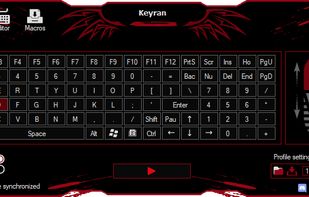


Increase your efficiency by automating your keyboard with TyperTask! This tool simulates keyboard typing, and can be used to instantly type common phrases. Use it to automate chat conversations, website logins, programming code blocks, HTML tags, or anything else you can imagine.
United States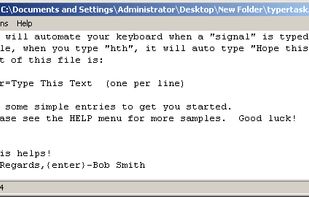


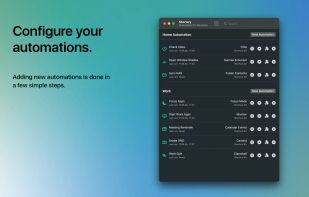
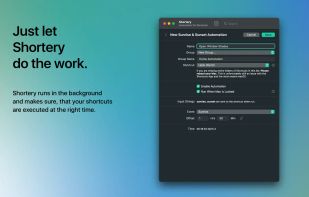
Automates macOS Shortcuts with seven configurable triggers, including application launch or quit, system wake or sleep, scheduled times, login and logout, custom hotkeys, appearance mode changes, and power events, supporting complex automation for daily workflows.
 Germany
 EU
EU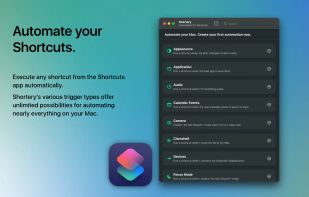


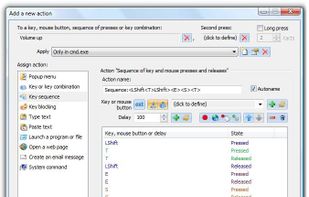
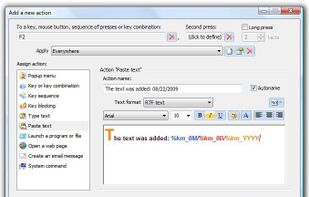
Key Manager reveals the full potential of your keyboard and mouse and allows you to save time and efforts while working with your computer. Thanks to its flexible interface, you can now create various actions and execute them by pressing keys, mouse buttons and combinations of...
Russia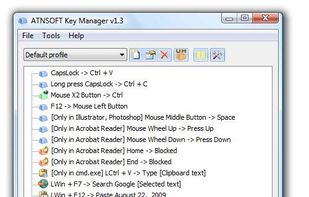



Use an additional modifier key for all your keyboard shortcuts with this straightforward app. Utilize an unused key by converting the caps lock or any modifier key to the hyper key, which combines all four modifiers. The hyper key can be used in any app with keyboard shortcuts.
United States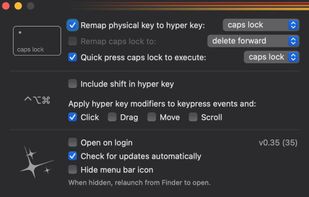


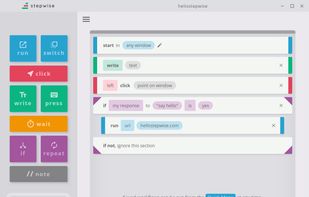
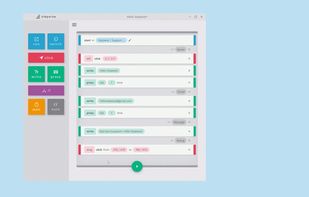
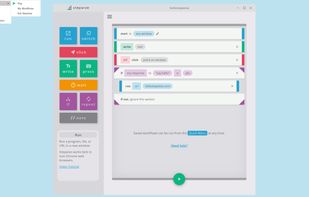
Stepwise is an automation tool for Windows. It's easy to learn, safe to use, and there's no coding required.


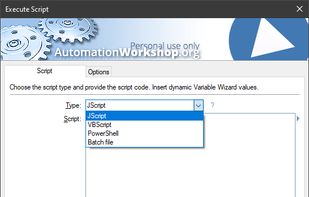
Automation Workshop is software for automation of complex and recurring processes that would otherwise take a lot of intensive and repetitive user work time. Create automated tasks easier than ever before. Automation Workshop requires no scripting, programming or coding skills.
 LatviaEU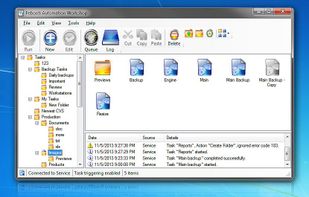




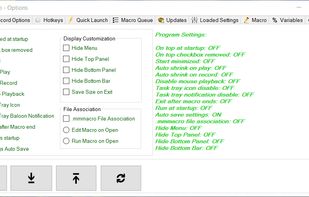
A free light weight mouse macro that records mouse movements, clicks and keyboard entries. Mini Mouse Macro is totally free, no adds, no banners, no trial, free.
 Australia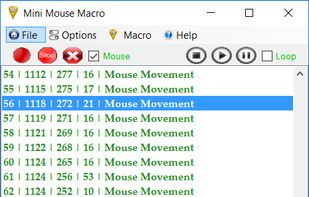


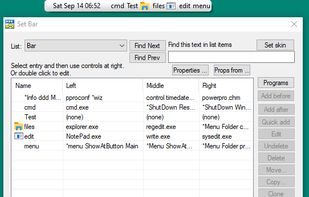
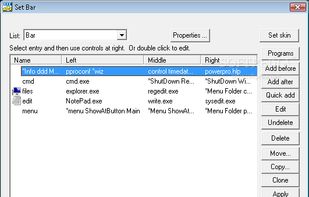
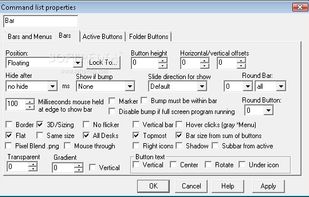
PowerPro lets you take control of how you use Windows 95/98/NT/2000/XP. Run commands and configure your system any way you want.



Enable Copy-on-Select and paste with middle mouse button like in Linux
X11 is better for fingers. Copy with mouse. Paste with mouse. Focus without clicks. Raise and lower windows. So called X-Mouse. One and only... True X-Mouse Gizmo.
Have you ever paid attention to striking di.


