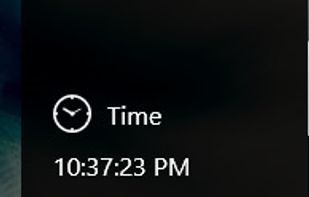
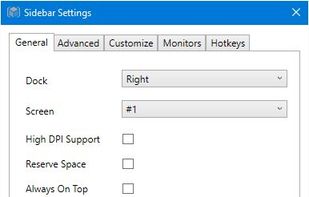
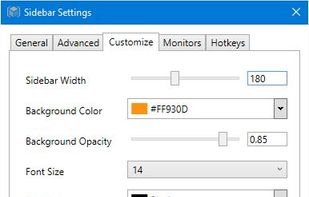
Offers at-a-glance hardware monitoring for CPU, RAM, GPU, network, and drives through a customizable sidebar with alerts, hotkey support, multi-DPI compatibility, an integrated clock, themes, and clear graphical statistics on the Windows desktop.


The best Desktop Customization alternative to iStat Menus is Sidebar Diagnostics, which is both free and Open Source. If that doesn't suit you, our users have ranked more than 50 alternatives to iStat Menus and three of them are Desktop Customization Tools so hopefully you can find a suitable replacement. Other interesting Desktop Customization Tool alternatives to iStat Menus are XMeters and Nerdtool.
Offers at-a-glance hardware monitoring for CPU, RAM, GPU, network, and drives through a customizable sidebar with alerts, hotkey support, multi-DPI compatibility, an integrated clock, themes, and clear graphical statistics on the Windows desktop.


Visualizes CPU, RAM, disk, and network statistics in the Windows taskbar with a lightweight, battery-friendly design. Offers customizable appearance, quick refresh rates, and continuous monitoring for always-visible resource usage insights on desktop or laptop devices.


Nerdtool allows you to display many things directly on top of your desktop; weather reports, headline news, and system vitals are just a few uses.


It is overly complicated and displays too much info that cannot be customised. Info also as text % and not as graphic elements like iStat. Makes it hard to use at a glance.