Cost / License
- Pay once
- Open Source (MIT)
Application typeApplication types
Since
- Since 2022
GitHub
- GitHub stars: 3.3k
 Italy
 EU




+6
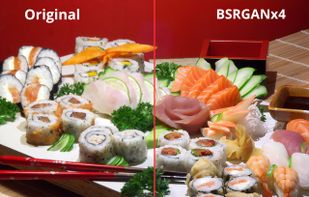


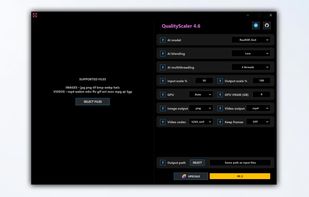
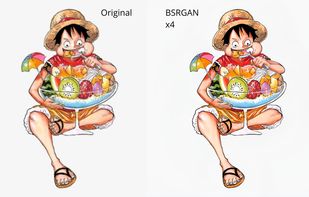
iResize has been discontinued. Similar apps include Upscayl, which is open source with a free version. Other options are Image Toolbox, ImageMagick, Caesium Image Compressor and waifu2x. There's no shortage of Image Converters like iResize, with more than 100 alternatives for Windows, the web, Mac, Linux and Android.
ItalyEU
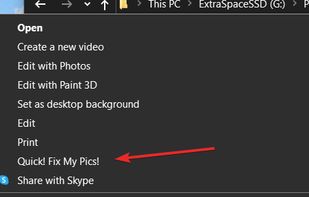
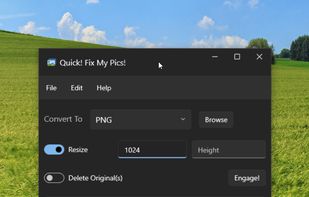
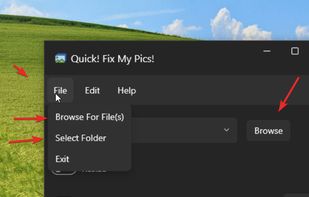


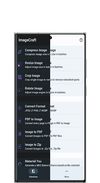
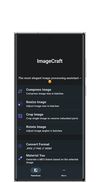
Effortlessly edit images with batch compression, scaling, cropping, rotation, and format conversion. Convert PDFs to images, create PDFs from images, package images, and more. Explore EXIF data, preview material themes, and pick colors from images.
 China


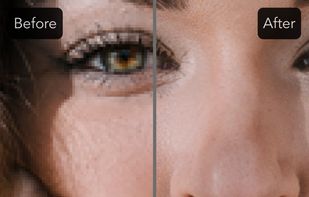
PhotoZoom Pro not only creates larger images than any other software (up to 1 million by 1 million pixels), it also produces higher quality results. PhotoZoom Pro is equipped with S-Spline Max, a unique, award-winning image resize technology which excels at preserving clean...
 AustriaEU


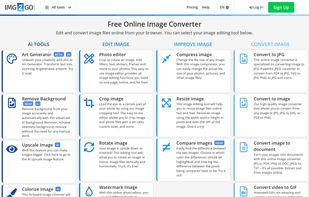
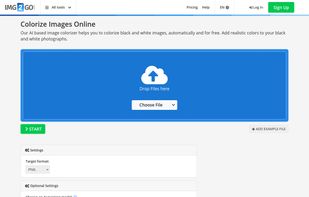
Free online image converter - Edit and convert image files online from your browser. You can select your image editing tool below.
 GermanyEU


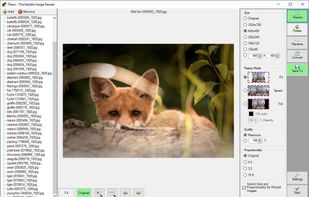
Flexxi can resize, compress, rotate, rename, convert images.
GermanyEU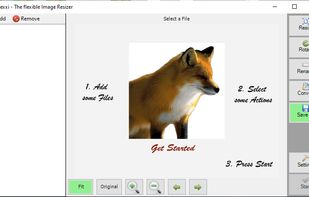


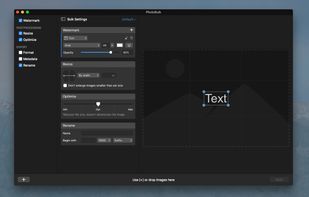
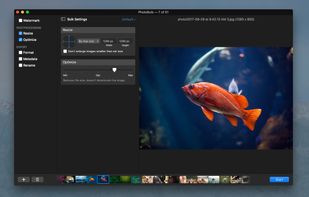
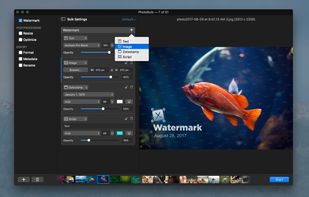
PhotoBulk is easy-to-use bulk image editor that lets you add text/image watermark, resize, and optimize hundreds and thousands of images or photos in just one click.
 United States


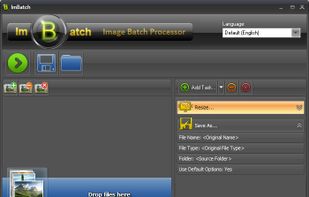
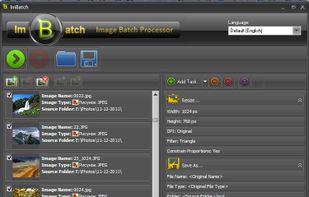
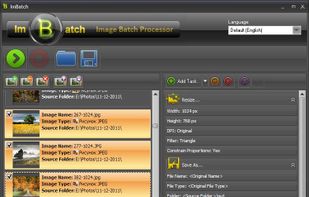
ImBatch is a batch image processor with a nice graphical user interface. It will allow you to edit multiple image files at the click of a button by using scripts. The script will be created by combining Tasks.
 Ukraine


Let's Enhance is an online platform that offers image upscaling, JPEG-artifacts removal and color/tone enhancement.
United States
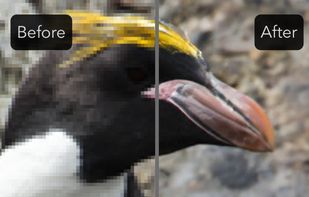


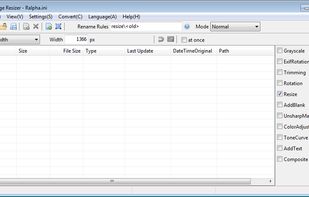
Ralpha Image Resizer is a lightweight and portable program that can perform image operations in batch mode, such as resizing and applying filters.


Online Image Converter converts your BMP, JPG, PNG, GIF or ICO files quickly and easily. It is completely free.
United States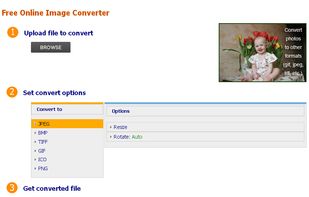


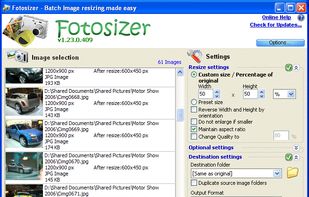
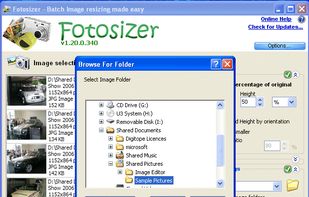
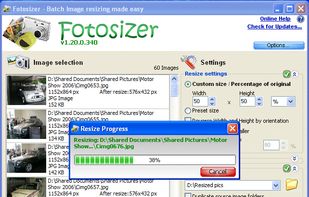
Fotosizer is a freeware batch image resizer tool. It resizes your photos in just 3 easy steps - 1. Photo selection, 2. select resize settings, then 3. Start the resize!