


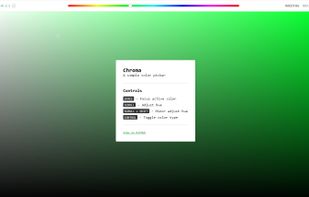
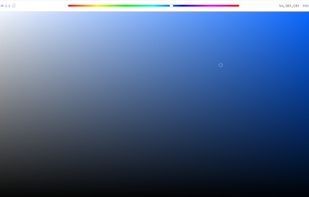
Chroma is a browser-based color picker that focuses on color selection. It was built using React Color.
Cost / License
- Free
- Open Source (MIT)
Application type
Platforms
- Online
- Self-Hosted



Apps similar to Instant Eyedropper include gpick, which is free and open source. Other options are Sip, Just Color Picker, Realtime Colors and PowerToys - Color Picker. You're spoiled for choice with Color Picker Tools like Instant Eyedropper: we list more than 50 alternatives for Windows, Mac, Linux, the web and iPhone.
Chroma is a browser-based color picker that focuses on color selection. It was built using React Color.

 Netherlands
 EU
EU
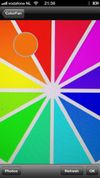


Visual Color Picker is very easy to use and powerful RGB-HSV-HSL-CMYK-HEX color selector. The program allows you to easily capture color value from any position of the screen even if program does not have input focus. The program has small screen capture preview area.


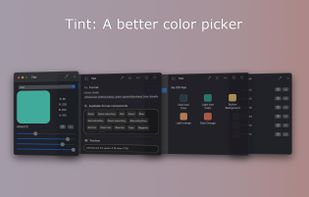
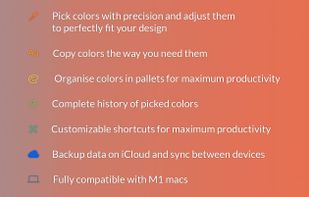
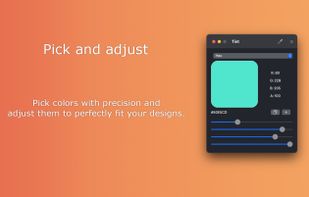


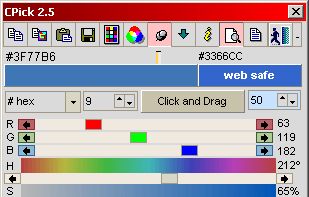
Program to get colors from your screen with the build in magnifier. Zoom 1 to 10. Modify colors with the RGB or HSV slide bars. Copy the color to the clipboard as Hex, Decimal, RGB or HSV value. Direct changing the RGB and HSV values.
NetherlandsEU


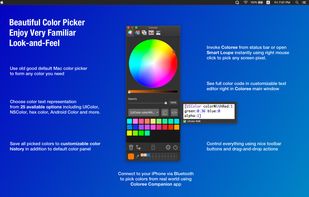
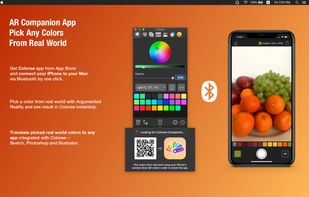
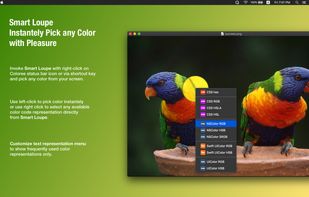
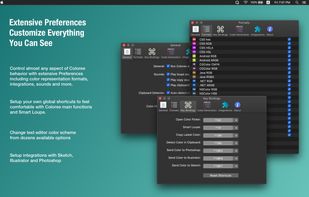
Beautiful customizable screen color picker with AR companion. Choose colors using familiar old-good default Mac color picker and extract text values to use in your designs or developments. Coloree offers simple and comfortable way to work with colors feels very native on macOS.


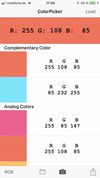
ColorPicker uses the camera or a photo of your iOS device to tell you the color you are pointing at. The free version of this app tells the RGB code only. You can upgrade to full version by InApp-purchase and access further color palettes including RAL and W3C color names, store...




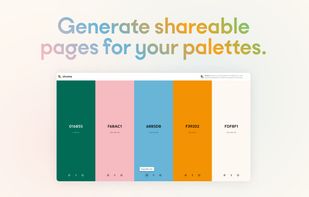
Wonderfully intuitive and easy-to-use, Chroma is a free browser extension that makes it easy to pick colors from web pages and build shareable color palettes.
 United States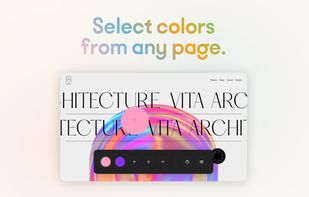



Get the most elegant color picker on the App Store! Color Picker is designed for ultra quick access and to quietly get out of your way when you are done picking. The color will be available in the pasteboard.
Compatible with Lion, Mountain Lion and Mavericks (only single-monitor.


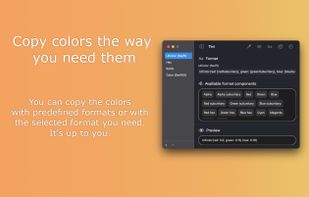
Discover the perfect color with our intuitive color picker app. Effortlessly capture any color from your screen, manage your color history, and curate stunning palettes for your projects. With support for multiple output formats, easily export your colors to suit any project.
 RomaniaEU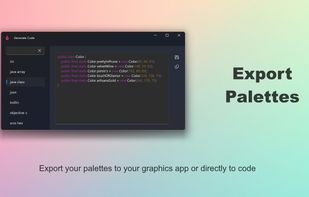
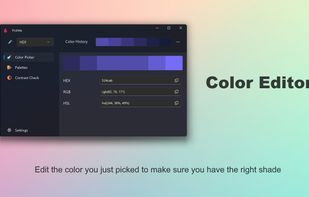
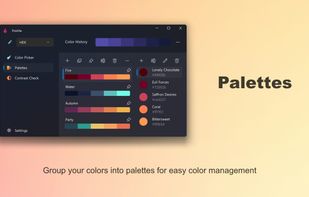
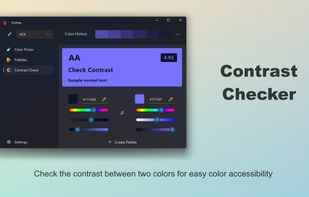


Pick Color Online is the best way to pick any color from your screen. With just one click you can easily extract any color from a PDF file, website, image or anywhere on your screen.


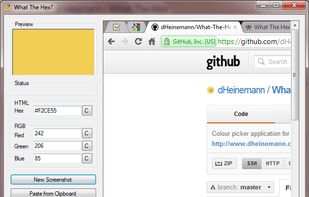
What The Hex? is a free and open-source colour picking tool, just like the eyedrop tool in image editors such as GIMP. But unlike those editors, What The Hex? is designed to provide you with the Hex or RGB information you're looking for in the fastest way possible.


 Sweden


