InnerZero is a private AI assistant that runs entirely on your own computer. All AI processing, memory, and conversations stay on your machine by default, with no account, no tracking, and no cloud required. It is free to download for Windows, macOS, and Linux.
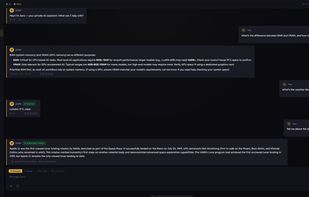
On first launch it detects your hardware and selects a suitable local AI model automatically. It runs on modest laptops with 4 GB of RAM and scales up to workstations with a dedicated GPU. You can chat by text or use full voice mode, with local speech recognition and local text to speech, so no audio leaves your PC. The interface is available in 26 languages and the assistant replies in the language you choose, with right to left support.
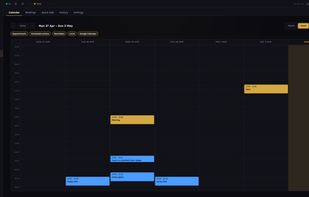
Zero, the assistant, builds memory from your conversations and remembers your name, projects, and preferences across sessions, all stored in a local database. It includes more than 30 built in tools, including web search, document question and answer over your own files, a calculator, file operations in a sandboxed folder, a calendar with two way Google Calendar sync, read only Gmail metadata, timers, reminders, and notes.
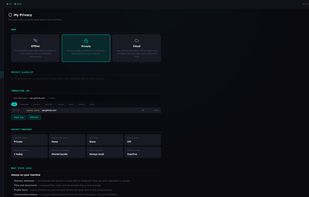
Optional features are off by default and clearly labelled when active. You can add your own API keys for cloud providers including OpenAI, Anthropic, Google, DeepSeek, xAI, Qwen, and Kimi with no markup, or subscribe to a managed cloud plan. Offline knowledge packs bring Wikipedia content for factual answers without internet. A privacy dashboard shows every outbound connection and lets you switch between Offline, Private, and Cloud modes.
The Windows and macOS builds are code signed, and the macOS build is notarised by Apple, so it opens with no Gatekeeper warning.










 Summers Solutions Ltd
No comments or reviews, maybe you want to be first?