Cost / License
- Paid
- Proprietary
Application type
Platforms
- Windows
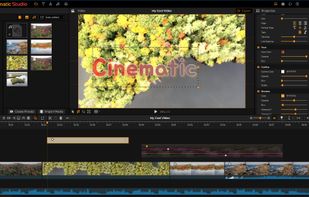


One of the most popular alternatives to iMovie is Kdenlive, which is free and open source. Other popular alternatives are Shotcut, Avidemux, DaVinci Resolve and OpenShot. You're spoiled for choice with Video Editors like iMovie: we list more than 100 alternatives for Windows, Mac, iPhone, Android and the web.

MoviePlus is a movie editing software from Serif. Produce professional movies with easy drag-and-drop editing.
 United Kingdom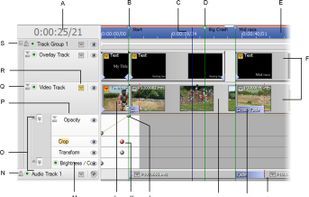
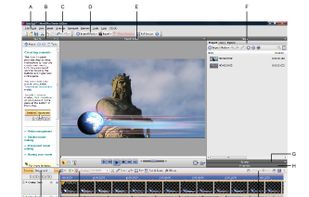
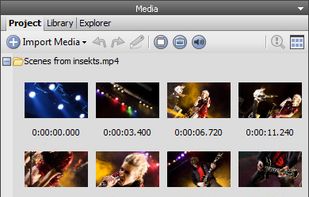
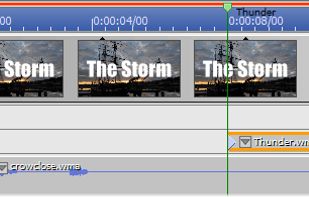


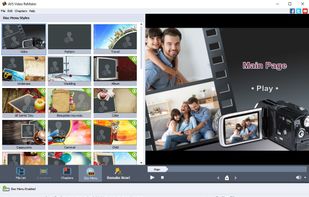
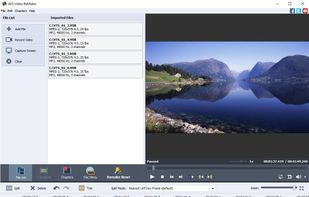
Split video into several segments, delete certain segments, save as many segments as you want
United Kingdom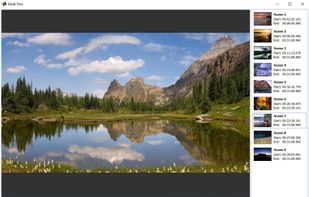


Node Video uses advanced AI and intuitive design to bring the robust features of desktop video editing to mobile. AI separation of video subjects eases interactions between foreground and background elements while mobile-optimized, layer-based arrangement and keyframe animation...
 China
China




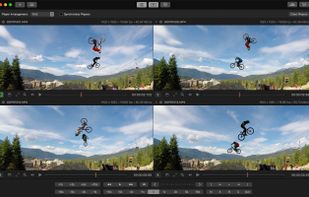
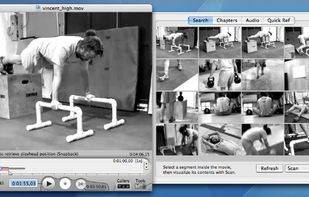
Videoloupe for Mac is a video player and editor that bridges the gap between free media players and professional editing suites. It offers a unique mix of playback controls, editing tools and export options not found in other video applications.
 United States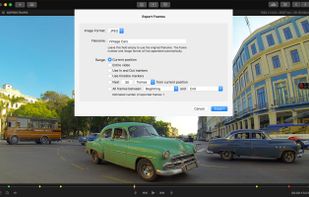




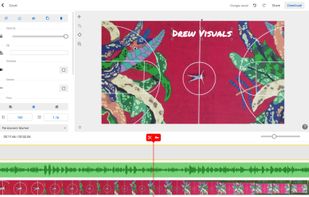
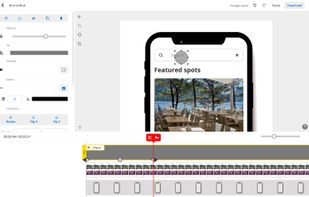
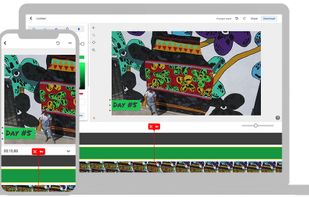
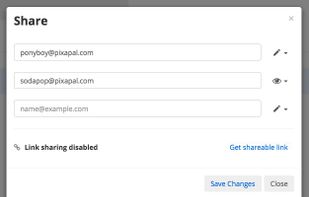
Use PixaPal to collaboratively create videos, graphics and documents right in your browser. Here's what you can do with PixaPal:


With VLLO you can easily make your video on your phone. All the necessary editing tools like cut, trim, transition, text, sound, music, mosaic, filter and even kenburn are ready in VLLO for your vlog and videos editing easy.
 South Korea




It's easy to Create, Make a high quality 2D or 3D video/movie with cool special effects from various formats of video clips, images, audios, lyrics, texts, etc. Videos/Movies can be mass produced. Just need to create one project, then you can always starting to make...
China
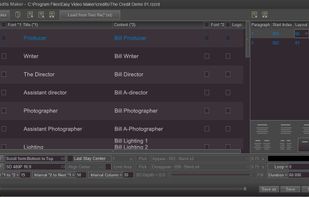
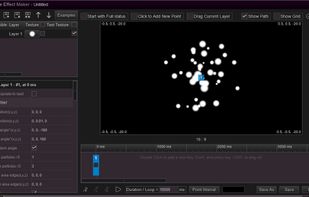
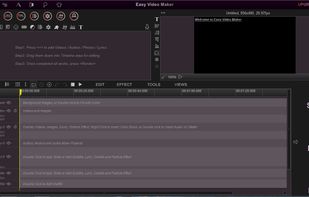


Edit video online in 1 click! Make your own viral content and use it on social networks, websites and advertising. Change and personalize it easily and quickly. It's free and super simple to use!.
 Russia

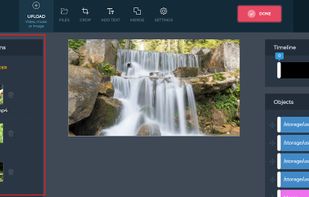
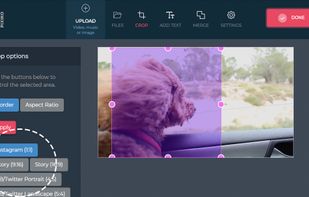


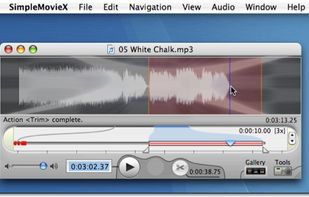
With SimpleMovieX, to search the commercials inside the movie is easy. The accurate timeline will do a good job marking the segments to remove. Saving takes only a few minutes thanks to native support of most popular formats.


Shoot creative videos using multiple clips without complicated and slow editing tools. Vee adds each clip you shoot to your video, so you don’t clutter your Camera Roll. Reorder, trim, adjust speed, add filters & transitions, then share to your friends or to the world.